Configuring Secure Shell (SSH)
Configuring the Switch for SSH Operation
Notes "Zeroizing" the switch’s key automatically disables SSH (sets ip ssh to no).
Thus, if you zeroize the key and then generate a new key, you must also re-
enable SSH with the ip ssh command before the switch can resume SSH
operation.
3. Providing the Switch’s Public Key to Clients
When an SSH client contacts the switch for the first time, the client will
challenge the connection unless you have already copied the key into the
client’s "known host" file. Copying the switch’s key in this way reduces the
chance that an unauthorized device can pose as the switch to learn your access
passwords. The most secure way to acquire the switch’s public key for
distribution to clients is to use a direct, serial connection between the switch
and a management device (laptop, PC, or UNIX workstation), as described
below.
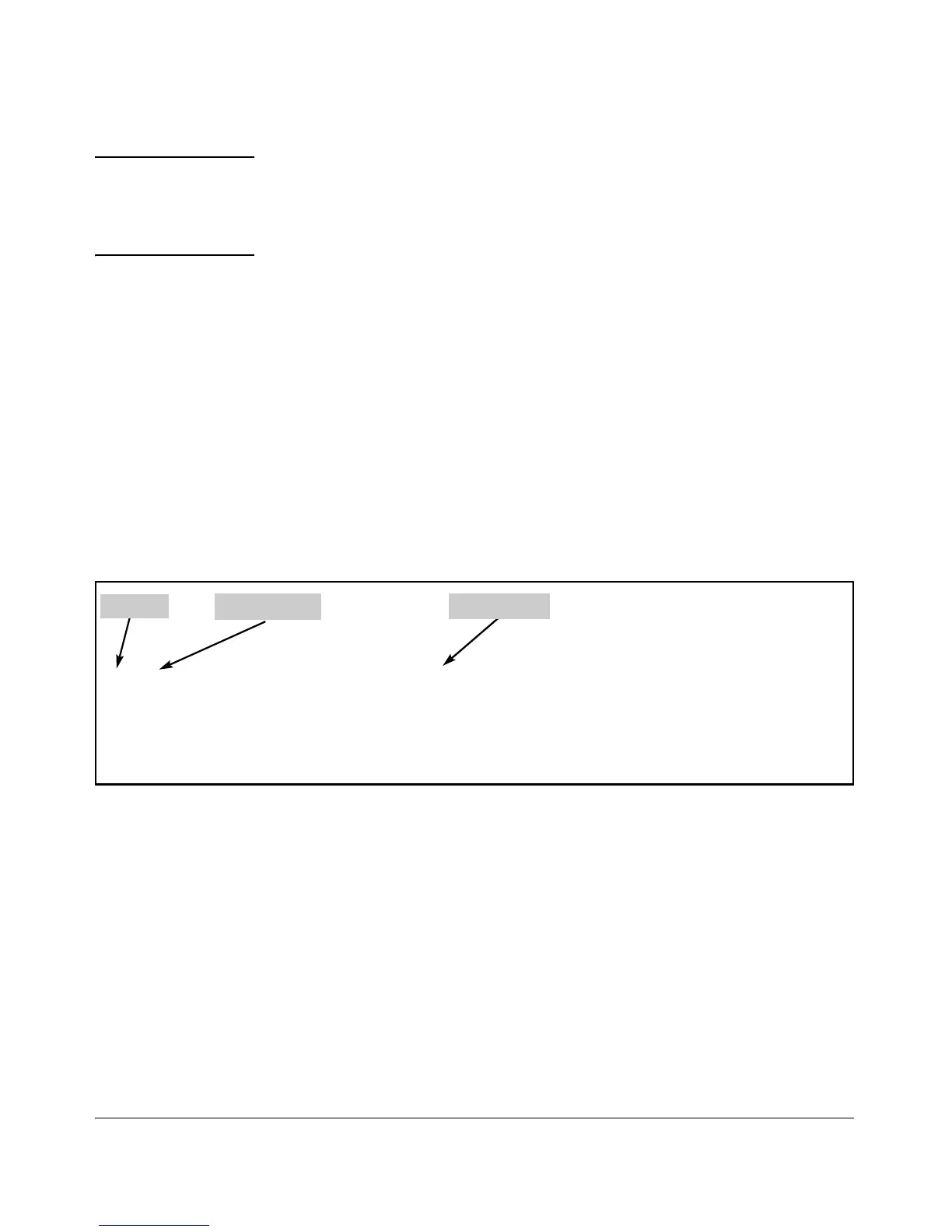
The public key generated by the switch consists of three parts, separated by
one blank space each:
Bit Size
Exponent <e>
Modulus <n>
896 35 427199470766077426366625060579924214851527933248752021855126493
2934075407047828604329304580321402733049991670046707698543529734853020
0176777055355544556880992231580238056056245444224389955500310200336191
3610469786020092436232649374294060627777506601747146563337525446401
Figure 6-6. Example of a Public Key Generated by the Switch
(The generated public key on the switch is always 896 bits.)
With a direct serial connection from a management station to the switch:
1. Use a terminal application such as HyperTerminal to display the switch’s
public key with the show crypto host-public-key command (figure 6-5).
2. Bring up the SSH client’s "known host" file in a text editor such as Notepad
as straight ASCII text, and copy the switch’s public key into the file.
3. Ensure that there are no changes or breaks in the text string. (A public
key must be an unbroken ASCII string. Line breaks are not allowed
Changes in the line breaks will corrupt the Key.) For example, if you are
6-13



 To Next Page