Configuring and Monitoring Port Security
Port Security
When removing 0c0090-123456, first
reduce the Address Limit by 1 to prevent
the port from automatically adding
another device that it detects on the
network.
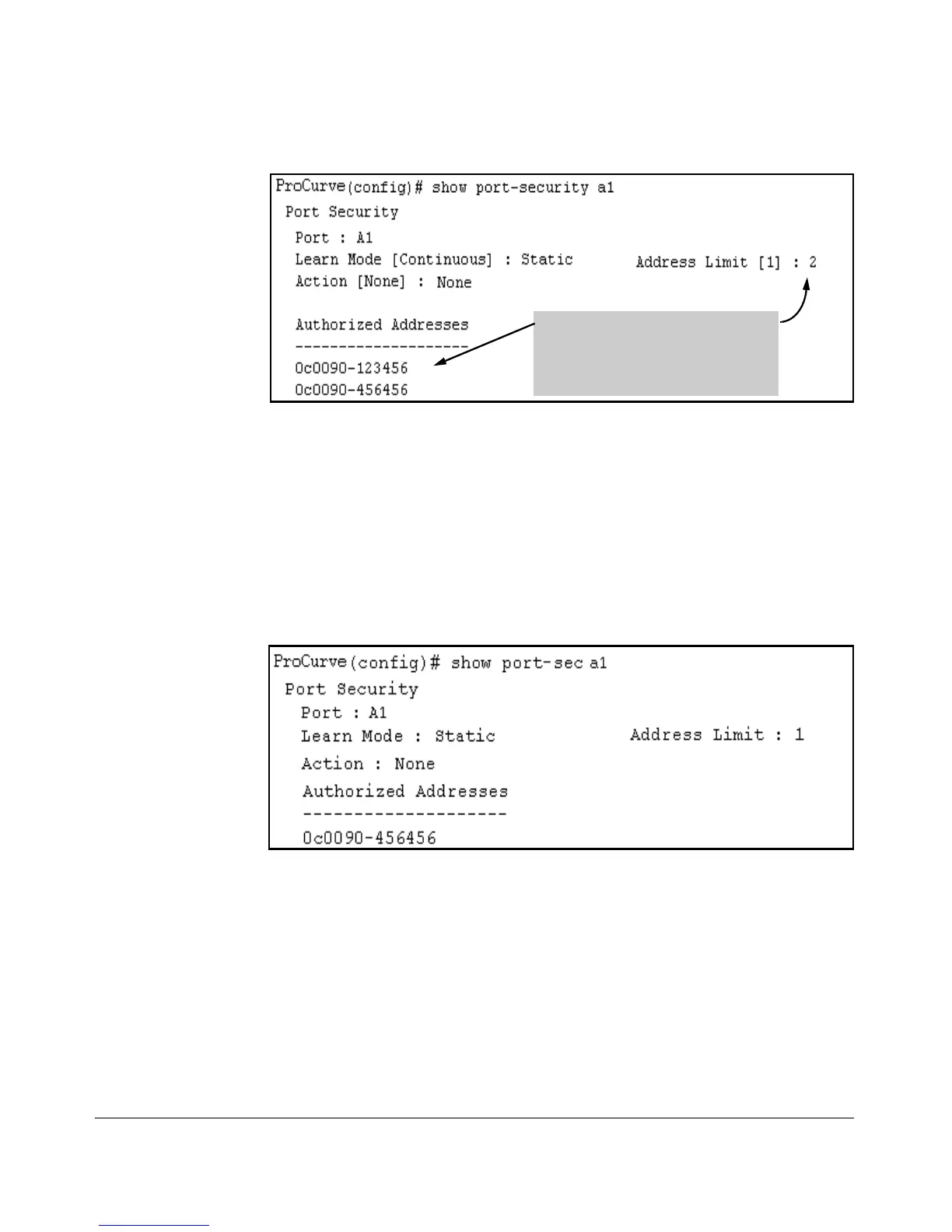
Figure 10-8. Example of Two Authorized Addresses on Port A1
The following command serves this purpose by removing 0c0090-123456 and
reducing the Address Limit to 1:
ProCurve(config)# port-security a1 address-limit 1
ProCurve(config)# no port-security a1 mac-address 0c0090-
123456
The above command sequence results in the following configuration for port
A1:
Figure 10-9. Example of Port A1 After Removing One MAC Address
10-21


 To Next Page
 Loading...





