3310F Series Operation Manual 27
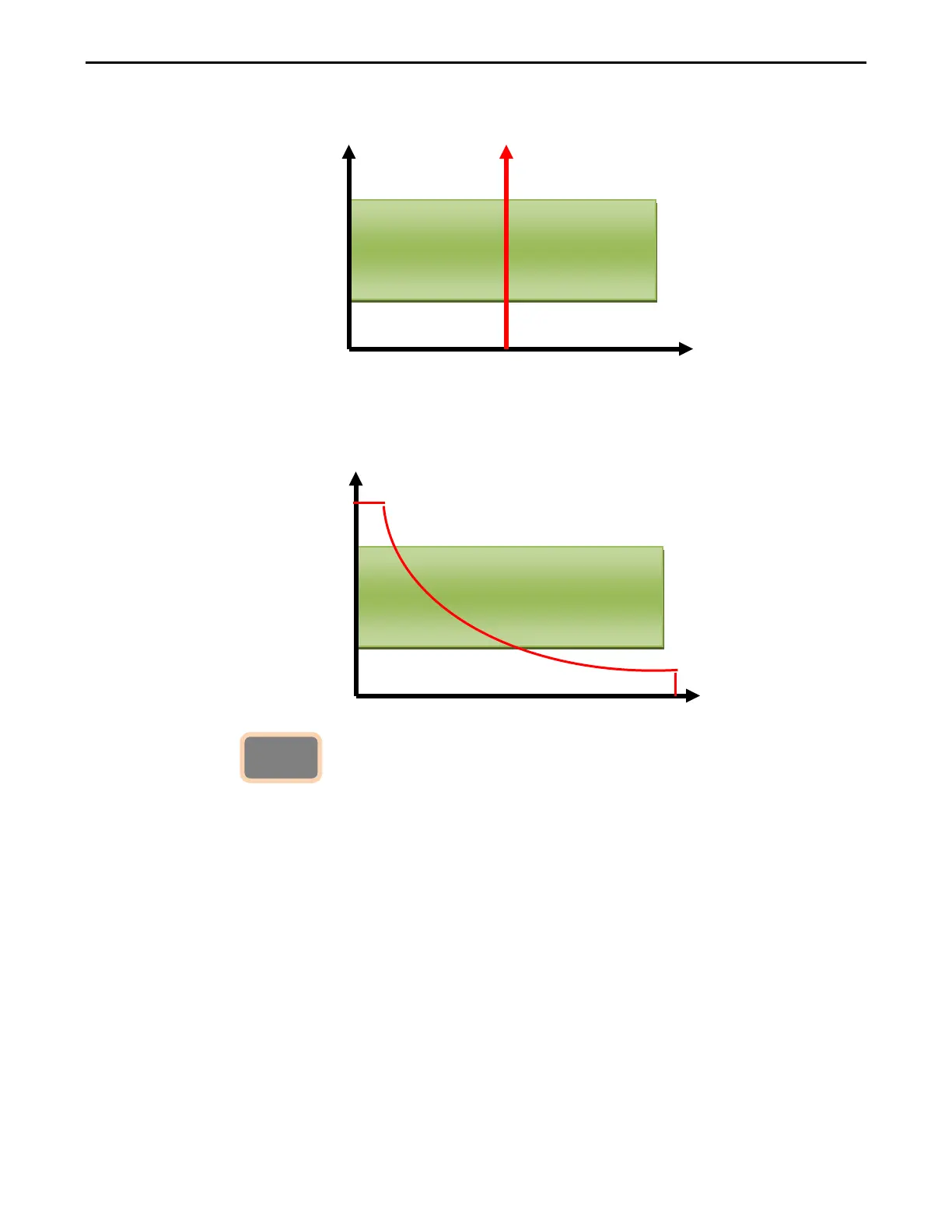
CV mode, press limits key to set the I-Hi and I-Lo Current upper and lower
limits of the GO / NG.
CP mode, press limits key to set the W-Hi and W-Lo power upper and lower
limits of the GO / NG.
3.2.15. Key
The DYN button allows the user to define the timings of the dynamic load
Waveform. Firstly the high and low levels of load current will need to be set via the
LEVEL switch. The RISE and FALL times between the low load current and the
high load current along with the TIME the waveform is HIGH and the TIME LOW
Can be set via the DYN menu.
Each press of the DYN key enables a section of the DYNAMIC waveform to be set.
On first press of the DYN key the button will illuminate and T-Hi will be displayed
On the middle LCD. The value is adjusted with the rotary knob and can be read
From the lower LCD during setting. The setting sequence is shown below:
T_Hi (time the waveform is high)
T_Lo (time the waveform is low)
RISE (rise time)
FALL (fall time )
DYN setting function OFF
Go
Go



 To Next Page