40 PRODIGIT
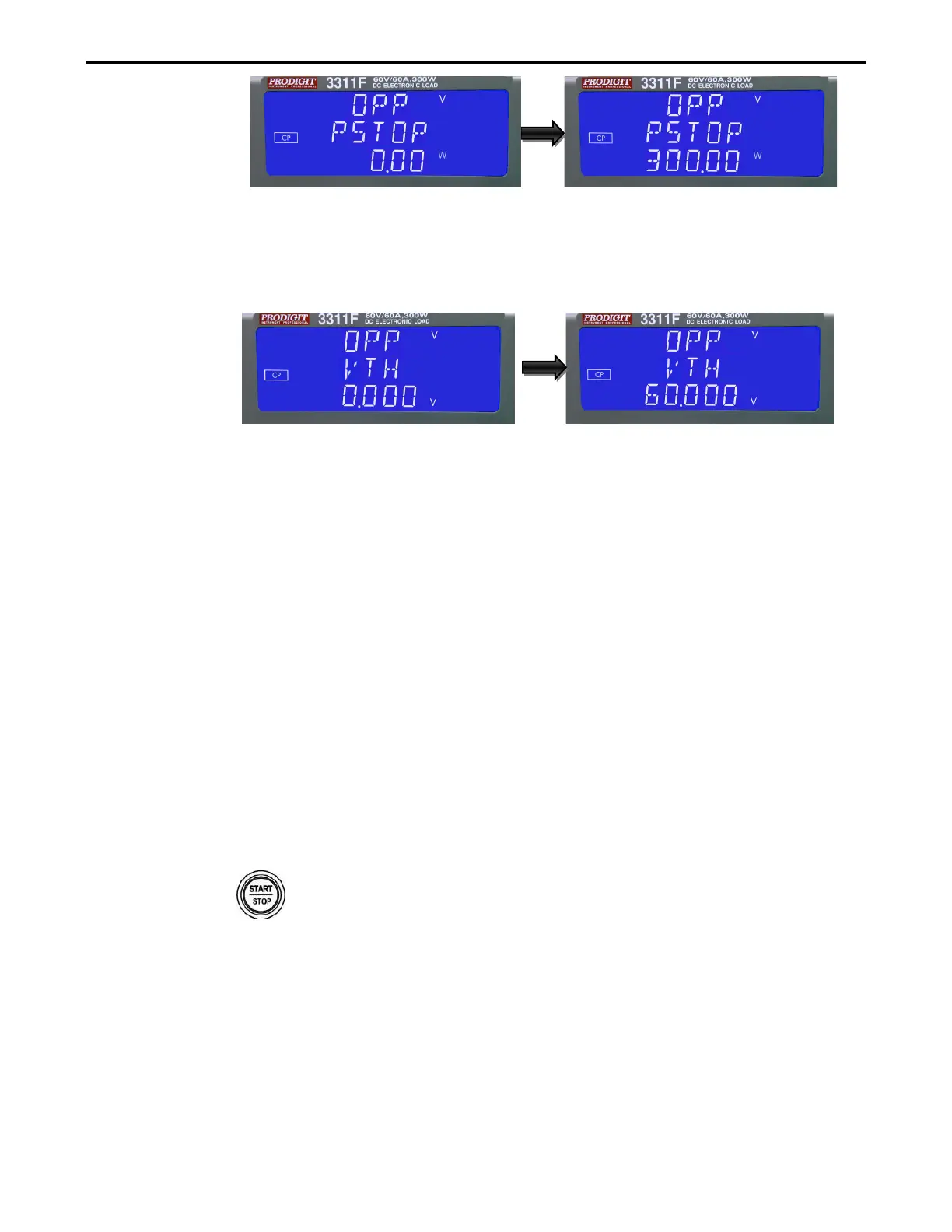
Vth : Setting threshold voltage; The LCD display shows 「OPP」on upper 5
digit LCD display, Middle 5 digit LCD display「Vth」,lower 5 digit LCD
display setting
value, the unit is "V", the setting range is 0.000V to the full
scale of the Voltage specification. The setting is by rotating the setting knob.
Once the test parameters have been entered the test is started by pressing
the red START/STOP button while the OPP PRESS START text is displayed.
During the test the middle LCD will show run and the actual power being taken
will be displayed on the lower LCD.
Note 1: The message OPP ERROR will be displayed if the DUT fails the test.
The reasons for failure are due to one of the following conditions:
(a) The voltage level of the DUT falls below the set voltage threshold
(OPP Vth) during the test
(b) The current taken from the DUT reaches the OPP P STOP setting.
Note 2: The message PASS will be displayed if the DUTs voltage stays above
the set threshold. Also to PASS the OPP test the current taken from the
DUT cannot equal the I STOP setting.
Note 3: If the DUT passes the OPP test the maximum power taken during the
test is displayed on the lower LCD.
Upon PASS or OPP ERROR the test will automatically stop. The red START/STOP button
can be used during the test to immediately cease operation.
3.2.20. key
The red START/STOP key is used in conjunction with the SHORT, OCP or OPP
test functions. It is used to START a test according to the set parameters or to
STOP a test before PASS or FAIL is signaled. Please refer to the preceding
sections for more information on the SHORT, OCP & OPP tests.



 To Next Page