5150
ENTRY DESCRIPTION ASSOCIATED COUNTER
TC NOT EQ The system detected an unacceptable difference between the Process
and High Temp Thermocouple readings. The acceptable difference varies
with the HT ESD Setpoint (ESD) as follows:
15C when ESD < 200C
25C when 200C <= ESD < 400C
35C when 400C <= ESD < 800C
45C when 800C <= ESD
TERM ERR Communications between the Terminal Card and the Door Card has been
interrupted.
Terminal Card Errors
Viewing Firmware Versions
From anywhere in the User Interface, press the Up and Down Keys simultaneously. The
system will show four different firmware versions in sequence:
CARD CURRENT FW VERSION NOTE
Door Card DC FW: E1.8.217
Terminal Card TC FW: E1.8.217
4-20mA Repeater Expansion
Card
4-20 FW: v4.4 Will show “---“ if not installed or not enabled
in Menu 6
Modbus Expansion Card MBUS FW: v4.4 Will show “---“ if not installed or not enabled
in Menu 6
4 | SYSTEM BEHAVIOR
This section of the manual describes the behavior of the PF2100 when various features are enabled vs
disabled. Simplified state diagrams are provided and discussed to give a high level understanding of how
the system works.
4.1 | System Behavior
The following diagrams illustrate the behavior of the PF2100 during common system events. Note that
when the PF2100 changes states while in Auto mode, the new state will be shown momentarily on the
display. In Manual Mode, the current state is always shown on the display.
SYSTEM START UP
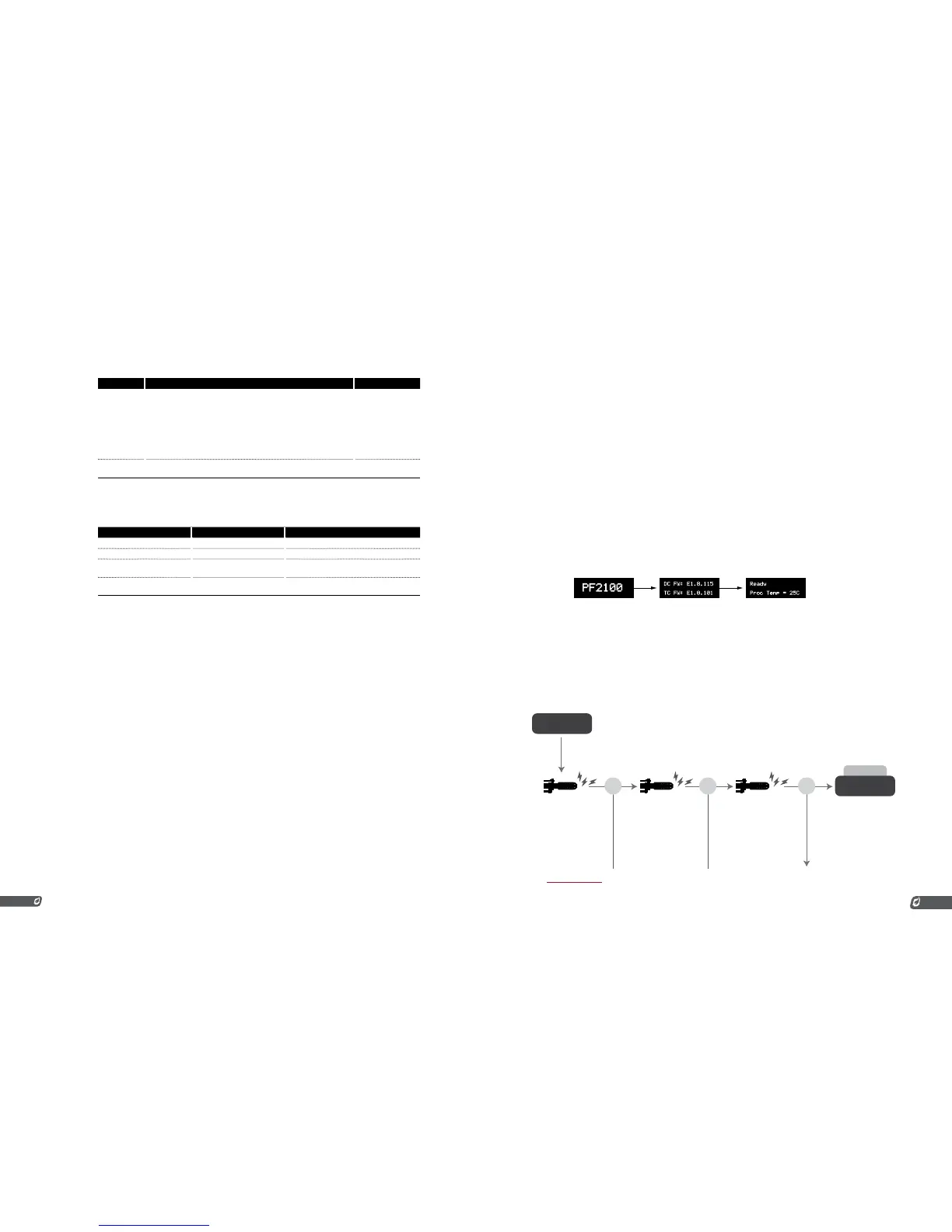
When the system is powered on, the start up sequence is as follows:
1. PF2100 displayed in large text
2. Firmware versions of the Door and Terminal Card
3. The Home Screen showing the system state. The system
state will be “Ready” if no alarms are present. Otherwise, the
state will be “Alarm”.
STARTING IN AUTO MODE
When the system is started in Auto Mode (by pressing the Mode and OK Keys), it will run through the
ignition sequence automatically. In Auto Mode, the PF2100 will automatically attempt to relight the pilot if
it ever goes out unexpectedly.
AUTO MODE
START



 To Next Page