PROLiNK® PRC2401U Wireless AC2600 MU-MIMO Dual-Band Gigabit Router
13
3.3 Log-in into the PROLiNK mConnect
PROLiNK PRC2401U configuration can also set through the mobile application. PROLiNK mConnect
is currently available on Android and iOS.
PROLiNK mConnect apps are the easiest way to access and also to manage the PROLiNK router
where it can help the user to easily monitor Internet status, device status, Data statistic, and connected
clients information using Dr Wi-Fi. At the same times the user can configure the Parental Control, Wi-
Fi Setting, Guest Wi-Fi Setting, change to best Wireless Channel through Channel Scan,
The following steps are for you to enter the PROLiNK mConnect mobile application.
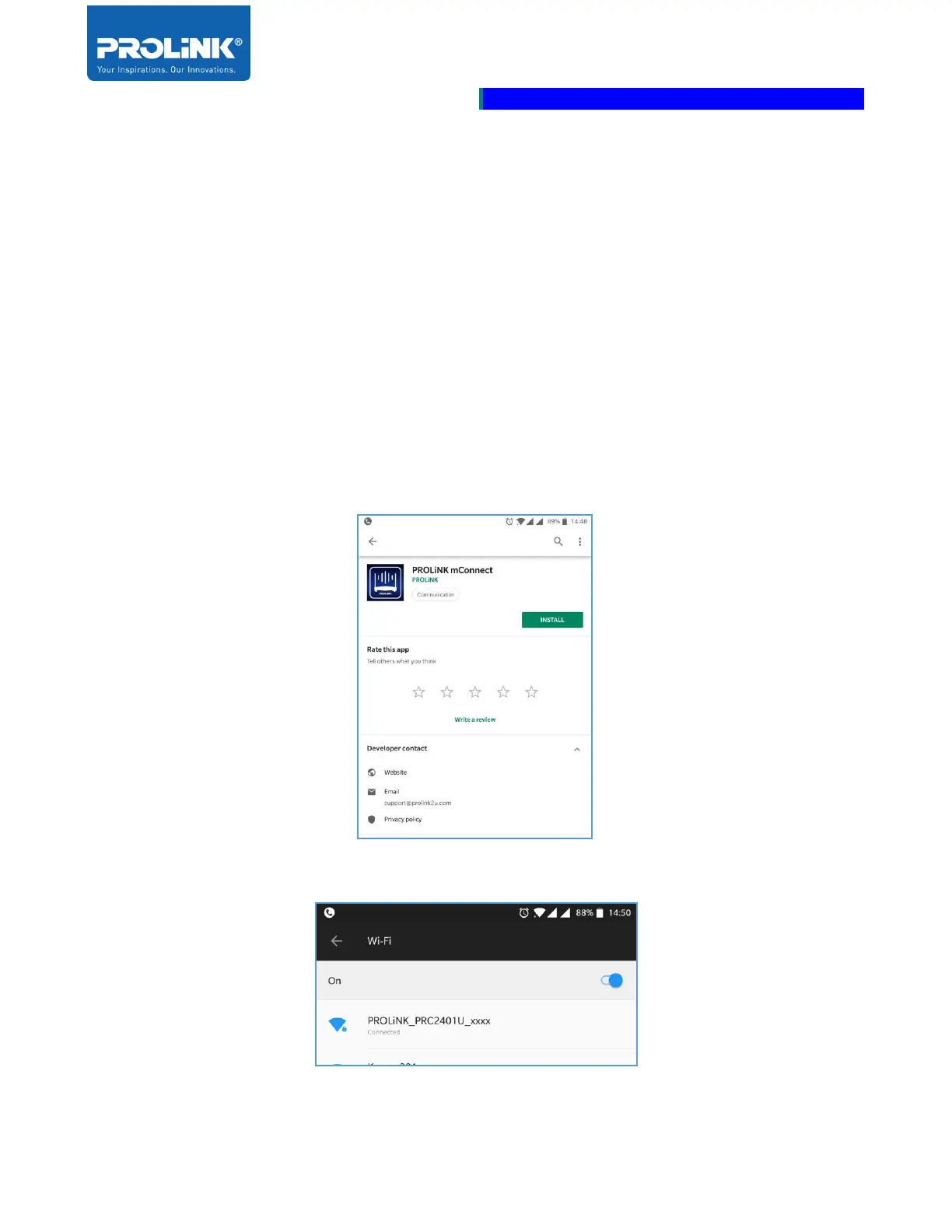
1. Download and install the mobile application. For Android user go to Google Playstore and for
iOS user go to App Store.
2. Ensure Wi-Fi is ON and connected to PRC2401U.



 To Next Page