PROLiNK® PRC2401U Wireless AC2600 MU-MIMO Dual-Band Gigabit Router
66
4.6 Management
System
System setting page can be located under Management on the side panel then click System. System
setting consist of Admin setting and System setting.
Admin
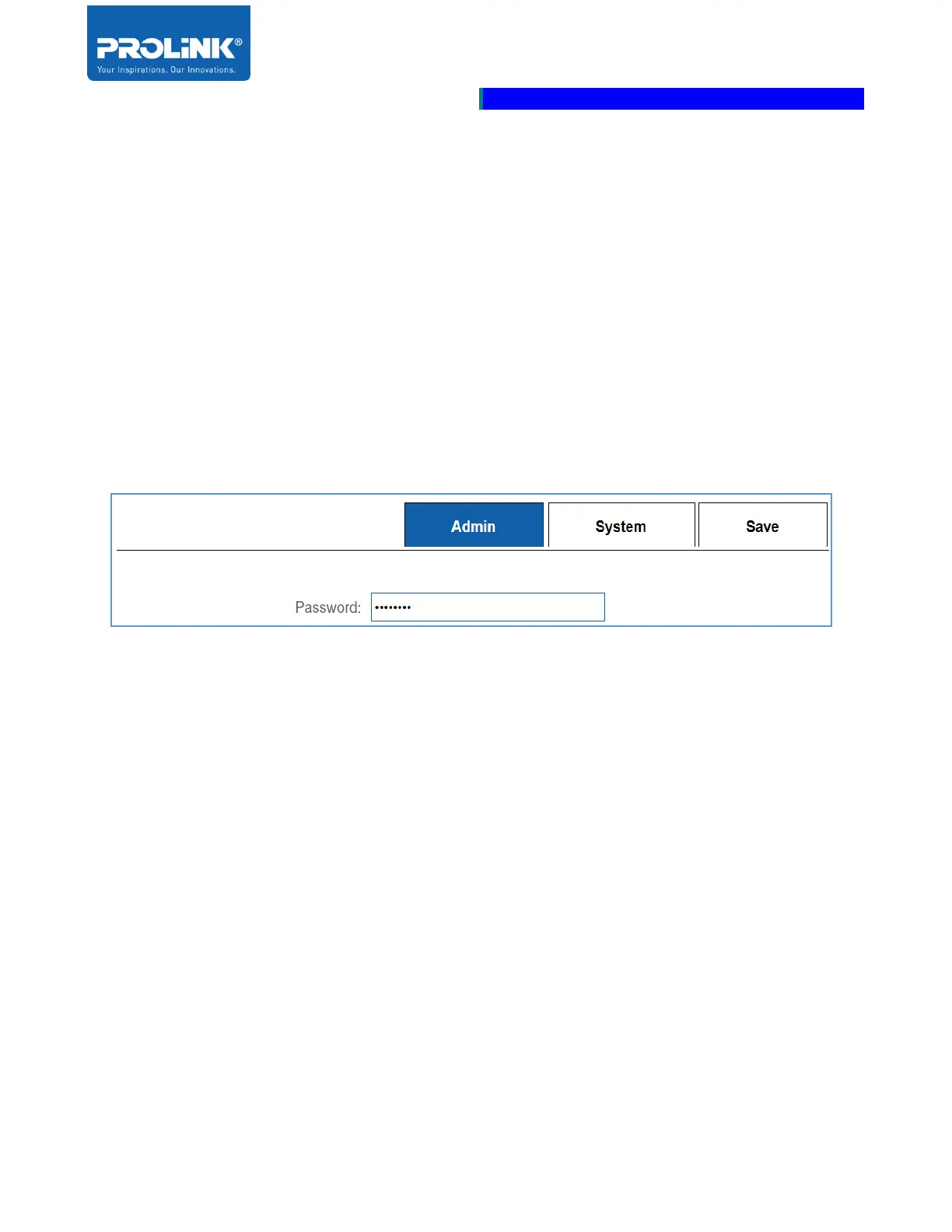
Admin setting section allowed you to edit the Administrative password of the Web User Interface login
page.
• Password: Set the new administrative web login password. This password is required for each
time login to router’s web utility configuration page.



 To Next Page