PROLiNK® PRC2401U Wireless AC2600 MU-MIMO Dual-Band Gigabit Router
67
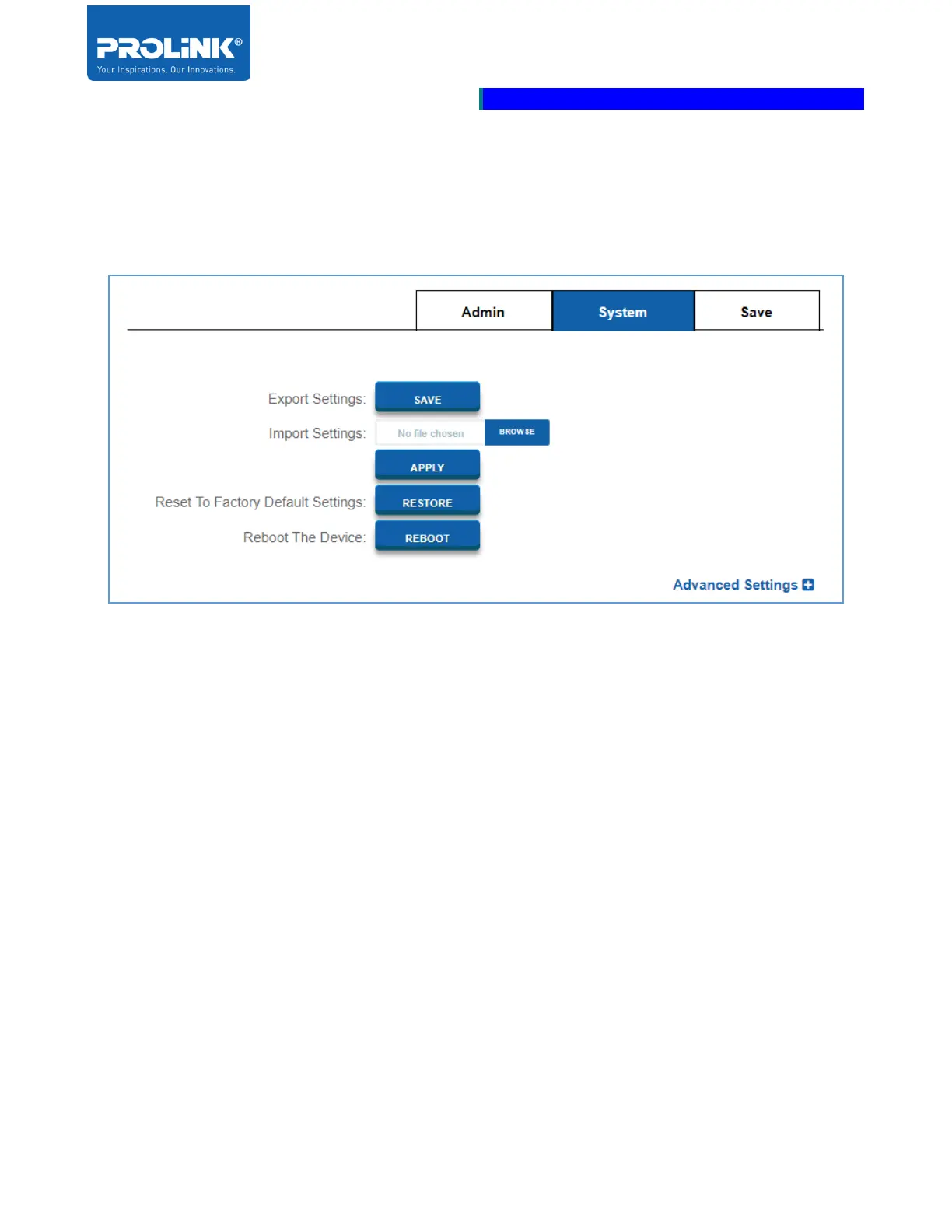
System
System setting section allowed you to save the router’s current configuration, load a previously saved
configuration, reset the router to the factory default setting and reboot the router.
• Export Settings: Click SAVE to save the current router configuration settings to a file on your
computer’s hard drive. The save file is in .bin file.
• Import Settings: Click Browser to locate the configuration file that previously saved.
Executing this will overwrite the router’s current configuration.
• Reset To Factory Default Settings: Click RESTORE will restore all the current router
configuration settings back to the router initially set from the factory. All the setting and rule
added before will be deleted. It is recommended to save the configuration before restore to
factory default settings.
• Reboot The Device: Click REBOOT to reboot the router.



 To Next Page