PROLiNK® PRC2401U Wireless AC2600 MU-MIMO Dual-Band Gigabit Router
69
Upgrade
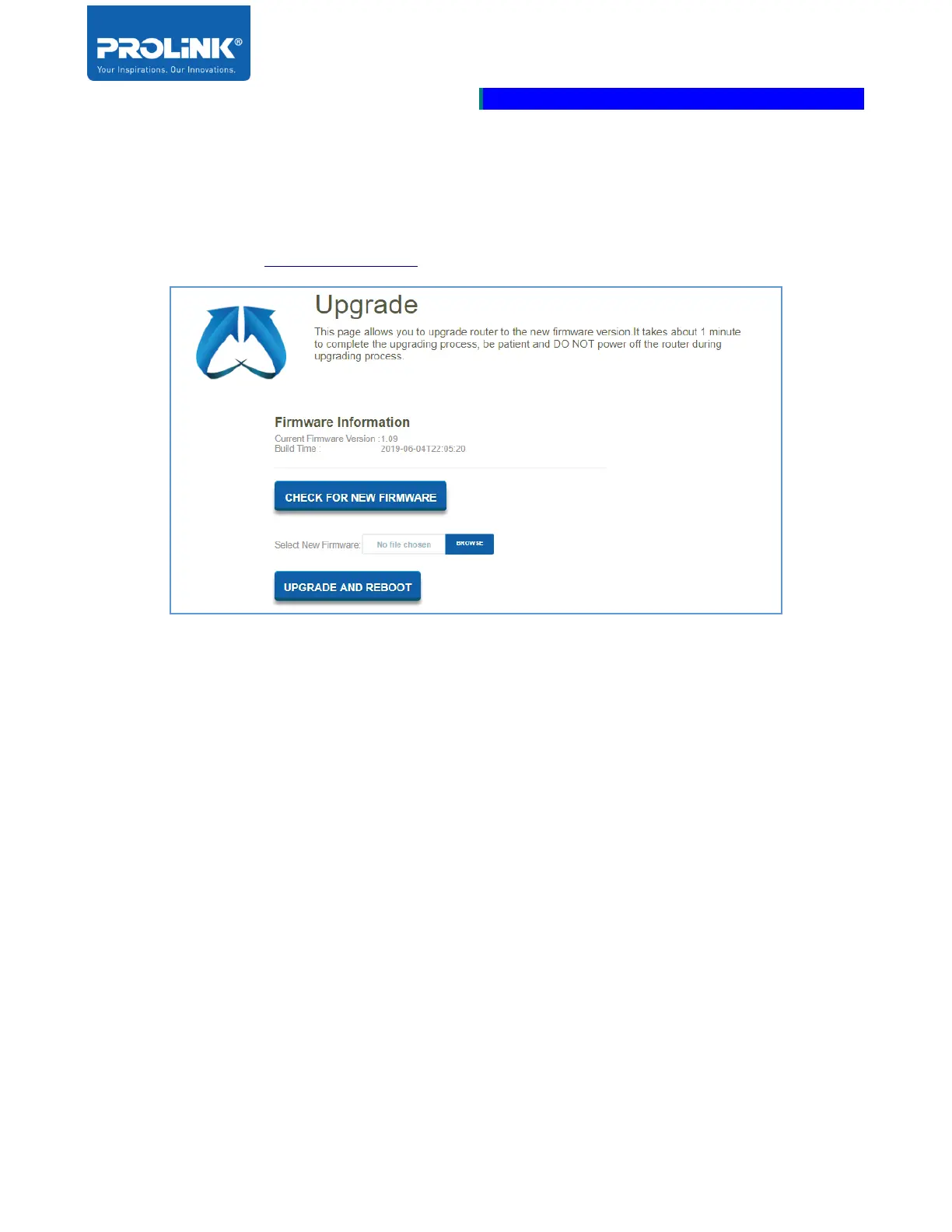
Located Upgrade page by go to Management on the side panel then click on the Upgrade. This page
is for manually or automatically upgrade the router firmware. For manually upgrade the firmware
download the file from www.prolink2u.com.
• Firmware Information: Displays the Current Firmware Version and Build Time of the current
router firmware.
• CHECK FOR NEW FIRMWARE: Click CHECK FOR NEW FIRMWARE to displays
current available new firmware. If a latest firmware is available is found, you will be prompt to
install the firmware. If you have already using the latest firmware, router will prompt you with
“This firmware is the latest version”.
• Select New Firmware: Click BROWSE to locate the firmware file if you prefer to upgrade
manually. Ensure to download the firmware file from PROLiNK web page to your computer
that wish to upgrade to before click Browser.
• UPGRADE AND REBOOT: Click UPGRADE AND REBOOT after you have select the
firmware file. This will cause the router to reboot after you have confirm the firmware upgrade
process.



 To Next Page