PROLiNK® PRC2401U Wireless AC2600 MU-MIMO Dual-Band Gigabit Router
28
Internet Icon
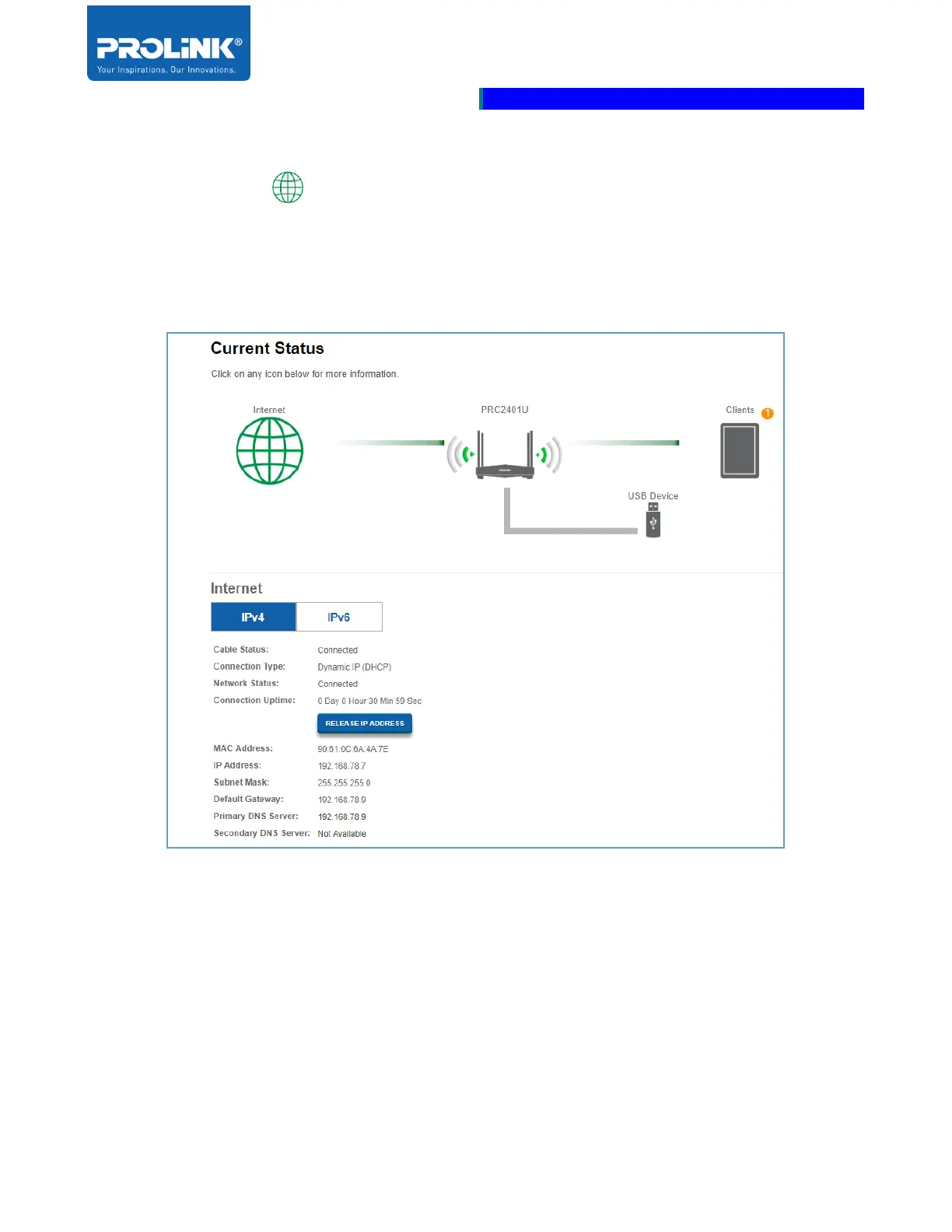
Click the Internet icon it displayed the detail of the Internet information whether your connection
status is connected or not. In some condition if you’re encounter a problem with the internet
connectivity, click “Release IP Address” to disconnect the current internet connection. If you do this
and wish to reconnect the internet connection, click “Renew IP Address”.



 To Next Page