PROLiNK® PRC2401U Wireless AC2600 MU-MIMO Dual-Band Gigabit Router
25
4 Web User Interface (UI) Configuration
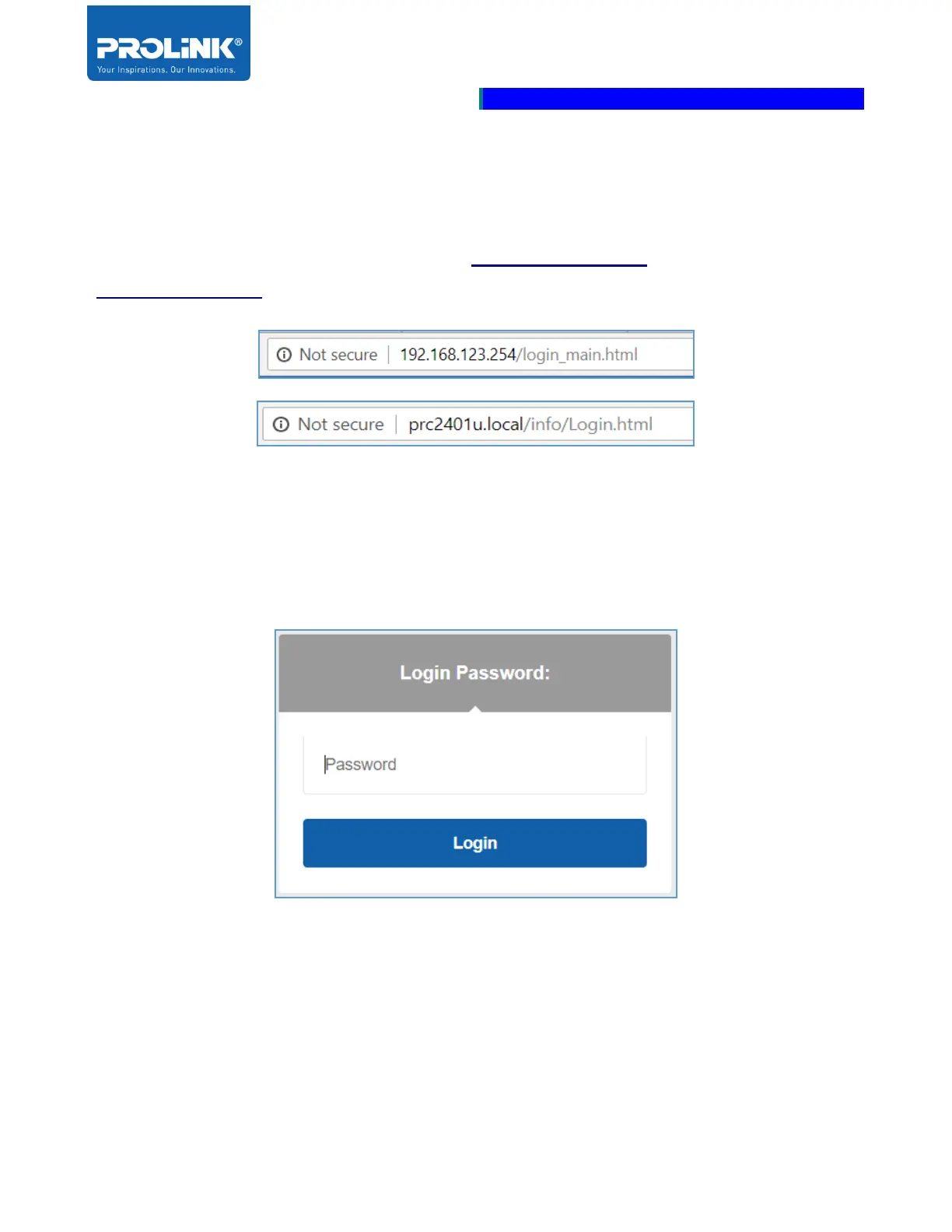
This chapter is about to enter the Web UI configuration page by using a web browser. Enter the default
IP Address of PRC2401U, default IP address is “http://192.168.123.254” and Default device link is
“http://prc2401u.local”.
Enter the Administrative password if you already go through the setup wizard. If you forgot the
password, factory reset the router by pressing and hold the Reset button for more than 10 seconds.
Locate the reset button on the rear side of the PROLiNK PRC2401U. Refer to page 3.
The First page shows up after login successfully is a Home page. The home page displays the current
status of the network connection status.



 To Next Page