PROLiNK® PRC2401U Wireless AC2600 MU-MIMO Dual-Band Gigabit Router
71
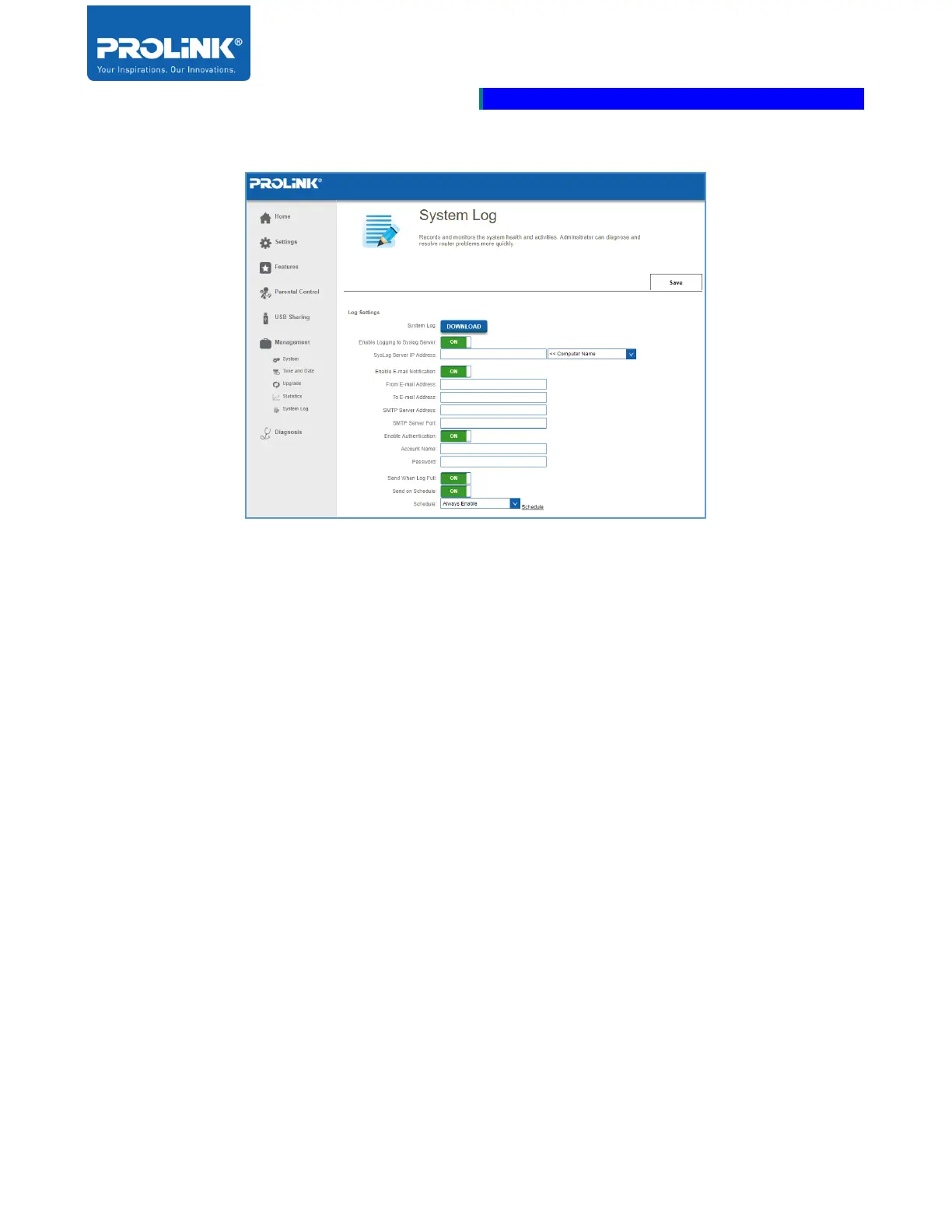
System Log
• Enable Logging to Syslog Server: Enable to send the router logs to a SysLog Server. If this is
disabled, there will be no other options on this page.
• Syslog Server IP Address: Enter the IP address for the Syslog server. If the Syslog server is
connected to the router, you can select it from the drop-down menu to automatically populate
the field.
• Enable Email Notification: Enable this option if you want the logs to be automatically sent to
an e-mail address. Then enter the settings for your e-mail account. These can be obtained from
your e-mail service provider.
• Send When Log Full: If e-mail notification is enabled, you may also enable this option.When
the log is full, the router will send it by e-mail.
• Send On Schedule: Enable to send an e-mail according to a specified schedule.
• Schedule: If you enable Send on Schedule, use the drop-down menu to select the schedule that
the rule will be enabled on. The schedule may be set to Always Enable, or you can create your
own schedule from the Schedules option
• Click Save when done



 To Next Page