PROLiNK® PRC2401U Wireless AC2600 MU-MIMO Dual-Band Gigabit Router
40
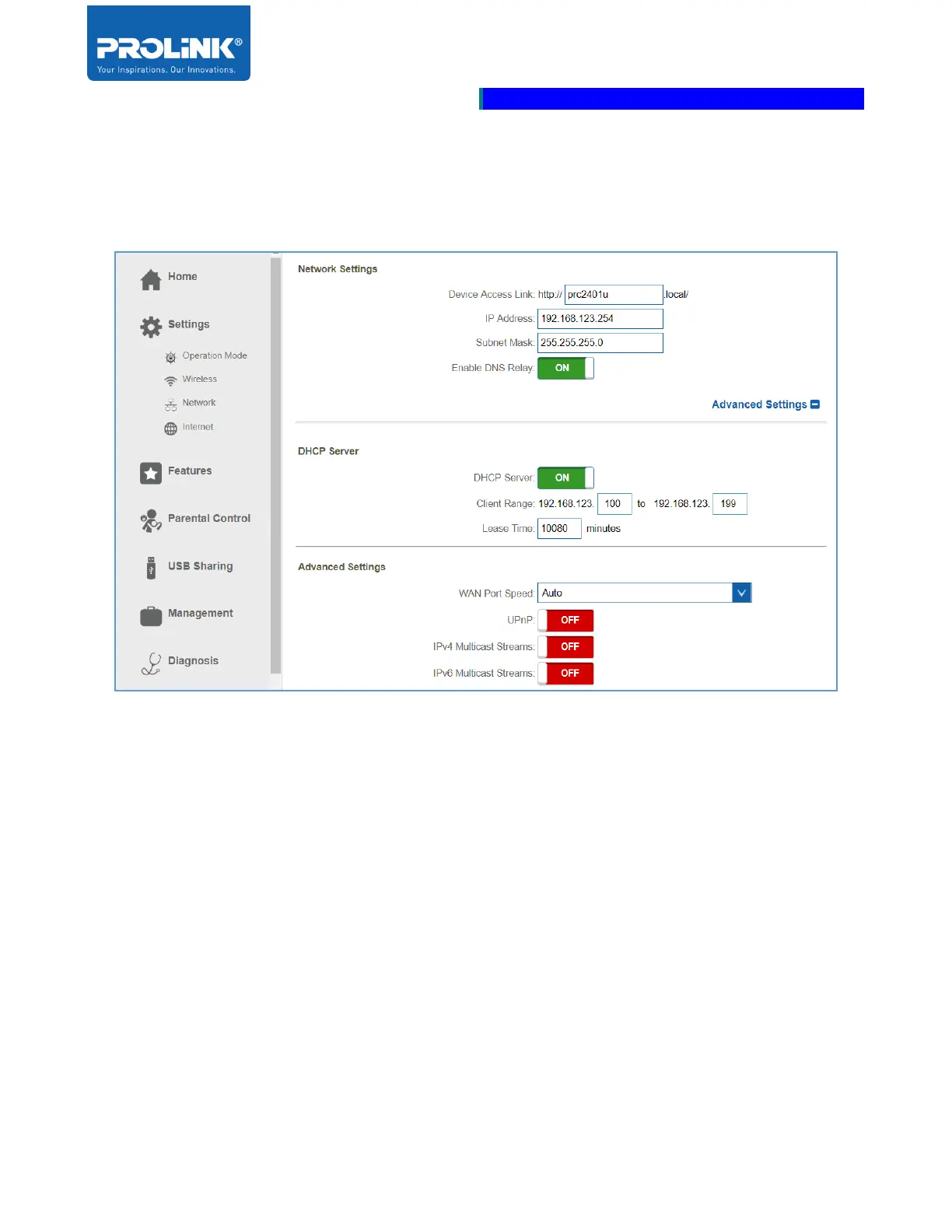
DHCP Server
By clicking Advance Settings, set configure DHCP Server.
• DHCP Server: To enable and disable the DHCP Server. By default the setting is set to Enable.
• Client Range: Enter the range of the starting and ending for IP Address of DHCP Server’s IP
Address assignment.
• Lease Time: Set the duration of time for the IP Address lease. The value is in minutes.



 To Next Page