PROLiNK® PRC2401U Wireless AC2600 MU-MIMO Dual-Band Gigabit Router
58
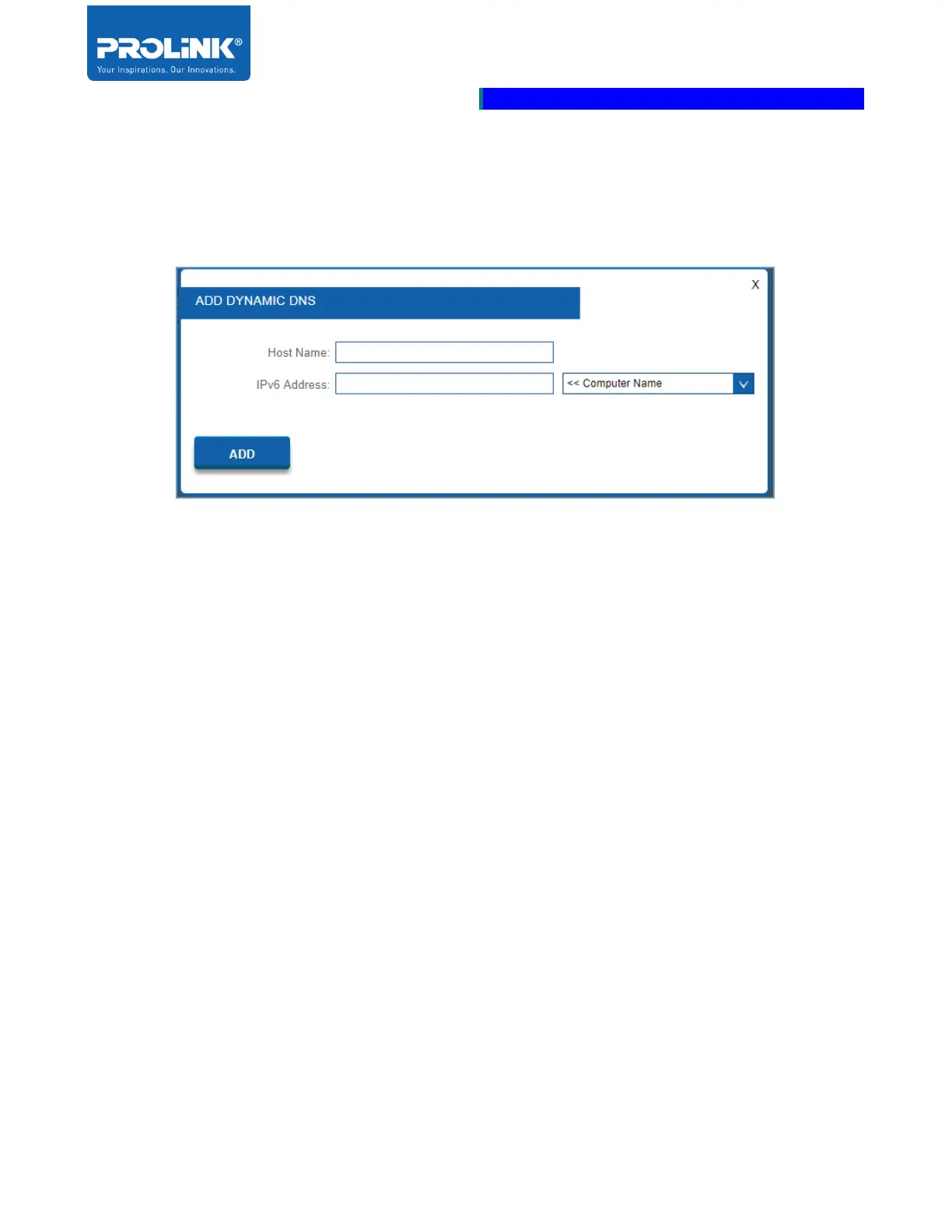
When you click on Add, the Add Dynamic DNS window will open. Enter the required information into
the fields:
• Host Name: Enter the Host Name that you registered with your dynamic DNS service provider.
• IPv6 Address: Enter the IPv6 Address of the dynamic DNS server. Or, select the Computer
Name from the drop-down menu.
• Click Add when you are done.\



 To Next Page