PROLiNK® PRN3006L 4G LTE Wireless Router
2.3 Hardware Setup
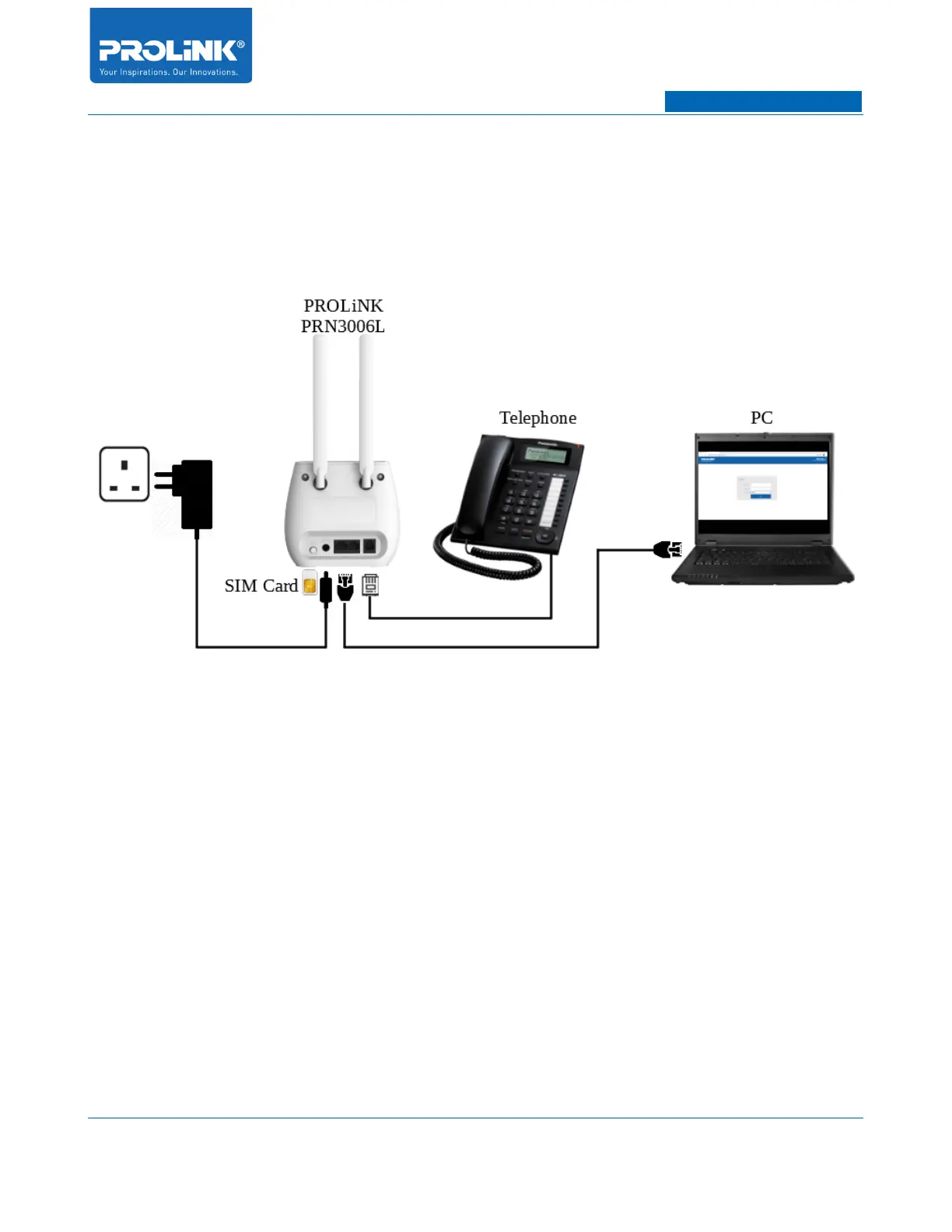
Setup Diagram
The following is step to setup PRN3006L. Ensure the SIM Card provided by SIM Card Operator is able
active.
1. Install 2 units of LTE antenna on the back of PRN3006L.
2. Insert the SIM Card into the slot per the direction shown in the bottom case of the PRN3006L.
3. [Optional – only applicable for PRN3006L with Voice] Connect the PRN3006L’s telephone
port to telephone.
4. Connect the power adapter jack over to the PRN3006L’s DC Input and switch ON.
5. Connect the PC/Laptop over to the PRN3006L’s LAN port.
6



 To Next Page