PROLiNK® PRN3006L 4G LTE Wireless Router
4.6 Security
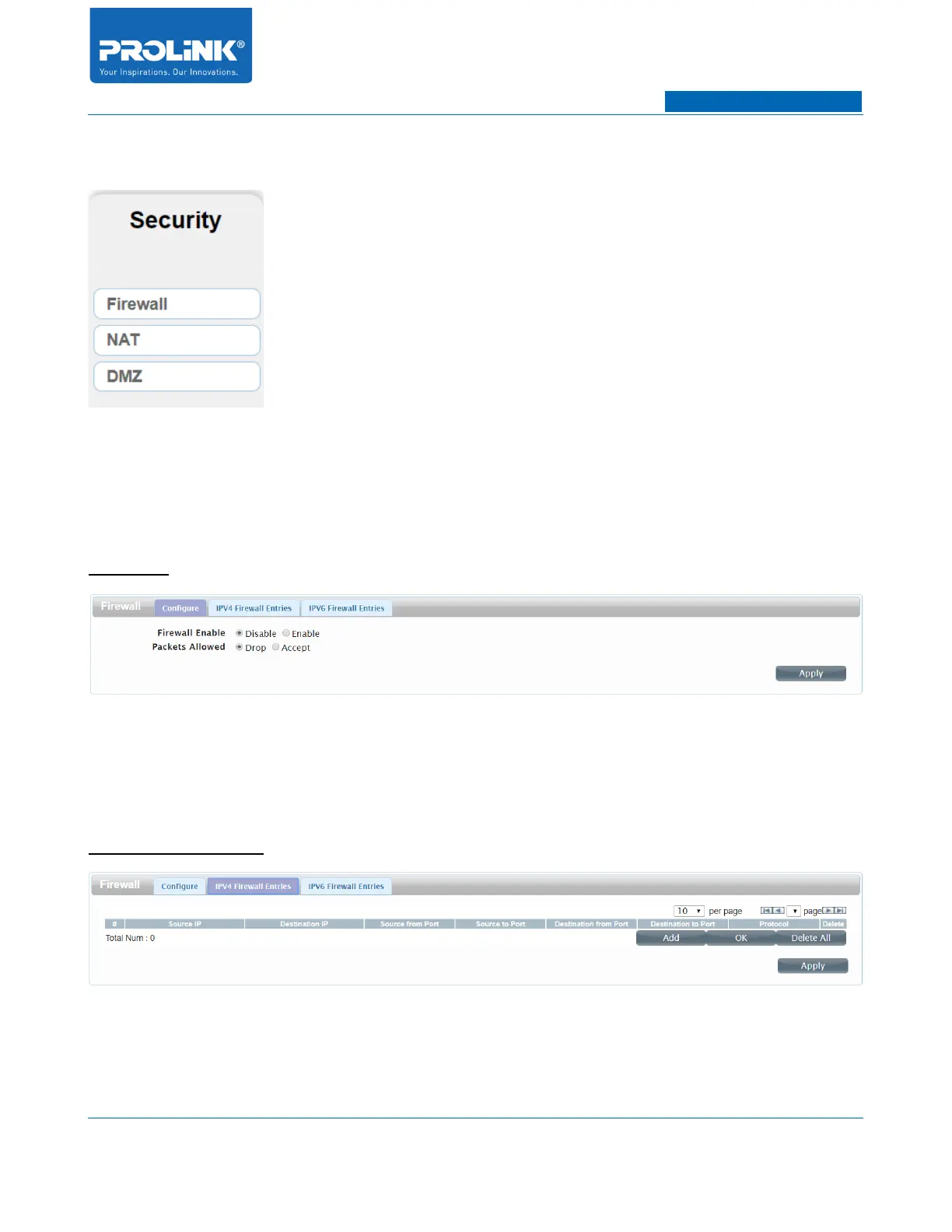
Security Page consists of 3 submenus. The submenus is Firewall, NAT and DMZ. Security page will
help you to manage network security of your network.
Firewall
Configure
• Firewall Enable: By default Firewall is set to Disable. To enable the Firewall select Enable.
• Packet Allowed: By default Packet Allowed is drop. To enable the Packet Allowed select
Accept.
IPV4 Firewall Entries
The IPV4 rules section allows you to specify the kind of traffic that is allowed to pass through the
network.
31



 To Next Page