PROLiNK® PRN3006L 4G LTE Wireless Router
4.3 LAN
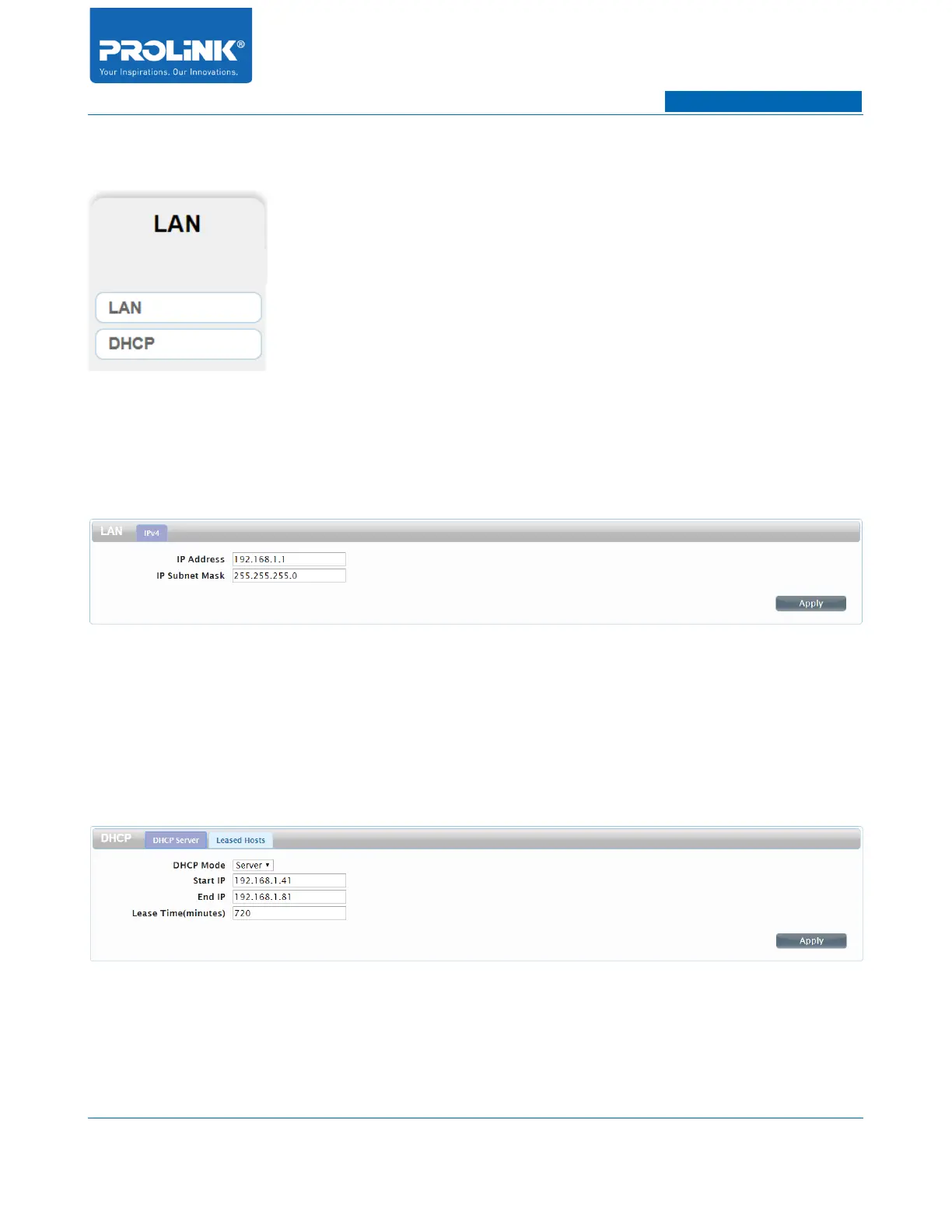
LAN Page consist of 2 submenus. The submenus is LAN and DHCP. LAN page settings will help you
to change the local network settings of PRN3006L and to configure the DHCP Server settings.
LAN
• IP Address: Enter the IP address you want to use for the router. The default IP address is
192.168.1.1. If you change the IP address, you will need to enter the new IP address in your
browser to get into the configuration utility.
• IP Subnet Mask: Enter the subnet mask of the router. The default subnet mask is
255.255.255.0.
DHCP
• DHCP Mode: Select the DHCP Mode for Server or None. By default DHCP is configure as
Server.
22



 To Next Page