PROLiNK® PRN3006L 4G LTE Wireless Router
3.3 Enter Into PROLiNK mWiFi
PRN3006L can be monitor and configure through PROLiNK mWiFi mobile application. PROLiNK
mWiFi is available on Android and iOS. Using PROLiNK mWiFi you are allow to monitor usage and
connectivity, configure mobile network operator information, connection signal strength level, number
of connected devices and SMS status.
The following steps is to enter PRN3006L configuration using PROLiNK mWifi:
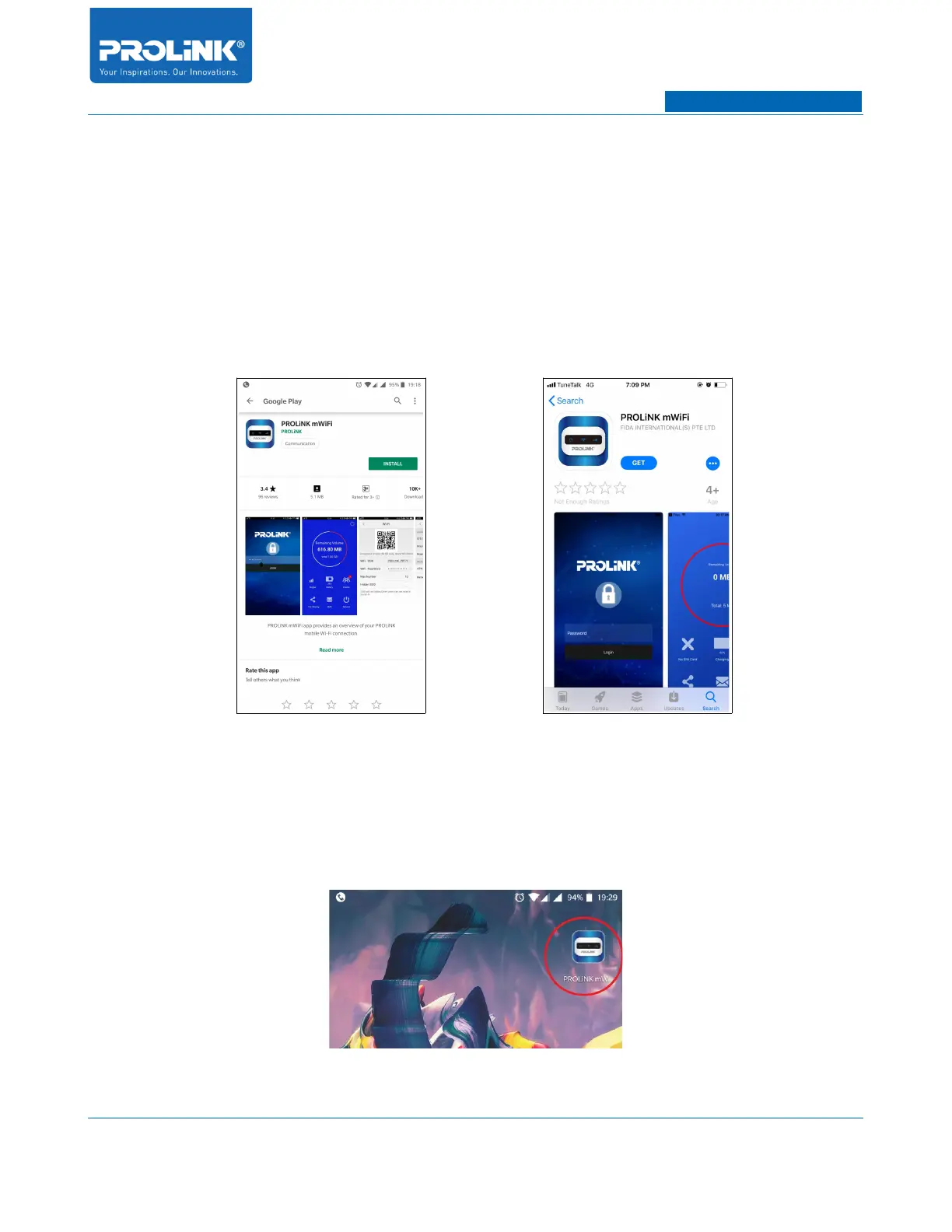
1. Go to Google Play Store for Android and Apple Store for iOS.
2. Install PROLiNK mWiFi on your phone.
3. Ensure your phone Wi-Fi is connect to PRN3006L. Default Wi-Fi PRN3006L password is
prolink12345 as shown at the back of PRN3006L sticker.
4. Open PROLiNK mWiFi.
11



 To Next Page