PROLiNK® PRN3006L 4G LTE Wireless Router
4 Web Configuration
Enter the Web Configuration page by using web browser as describe in “Enter Into Web Configuration”
step on page 9. After successfully login, you will be on the Home page where all the Network status
and information display.
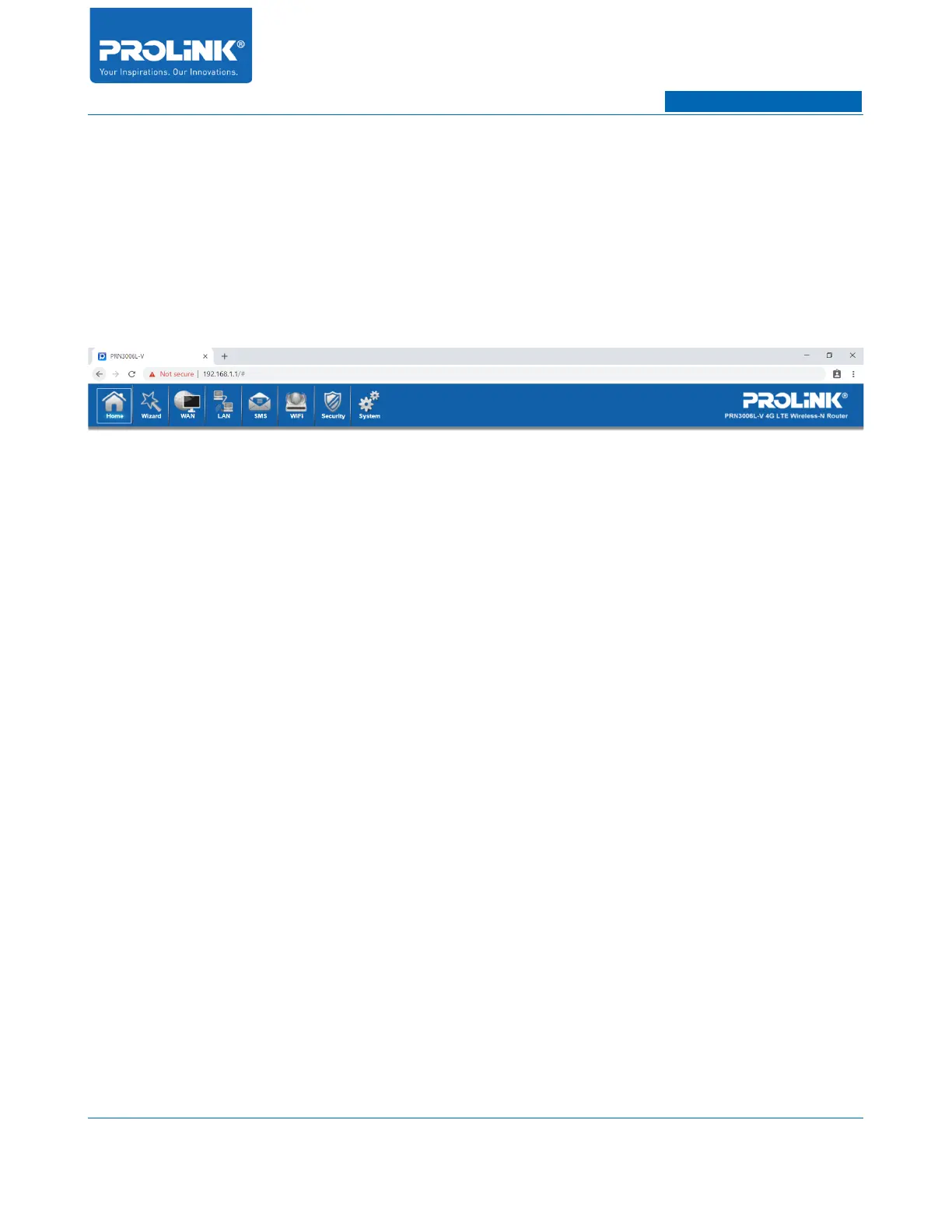
In the Web Configuration several tab is available to configure PRN3006L. The tab consists of Home,
Wizard, WAN, LAN, SMS, WiFi, Security and System.
16



 To Next Page