PROLiNK® PRN3006L 4G LTE Wireless Router
4.5 WiFi
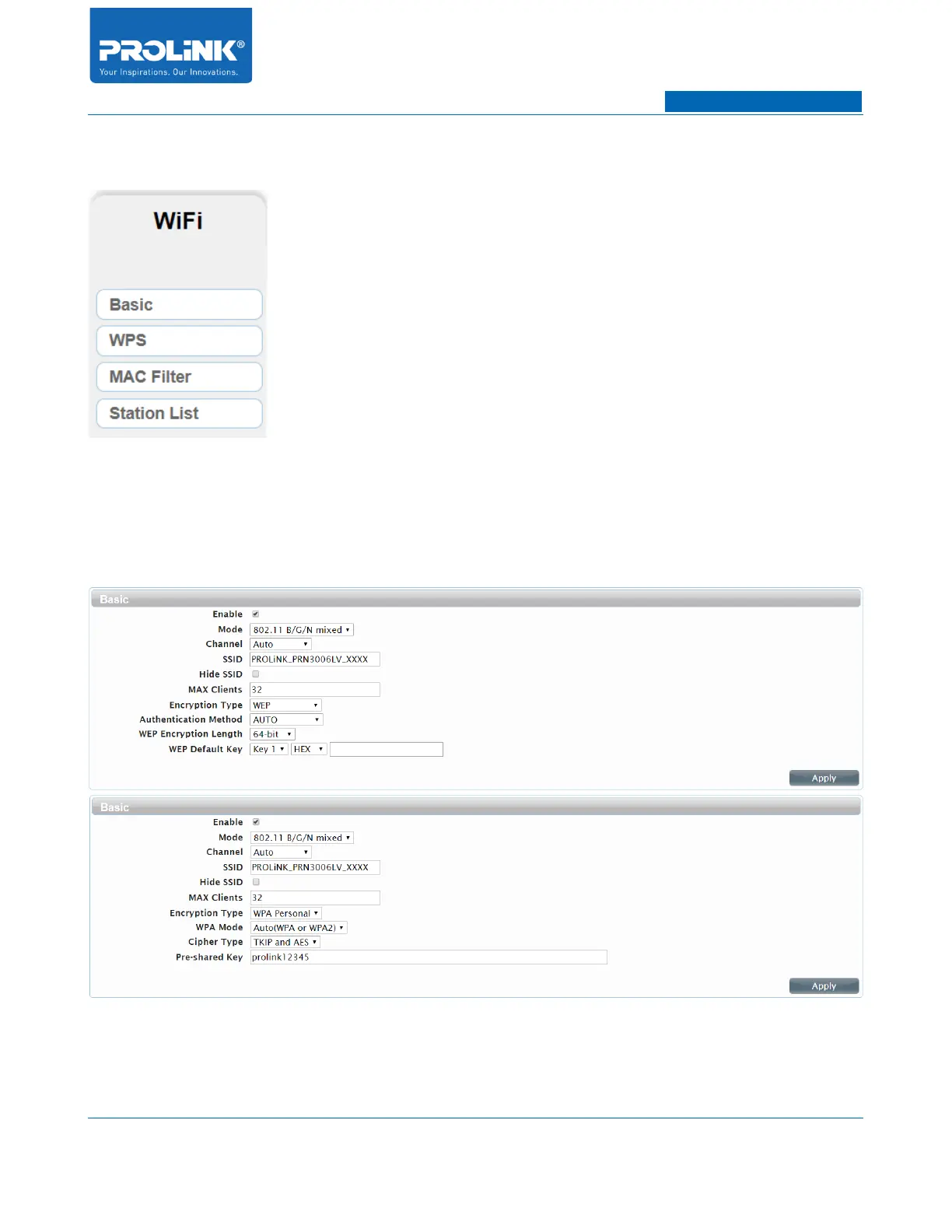
WiFi Page consists of 4 submenus. The submenus are Basic, WPS, MAC Filter and Station List. WiFi
Page help you to configure Wi-Fi setting, view client list and manage connected client.
Basic
• Enable: Check this box to enable wireless access. When you enable this option, the following
parameters take effect.
• Mode: Select the IEEE 802.11 standard used by your wireless clients.
28



 To Next Page