PROLiNK® PRN3006L 4G LTE Wireless Router
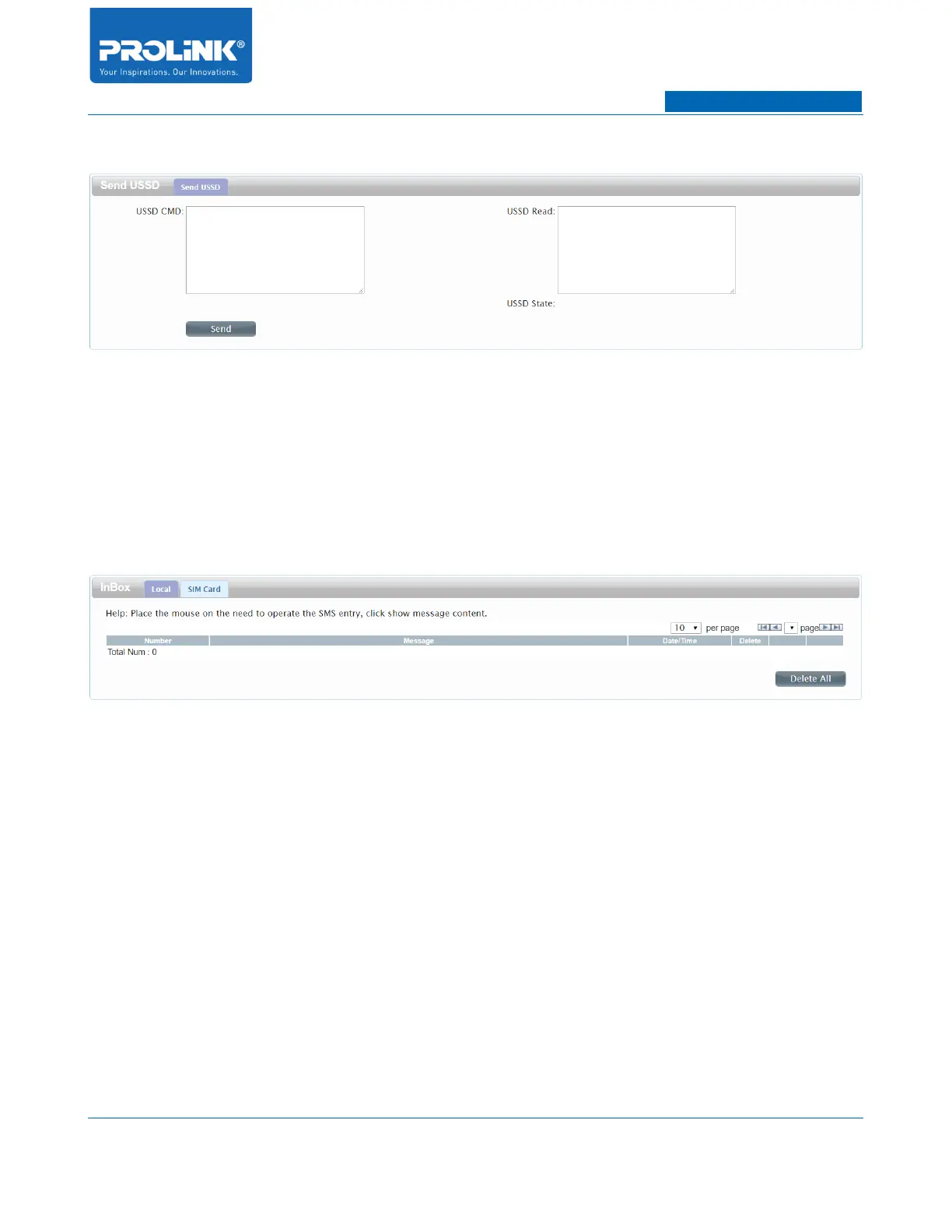
USSD
• USSD CMD: Enter an application activation code and click Send. This will allow you to
activate applications by sending an SMS message to your ISP.
• USSD Read: Reply message from ISP base on application activation code.
• Send: Click Send to send the entered application activation code.
InBox
• Number: Shows the phone number that sent this message.
• Message: Click the message to open and read the message.
• Date/Time: Shows the date and time when the message was received.
• Delete: Deletes the selected SMS message.
• Delete All: To delete the entire message in the InBox.
25



 To Next Page