PROLiNK® PRN3006L 4G LTE Wireless Router
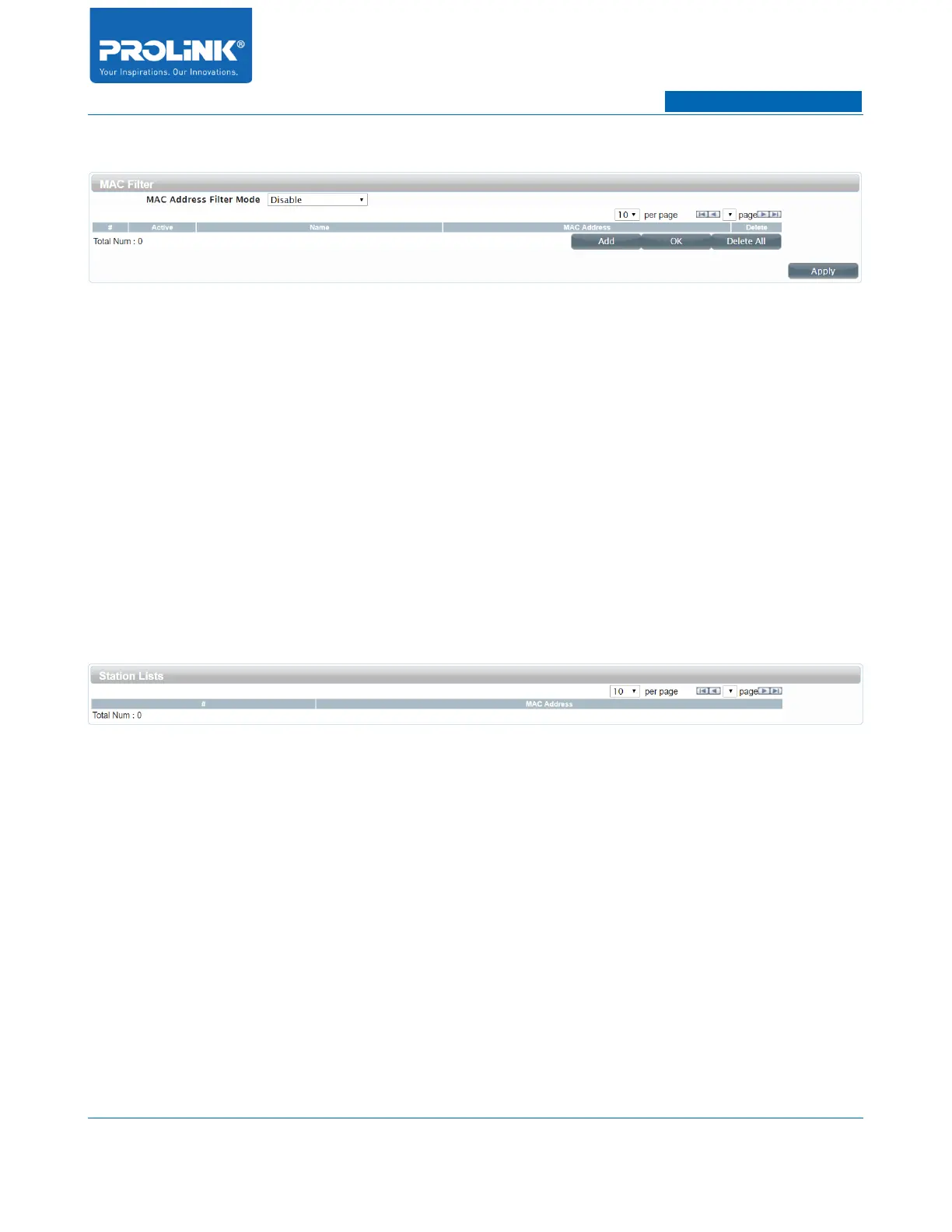
MAC Filter
• Active: The status of MAC Filter entry. Y is for activated and N is for deactivated.
• Name: A simple name of MAC Filter entry.
• MAC Address: The wireless station's MAC address that you want to filter.
• Delete: Delete button to remove MAC Filter entry.
• Add: To add current MAC Filter entry.
• OK: To store current entry of MAC Filter into the list.
• Delete All: To delete the entire of MAC Filter list.
• Apply: To save and apply current MAC Filter configuration.
Station List
• MAC Address: MAC Address of connected client.
30



 To Next Page