PROLiNK® PRN3006L 4G LTE Wireless Router
4.2 WAN
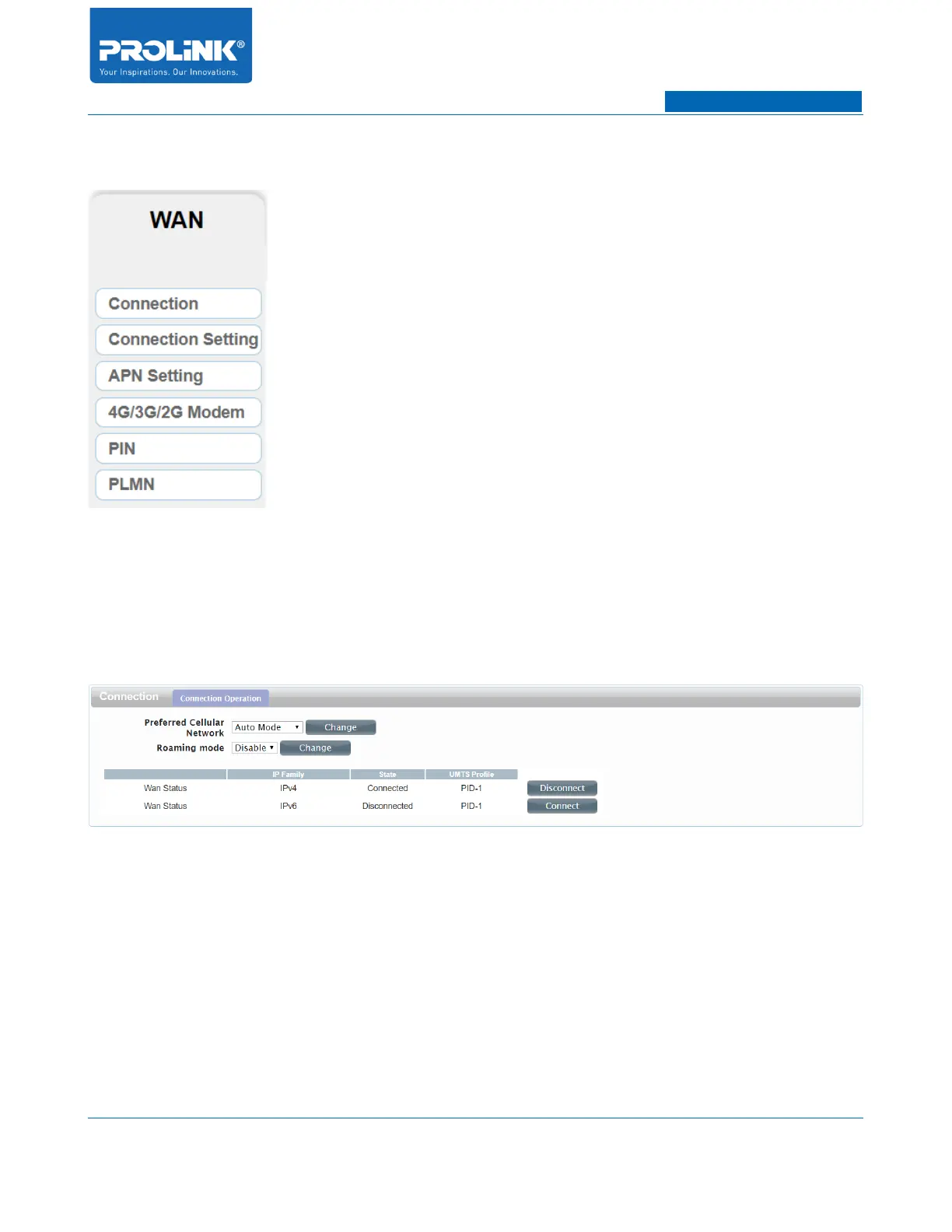
WAN page consist of 6 submenus. The submenus are Connection, Connection Setting, APN Setting,
4G/3G/2G Modem, PIN and PLMN. Click one of submenus to enter the WAN relate configuration for
PRN3006L.
Connection
• Preferred Cellular Network: By default Cellular network is set to Auto Mode. It consists of
Auto Mode and Manual Mode.
• Roaming mode: It is disabled by default. If disabled, data service is not allowed when
roaming. If enabled, data service is allowed when roaming, but may incur significant roaming
charges.
• Press Disconnect or Connect to establish a connection for IPV4 and IPV6 for PRN3006L.
18



 To Next Page