PROLiNK® PRN3006L 4G LTE Wireless Router
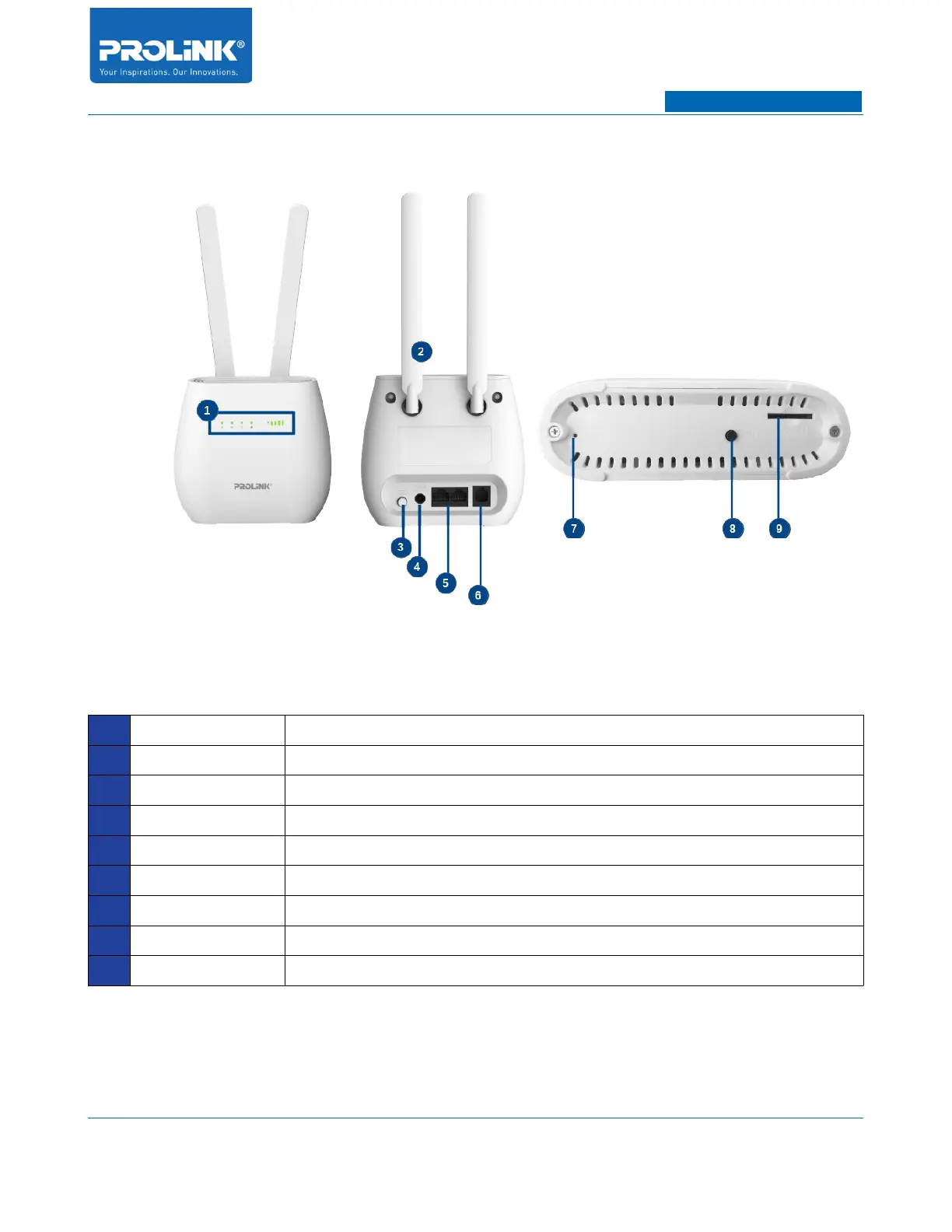
1.3 Hardware Overview
1 LED Indicator LED indicator for Power, 2.4GHz, LAN, Internet and Mobile Signal
2 Antenna LTE Antenna to extend mobile coverage
3 Power Button To switch ON and OFF PRN3006L
4 DC Input To connect with provided power adapter
5 LAN Port Port to connect with client Ethernet port and one of LAN to
6 Telephone Port To connect telephone line
7 Reset Button Hold for 10 seconds and release to reset to factory setting
8 WPS Button To activate WPS
9 SIM Card Slot To insert SIM Card
3



 To Next Page