PROLiNK® PRN3006L 4G LTE Wireless Router
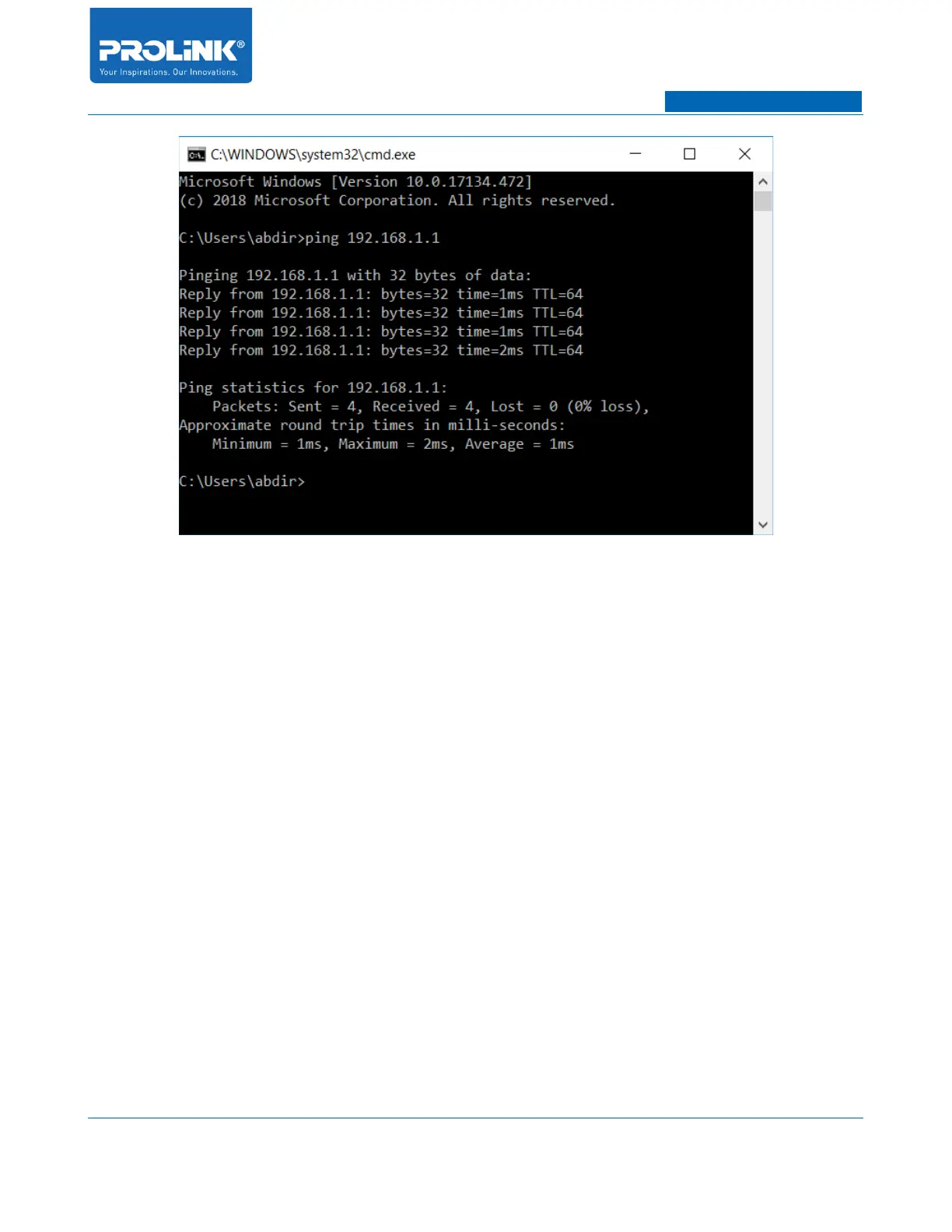
If you encounter different result from above result, it indicate your connection between PC/Laptop and
PRN3006L is failed. The following steps is to rectify the connection issue:
1. Check physical connection between PC/Laptop and PRN3006L. Ensure the Ethernet cable is
properly inserted into LAN port. At same time observe the LAN LED indicator on PRN3006L
and LAN Port LED indicator on PC/Laptop (if applicable).
2. Check for TCP/IP configuration on PC/Laptop to ensure the IP address is provided not
overlapping or a valid IP address is given.
8



 To Next Page