PROLiNK® PRN3006L 4G LTE Wireless Router
7. 3
rd
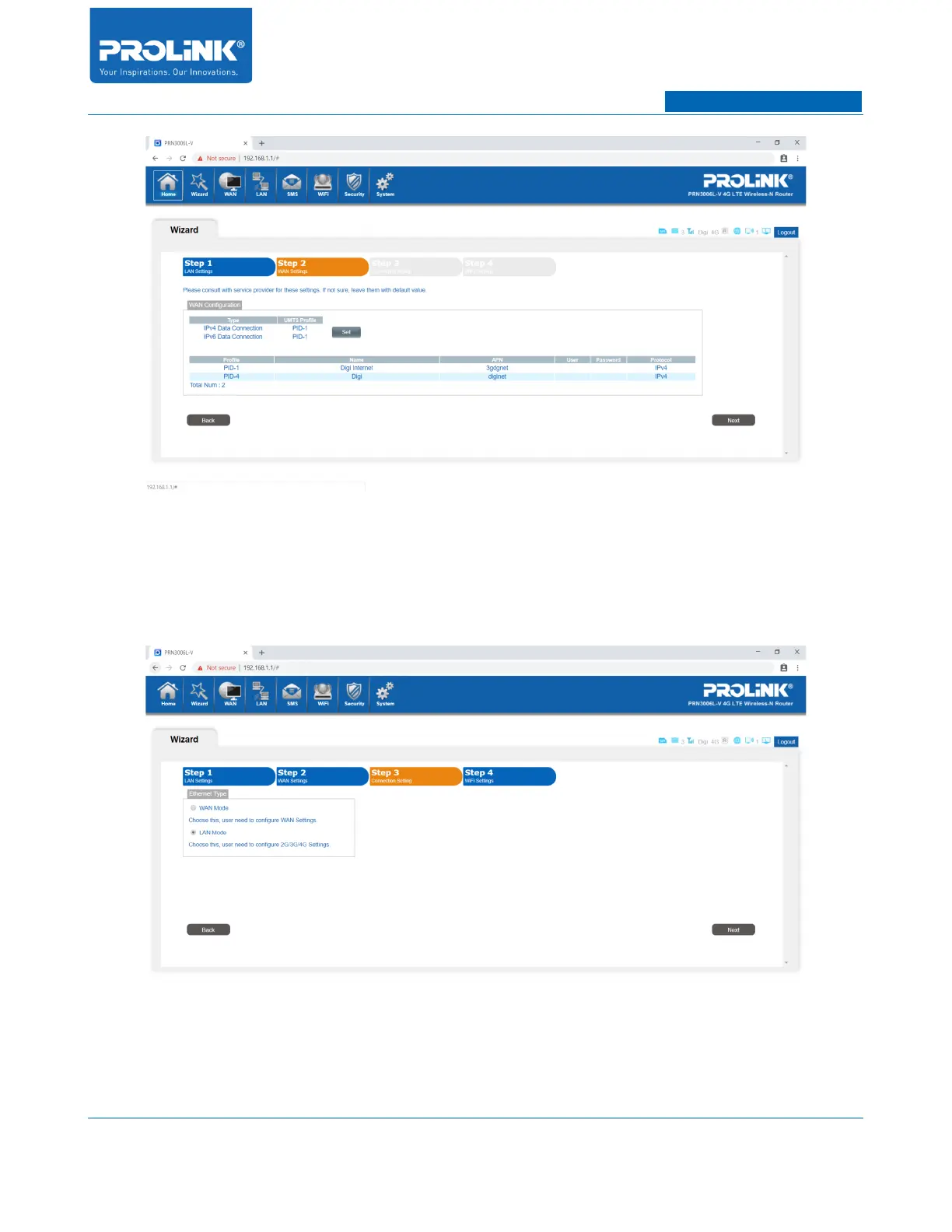
Step is Connection Setting. By default the selection is LAN Mode which will remain the
Internet source come from the Cellular network (4G/3G/2G). If you choose WAN Mode,
additional Internet source will also available on WAN Port (LAN 2 will change to WAN Port).
Leave the setting as default selection.
8. 4
th
Step is WiFi Settings. You can change the wireless SSID and password for PRN3006L.
Default SSID and password as shown at the back of PRN3006L’s sticker.
14



 To Next Page