PROLiNK® PRN3009 Wireless-N 300 Routers
12
3.2 Log-in into the Web User Interface Configuration
PRN3009 equipped with Web-based Utility configuration specially design for Desktop and also for
Mobile Phone. All the setting interface is simple and easy to configure. For Desktop, Web Utility is not
restricted to Microsoft Edge only, but the user can enter through Mozilla Firefox, Chrome, Internet
Explorer or Apple Safari. Same with the Web Utility for Mobile phone, which is all the Web-Based
Configuration is support in any browser.
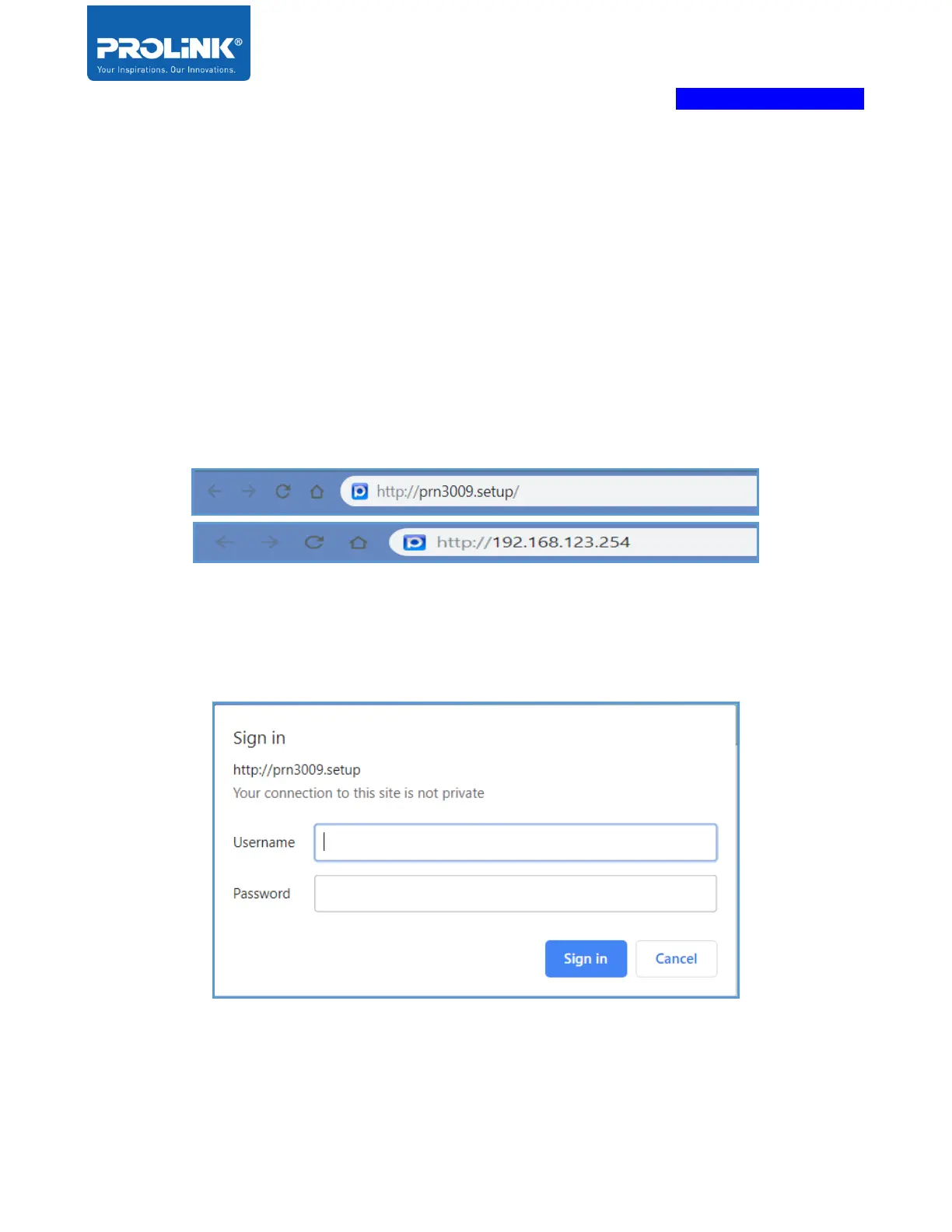
1. Run any web browser that available in your computer. On the address bar enter the default
IP Address of PRN3009 of the device link address. Default IP address is
“http://192.168.123.254”, or enter default Domain Name “http://prn3009.setup/”.
2. For the first time setup, it Pop-Up the login Requirement for PRN3009 Router. At this stage,
the user needs to enter a login Username and Password. For the first time setup, the default
Username for login page is “admin”, and the default password is “password”. If the login
was unsuccessful, it clear all details entered.



 To Next Page