PROLiNK® PRN3009 Wireless-N 300 Routers
35
4 Web User Interface (UI) Configuration
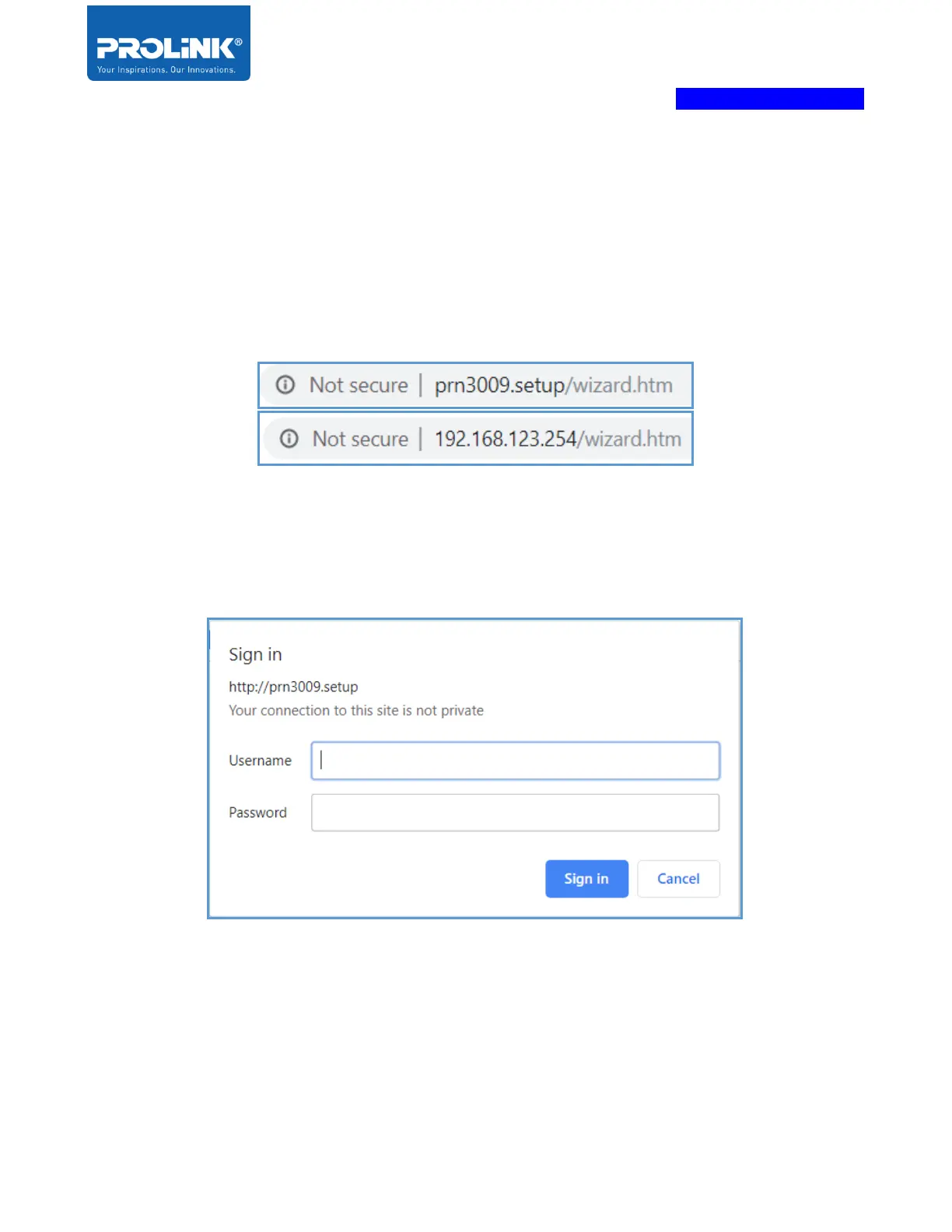
This chapter is about to enter the Web UI configuration page by using a web browser on desktop or
mobile phone. Enter the default IP Address of Extender PEN1201, default IP address is
“http://192.168.123.254” and default domain name link is “http://prn3009.setup”.
Enter the default username and password. If the user forgot the password, user need factory would
reset the router by pressing and hold the Reset button for more than 10 seconds. Locate the reset
button on the rear side of the PROLiNK PRN3009.



 To Next Page