PROLiNK® PRN3009 Wireless-N 300 Routers
36
The First page shows up after login successfully is the Wizard Page. The Wizard page displays the
current mode select for PRN3009. To set up for each Operation Mode, please check on Setup Wizard
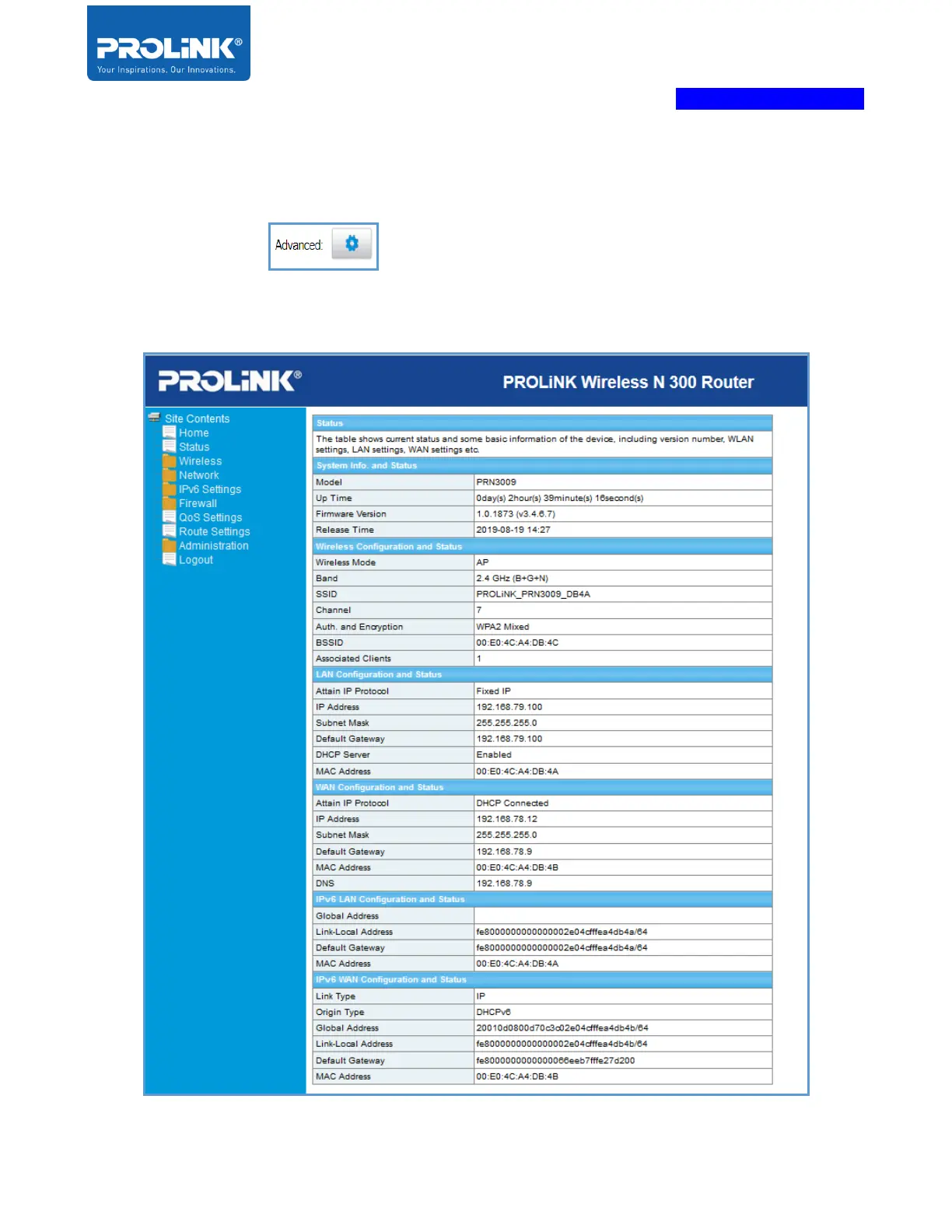
Step. Next Sub-chapter explains all the available option for each mode by clicking the Advance Button
on the top right page. In this chapter, it explains all the available option for each
operation mode. Some settings remain the same for each mode as it did not affect the operation mode
selected



 To Next Page