PROLiNK® PRN3009 Wireless-N 300 Routers
69
4.6 QoS Setting
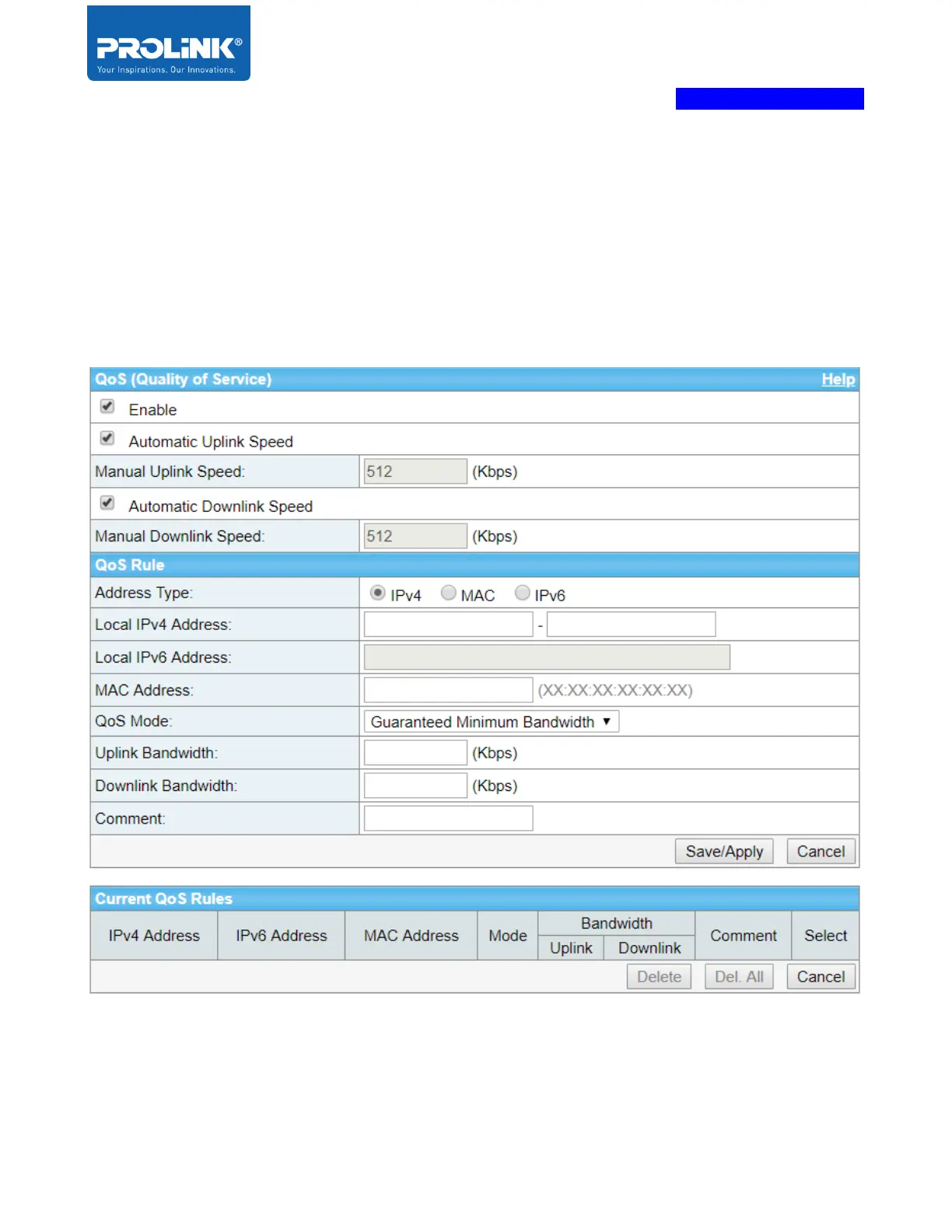
QoS is a short form of Quality of Service. In this setting, you could enable and configure QoS base
your need for each of client. Quality of Service (QoS) is able to improve the online gaming experience
or video streaming by ensuring that data traffic is prioritized over other network traffic, such as FTP or
Web. By enable the QoS, user can set specific Upload and Download speed for the PRN3009 and can
add rule for specific client either “Guaranteed Minimum Bandwidth” or “Restricted Maximum
Bandwidth”.



 To Next Page