PROLiNK® PRN3009 Wireless-N 300 Routers
18
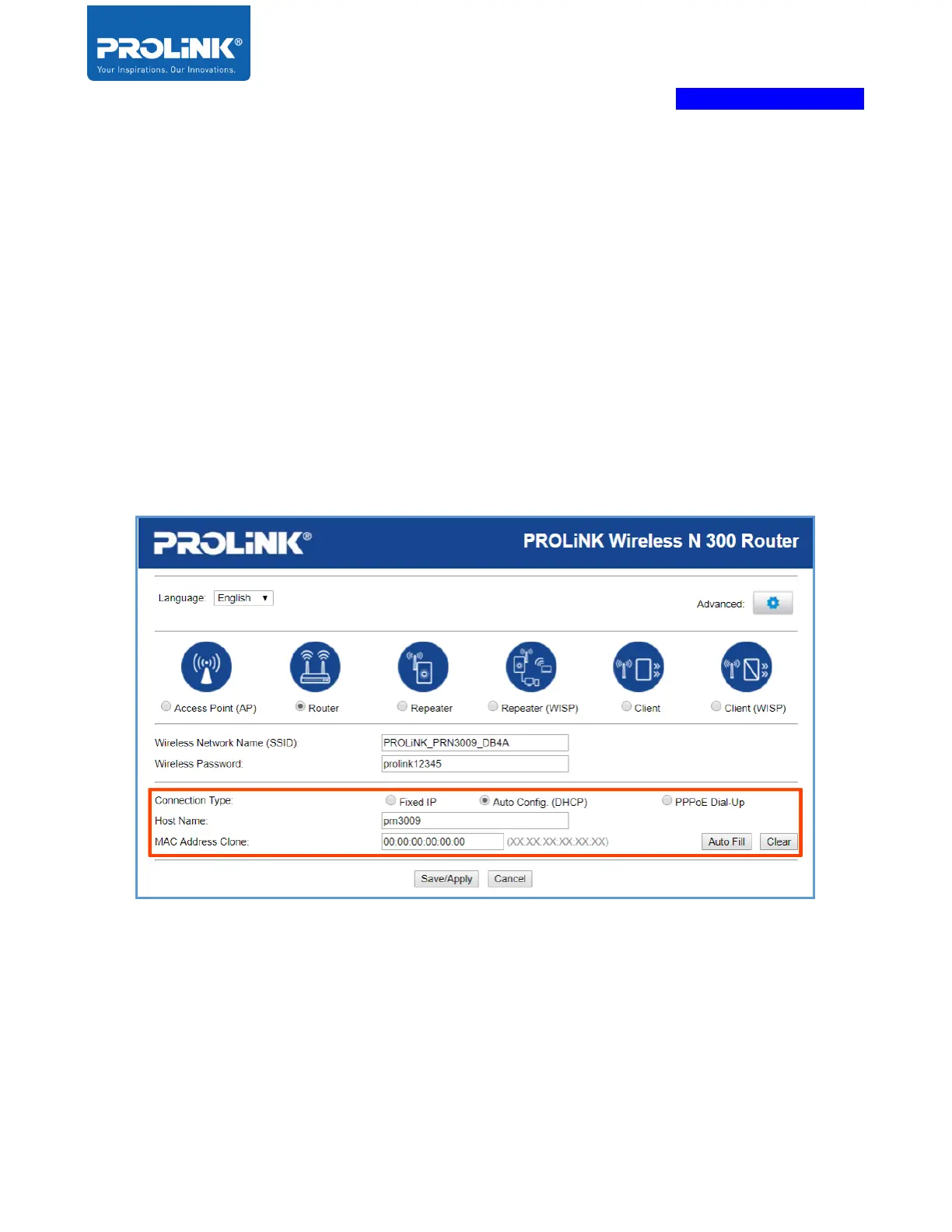
3. The next step is by following the hardware setup for the router, and the Main/host network is
needed to connect to the WAN port. Choose the WAN connection details by depends on your
ISP (Internet Service Provider) subscription. The available option is Auto-Config (DHCP),
PPPoE Dial-UP and Fixed IP connection.
a) Auto Config (DHCP) - If your Internet connection is assigning IP Address automatically to
PRN3009, then press “Save/Apply” when finished. Please note, if there is a special
requirement from ISP, then get the information required from ISP on VLAN ID for Internet
and IPTV. To set the VLAN ID setting after” Save/Apply” the router setup wizard, Please
go to VLAN page.



 To Next Page