Under
„Metering
è
Pressure stage“
you can reduce the nominal pressure
of the pump via the pressure stages – refer to the "Functional Description”
chapter.
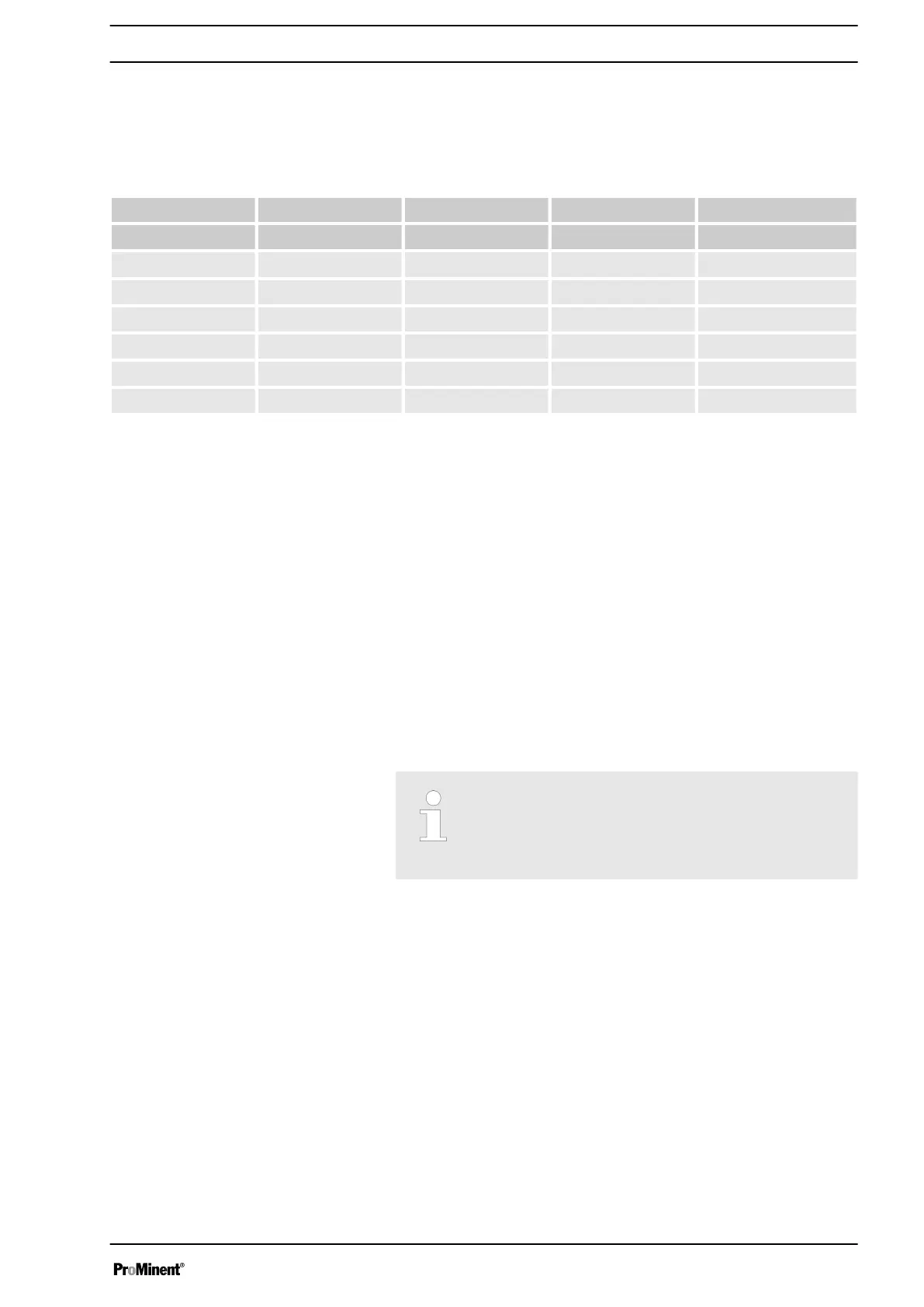
Nominal pressures depending on the size of the liquid ends and the pressure stages
Pressure stage / 4 7 10 16
Size of liquid end
16050 * X X X X
16090 * X X X X
16130 * X X X X
07120 X X - -
07220 X X - -
04350 X - - -
* the pressure of the plastic liquid ends is reduced to 10 bar.
The switch-off pressure of the active overload switch-off falls at the same
time as the pressure stage - refer to the “Functional Description” chapter.
The overload switch-off is to protect the pump, not the system. It does not
replace a relief valve.
In the event of an overload, the pump signals an error via the LED dis‐
plays, the LCD screen and - if fitted – the fault indicating relay.
There are two types of overload shut-down:
n • The pump immediately stops with a sudden rise in pressure (e.g.
shut-off valve closed). It displays the error E-60 (line block) and E-59
(p+).
n • The pump stops with a delay with a slow rise in pressure (e.g. crys‐
tals in lines cause them to slowly close up). It displays the error E-59
(p+).
You can also select
„Error“
and
„Warning“
as a reaction in the menu:
then the pump issues a warning but continues to run.
You can disable the overload switch-off by selecting
„no“ pressure stages.
Like other critical settings, this setting is also recorded in
the internal error memory.
Pressure stage
Overload switch-off
Setting
55






 To Next Page