User Manual
PROTEC GmbH & Co. KG, In den Dorfwiesen 14, 71720 Oberstenfeld, Germany
7.5 Film defects
7.5.1 Films will not dry
• Hot air comes out of air channel, but the film is still not dried to satisfaction.
•
Check chemicals and film type. If this leads to no solution then the transport speed of the
machine can be reduced (see Processing time, see 5.2.5.2).
7.5.2 The film does not transport correctly
•
Check the positioning of the racks in the machine and make sure that the latches are closed.
Check the gears on the roller racks. Check the positioning of the guide bars and roller pressure.
• Check gears on motor and worm gear of drive shaft-
7.5.3 Scratches, pressure marks, dirt on film
•
Straight scratches in infeed direction suggest a fault on the guide bars. Check roller racks
individually and adjust guide bars. In case the guide bars are damaged exchange.
•
Pressure marks caused due to polluted or damaged rollers. If necessary exchange rollers.
7.6 Replenishment
7.6.1
Replenishment pump does not work or works insufficiently
• Check the switch position on the pump
• Clean valves inside connection tube of pump
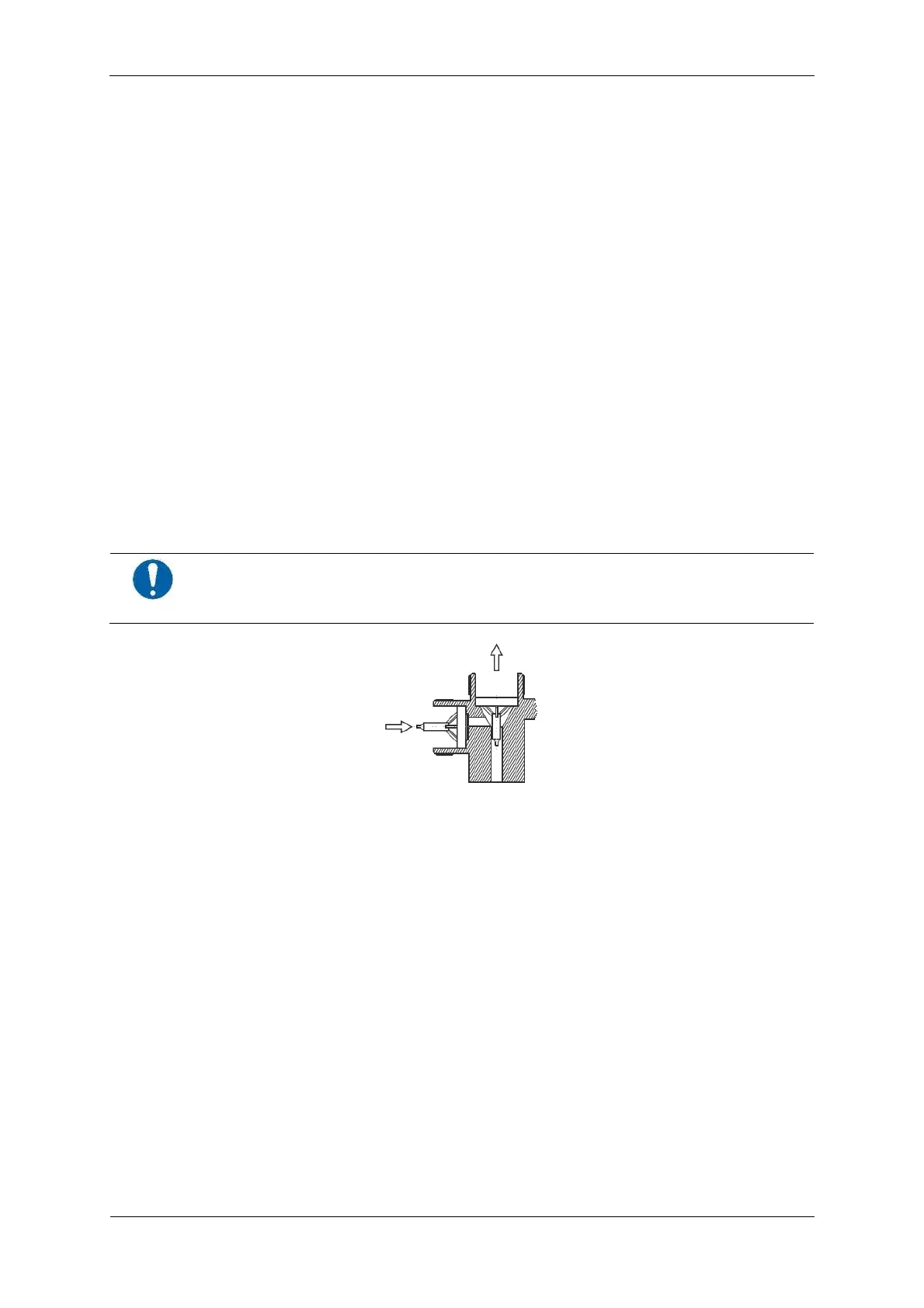
CAUTION!
Install valve-insert correctly: Pay attention to flow-through direction!
• Replenishment pump sucks air in. Check hoses and connections.
• Check eccentric position. Capacity approx. 710 ml/min (850 ml/min with 60 Hz power mains) at
setting to 100%. Minimum setting must not be below 50 %.
•
Activate replenishment (in the manual mode) and while on, check the voltage of connection
X6 (DEV) and X7 (FIX) on the power PCB. If no voltage can be registered - exchange power PCB.
7.7
Dryer
7.7.1 Display shows error message “E4”
Following parts should be checked and if faulty be replaced:
• Power PCB (in stand-by no voltage at X12)
• Temperature sensor see “Dryer temperature display exceeds the set value” 7.7.5
• Dryer fan (see “Dryer ventilation does not function, no water inflow when water cock opened”
see 7.7.2 and see “Dryer ventilation is too weak” 7.7.3)
•
Dryer heating element
7.7.2 Dryer ventilation does not function, no water inflow when water cock opened
•
Start machine in manual mode (see 5.2.13). Check current on X9 and X10 connections on
power PCB. If no voltage can be registered - exchange power PCB. Otherwise ventilation has
been connected wrongly or is defective.


 To Next Page