28
Constant Voltage (CONS) Mode
Occasionally, a test will require using a specific drive voltage that is not possible
using the normal source resistance for that measurement range. In these cases,
press the CONS key and thereby set the source impedance to a fixed 25 . The
voltage across the component under test will be almost constant for all devices
with impedance substantially larger than 25. When the meter is in constant
voltage mode, the measurement range changes to avoid overloading the meter.
However, it also reduces the accuracy of the measurement by a factor of 2. See
the accuracy section in the Reference Manual for more detail. Tables 3-6 and 3-7
list the impedance ranges when using the constant voltage mode.
Under certain conditions, the “over load” message will be displayed. This
normally occurs when the unit is in the constant voltage mode with the range hold
on. To correct this, simply change to a higher impedance range, or use auto
ranging.
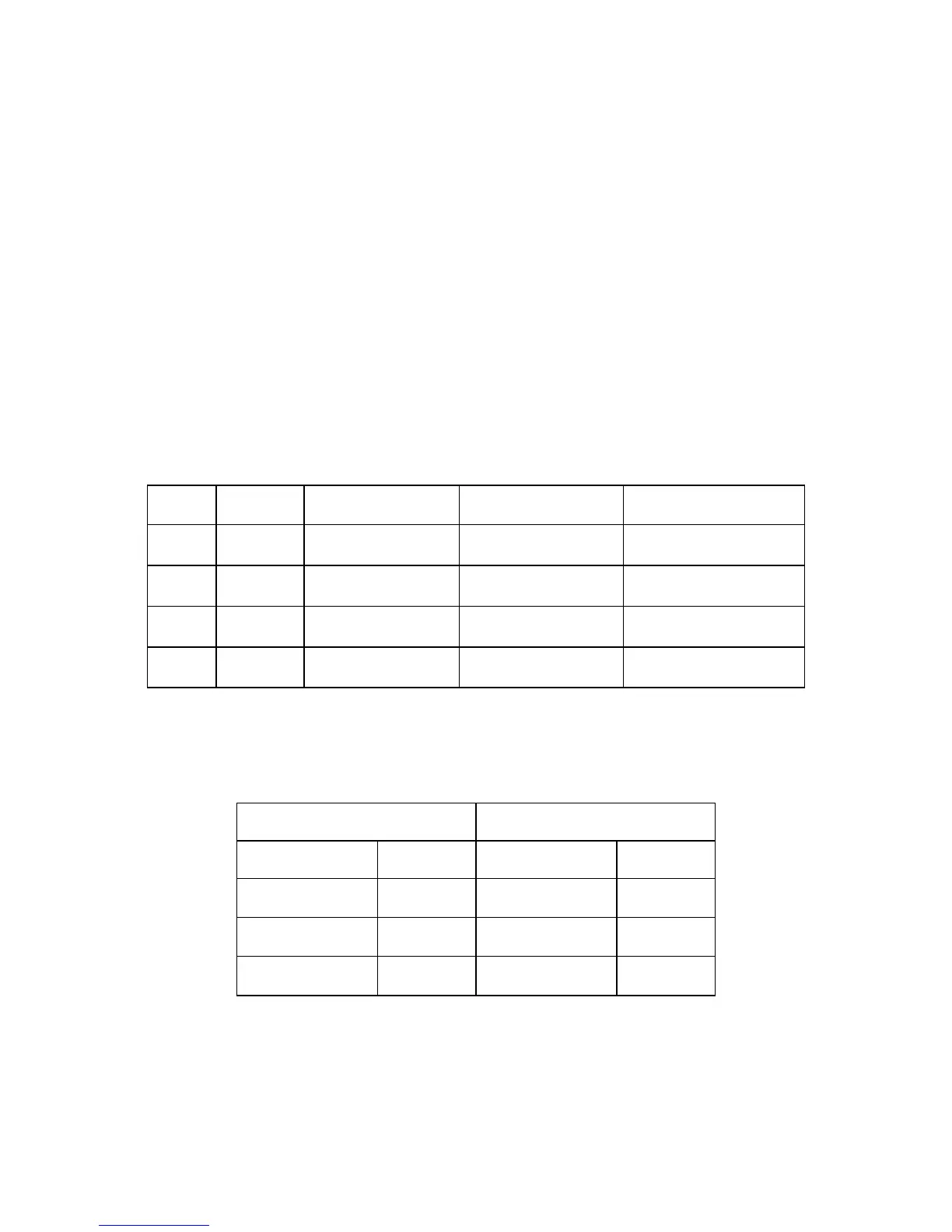
Table 3-6 Measurement and Impedance Ranges for Constant Voltage Mode
Table 3-7: Range change Points when Auto-Ranging in Constant Voltage Mode
Ranging to a Lower Impedance
Ranging to a Higher Impedance


 To Next Page