2 AGENT-2 S41DLine - User Manual AG2-S41D/MU-EE
Ed. Jun-2012 Proprietary information 13 of 89
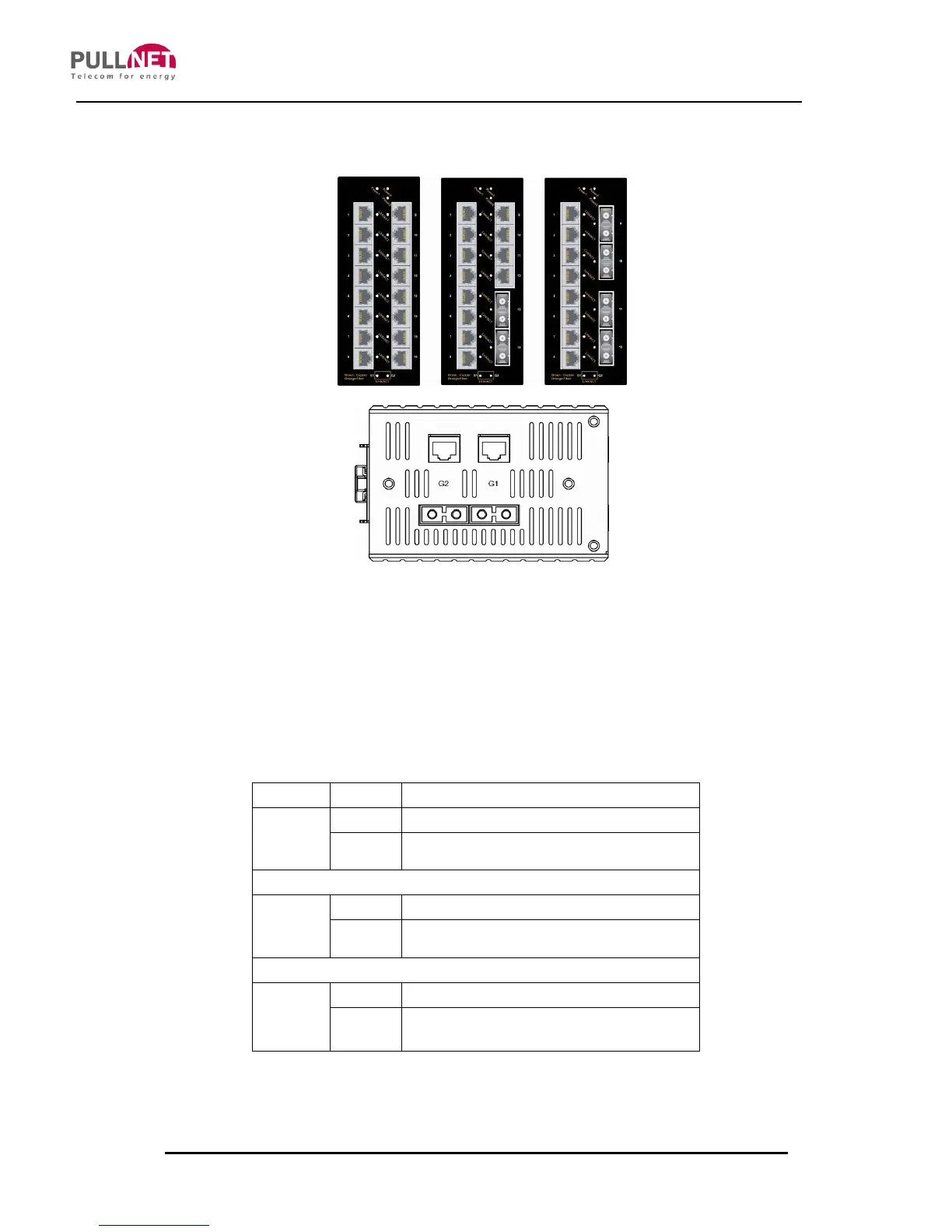
3.4 Front Panel Display
POWER
This LED lights on when the switch is properly connected to a power source and
turned on.
Port Status LED’s
The Port Status LED’s are located on the front panel, displaying status for
each respective port. Please refer to the following table for more details.
10/100Base-TX, 100Base-FX/BX
A valid network connection established
Transmitting or receiving data
ACT stands for ACTIVITY
10/100/1000Base-TX (Green), 1000Base-SX/LX/BX (Orange)
A valid network connection established
Transmitting or receiving data
ACT stands for ACTIVITY



 To Next Page