AGENTSSR/AGENT-2 S41D Line - User Manual AG2-S41D/MU-EE
Ed. Jul-2012 Proprietary information 6 of 89
1.4 Web Configuration
•
Login the Serial Device Server:
Specify the default IP address (192.168.1.10) of the Serial Device Server in the web
browser. A web-based login window will be displayed as shown below:
Enter the factory default password: admin.
Then click on the “Submit” button to log on to the Serial Device Server.
Login the switch:
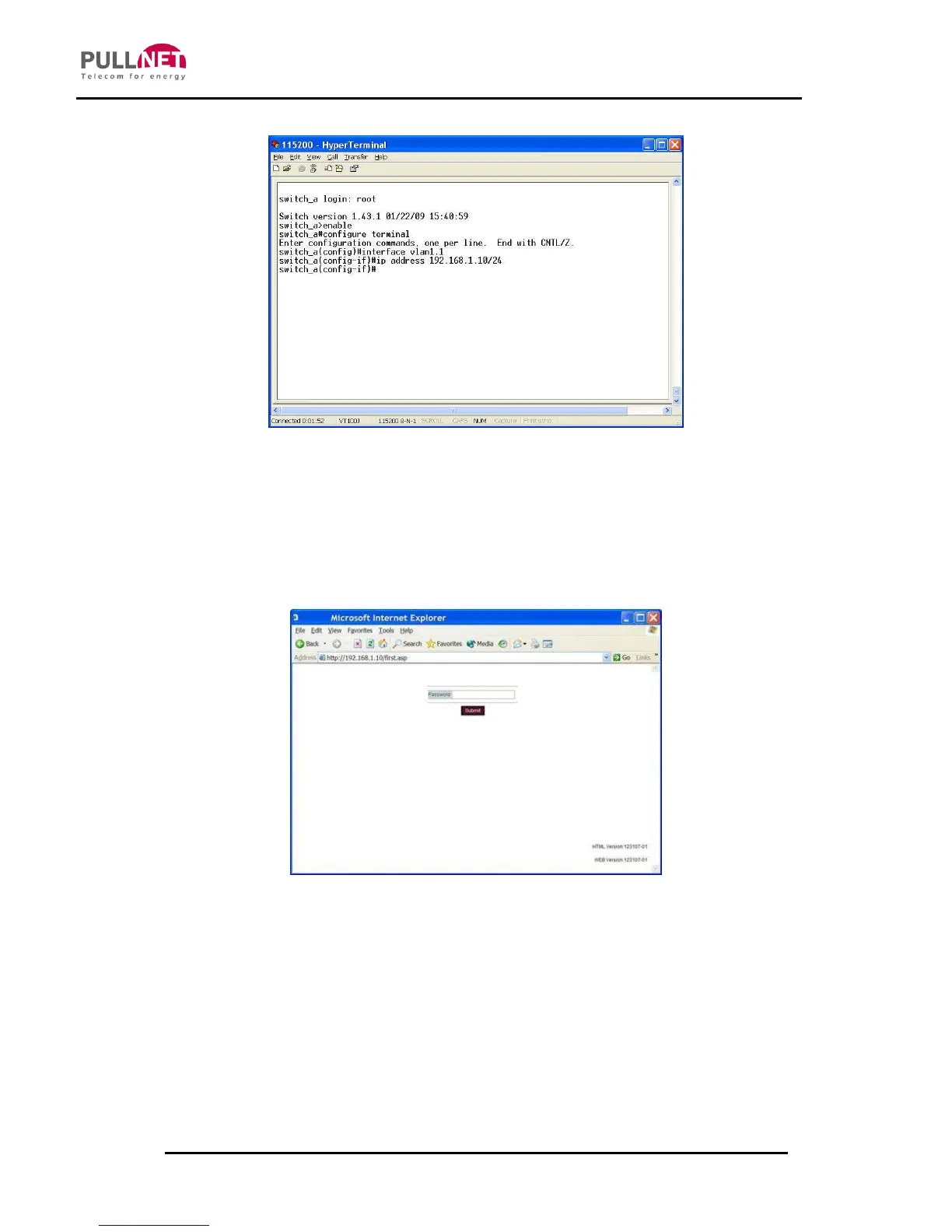
Specify the default IP address (192.168.1.10) of the switch in the web browser. A
login window will be shown as below:



 To Next Page