AGENT-2 S41D Line - User Manual AG2-S41D/MU-EE
Ed. Jun-2012 Proprietary information 28 of 89
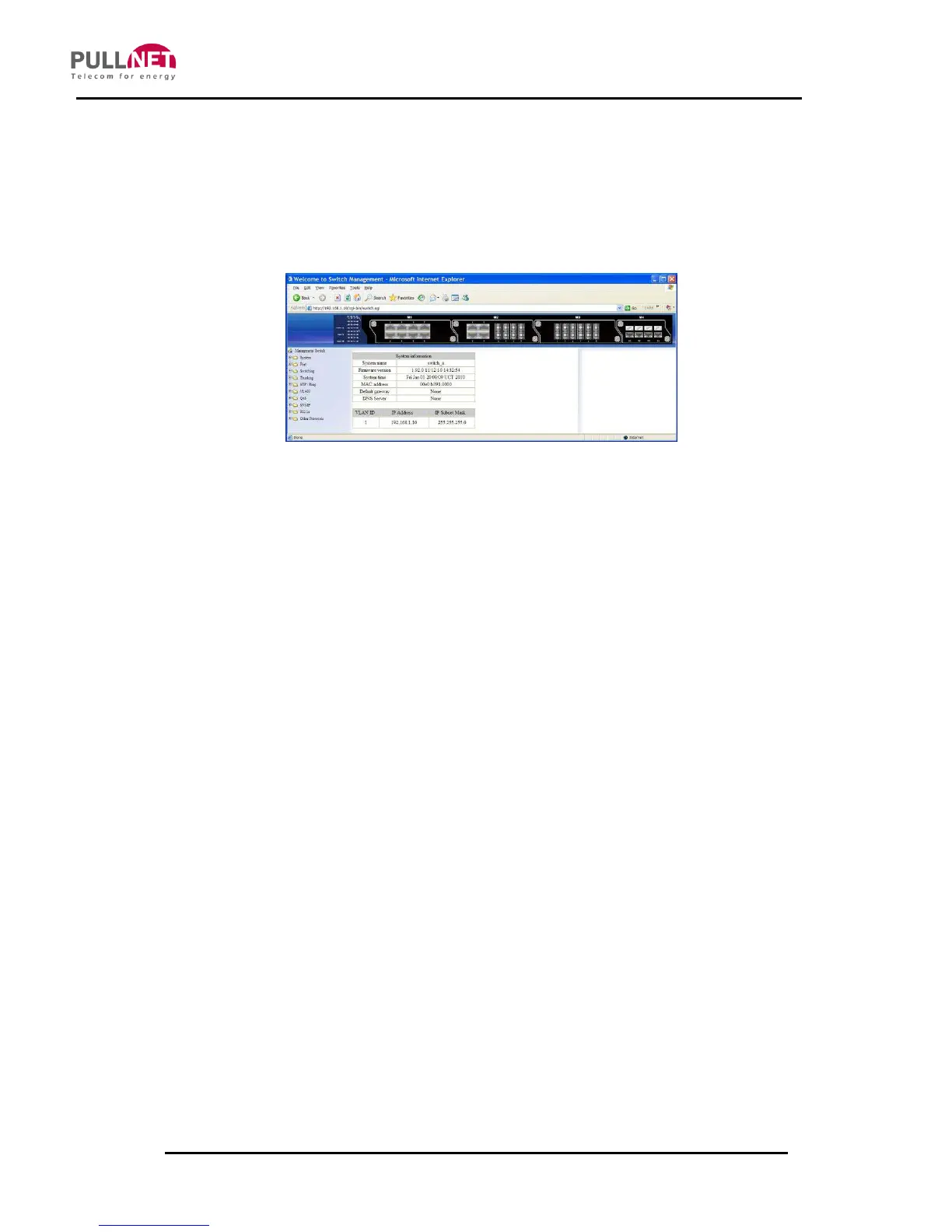
8.2 Understanding the Browser Interface
The Web Browser interface provides groups of point-and-click folders/interfaces on
the left area of the main window, for configuring and managing the AGENT-2 S41D
switch.
SYSTEM
System Information, System Name/Password, IP Address, Save
Configuration, Firmware Upgrade, Alarm Setting, Reboot, Logout
PORT
Configuration, Port Status, Rate Control, RMON Statistics, Per Port VLAN Activities
SWITCHING
Bridging, Static MAC Entry, Port Mirroring
TRUNKING
Port Trunking
STP / RING
Global Configuration, RSTP Port Setting, MSTP Properties, MSTP Instance Setting,
MSTP Port Setting, Ring Setting
VLAN
VLAN Mode Setting, 802.1Q VLAN Setting, 802.1Q Port Setting, Port Based VLAN
QOS
Global Configuration, 802.1p Priority, DSCP



 To Next Page