AGENTSSR/AGENT-2 S41D Line - User Manual AG2-S41D/MU-EE
Ed. Jul-2012 Proprietary information 2 of 89
Chapter 1 - Quick Start Guide
This quick start guide describes how to install and use the Hardened Managed
Ethernet Switch. This is the switch of choice for harsh environments constrained by
space.
1.1 Physical Description
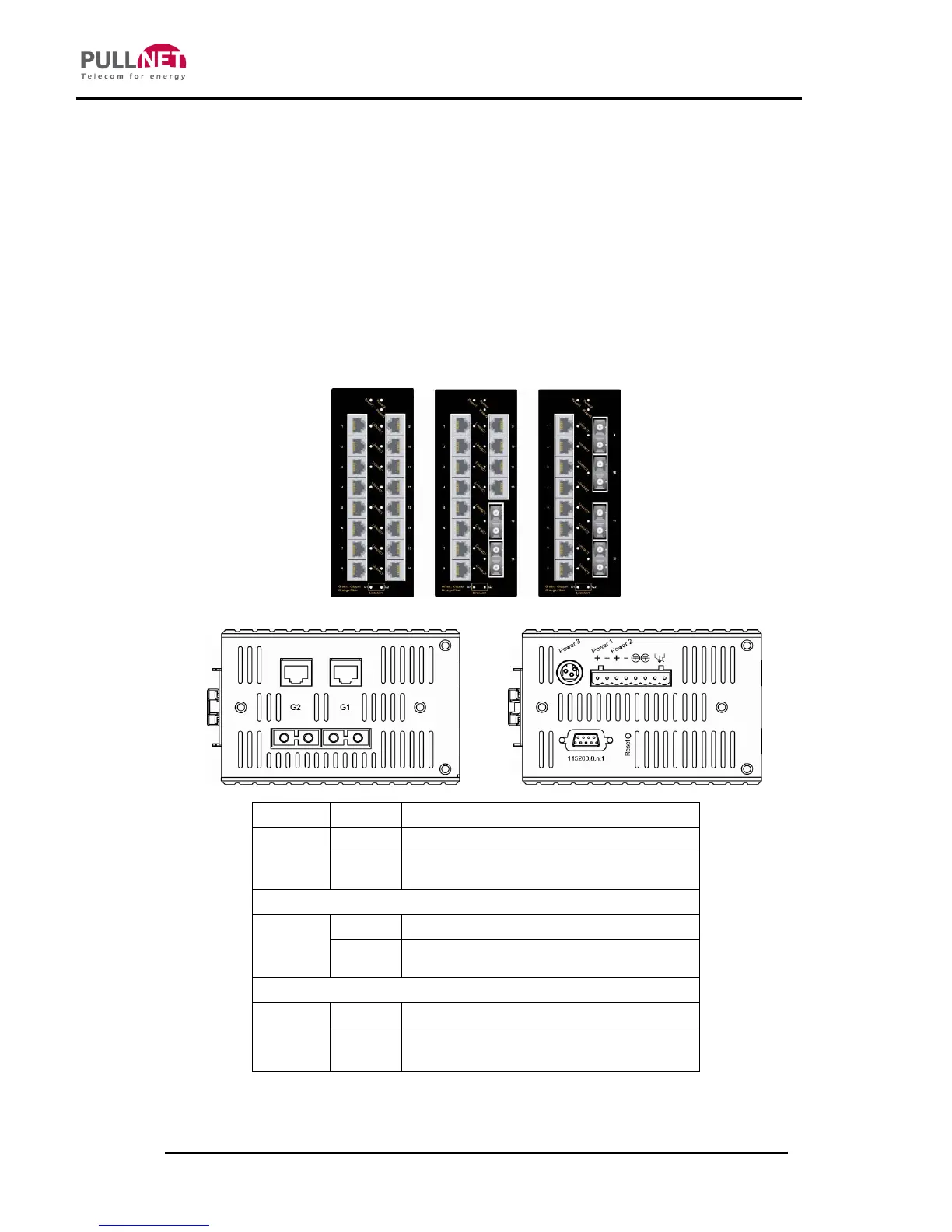
1.1.1 Port Status LED’s and Power Inputs
10/100Base-TX, 100Base-FX/BX
A valid network connection established
Transmitting or receiving data
ACT stands for ACTIVITY
10/100/1000Base-TX (Green), 1000Base-SX/LX/BX (Orange)
A valid network connection established
Transmitting or receiving data
ACT stands for ACTIVITY



 To Next Page