AGENT-2 S41D Line - User Manual AG2-S41D/MU-EE
Ed. Jun-2012 Proprietary information 66 of 89
8.11 IEEE 802.1X
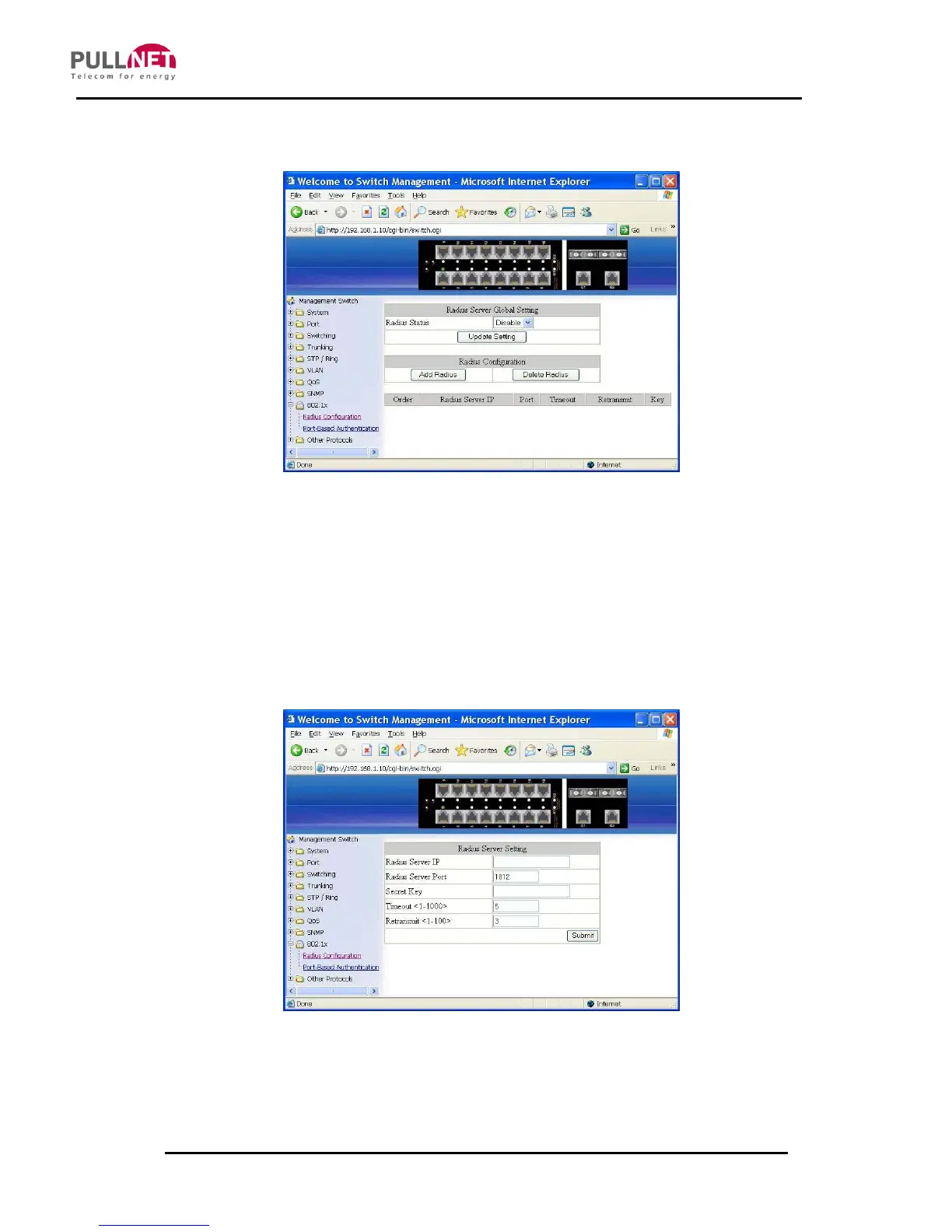
Radius Configuration
1. Radius Status: Click on the “Radius Status” drop-down menu from the “Radius
Status” drop-down list in order to choose “Enable” or “Disable” to globally
enabling or disabling authentication.
2. Update Setting: Click on the “Update Setting” button after finishing the Radius
Status Setting.
Add Radius:
1. Add Radius: Click on the “Add Radius” button. The “Radius Server Setting”
window becomes displayed.



 To Next Page