AGENT-2 S41D Line - User Manual AG2-S41D/MU-EE
Ed. Jun-2012 Proprietary information 61 of 89
DSCP
1. Priority: Click on the “Priority” drop-down menu from the “Priority” drop-down
lists to choose 0 ~ 3 for DSCP Priority 0 ~ 63.
2. Submit: Click on the “Submit” button after finishing the DSCP settings.
8.10 SNMP
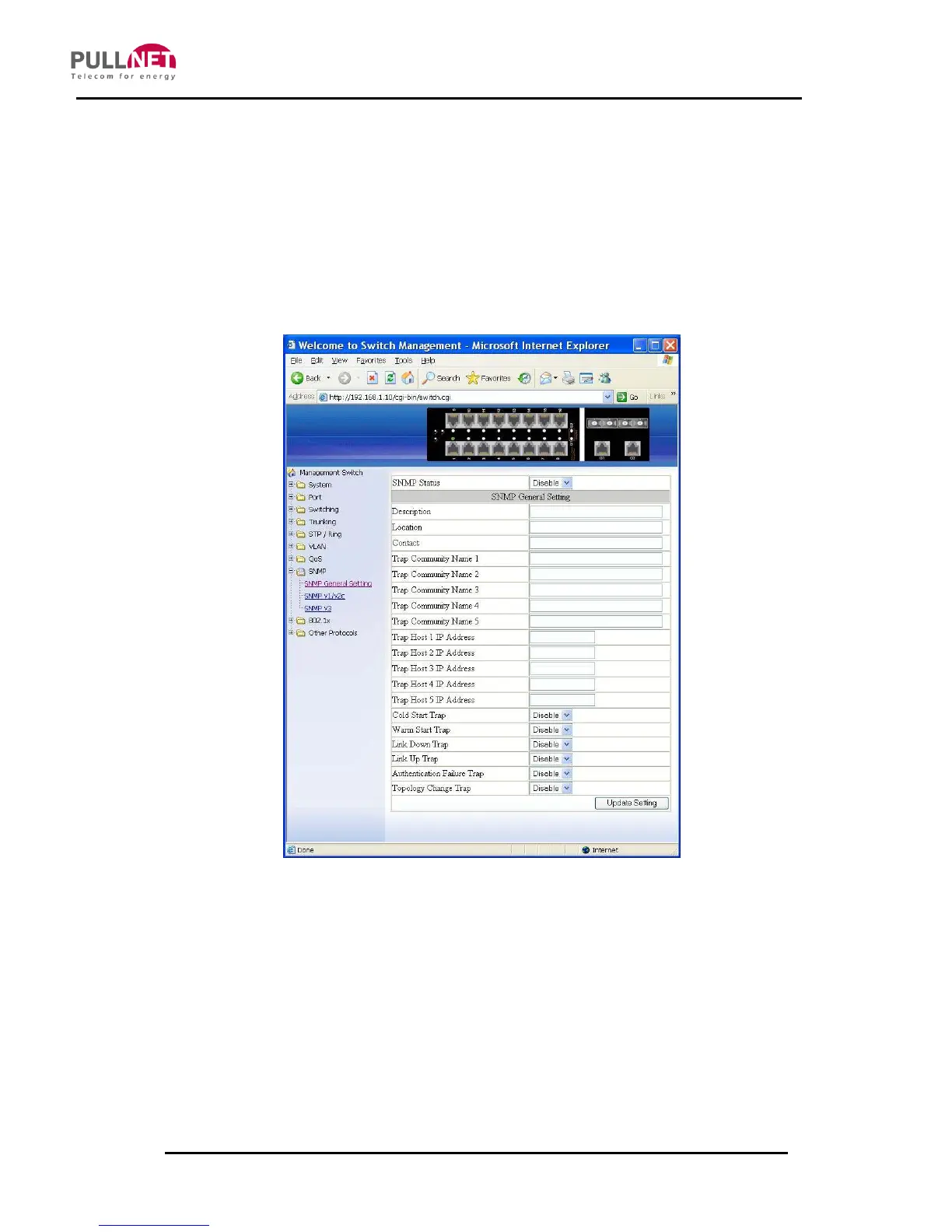
SNMP General Setting
1. SNMP Status: Click on the “SNMP Status” drop-down menu from the “SNMP
Status” drop-down list in order to choose “Enable” or “Disable” to enabling or
disabling SNMP.
2. Description: Click on the “Description” textbox and specify a new description
for SNMP.
3. Location: Click on the “Location” textbox and specify a new location for SNMP.



 To Next Page