AGENTSSR/AGENT-2 S41D Line - User Manual AG2-S41D/MU-EE
Ed. Jul-2012 Proprietary information 5 of 89
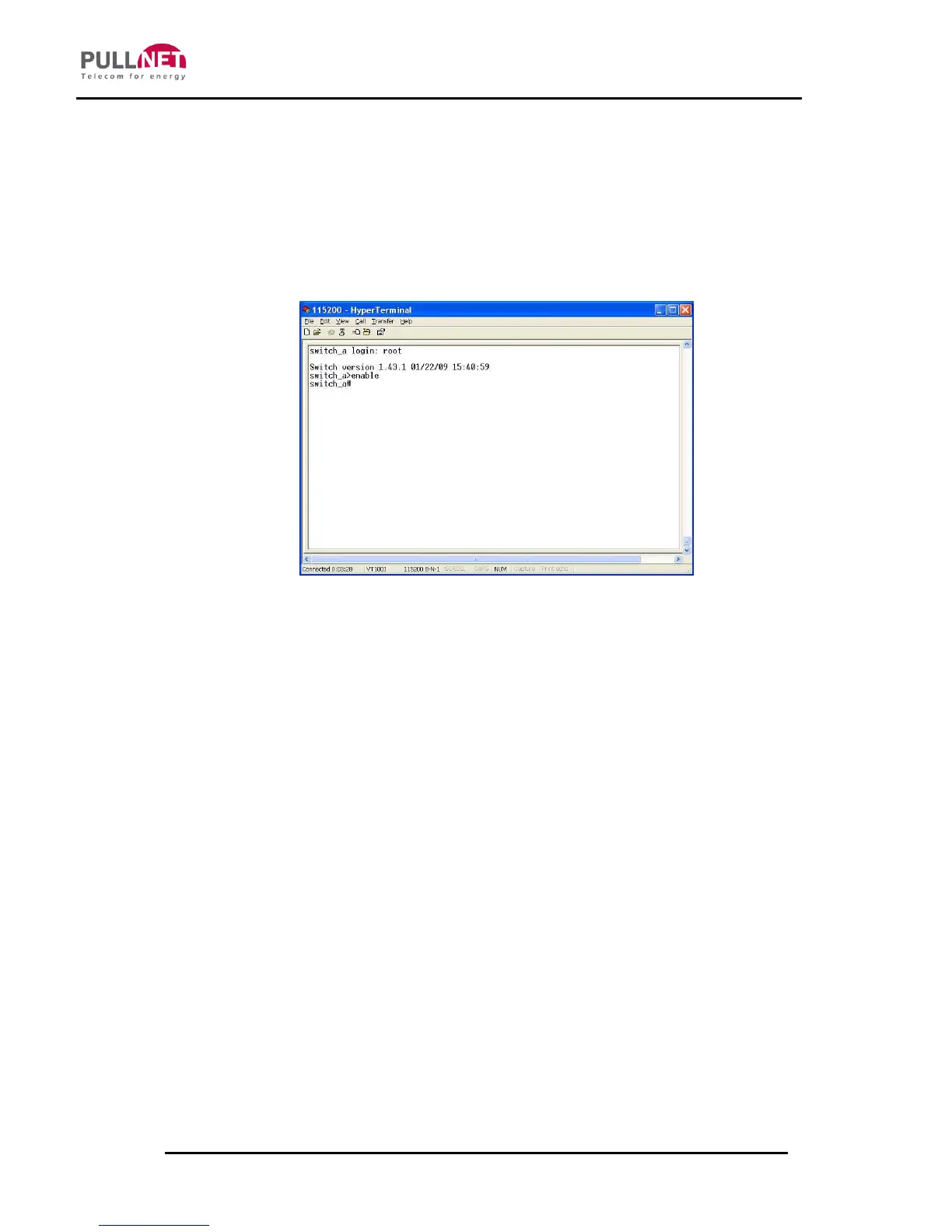
Press the “Enter” key. The Command Line Interface (CLI) screen should appear
as below:
Logon to Exec Mode (View Mode):
At the “switch_a login:” prompt just type in “root” and press <Enter> to logon to
Exec Mode (or View Mode). And the “switch_a>” prompt will show on the screen.
Logon to Privileged Exec Mode (Enable Mode):
At the “switch_a>” prompt just type in “enable” and press <Enter> to logon to
Privileged Exec Mode (or Enable Mode). And the “switch_a#” prompt will show
on the screen.
Logon to Configure Mode (Configure Terminal Mode):
At the “switch_a#” prompt just type in “configure terminal” and press <Enter> to
logon to Configure Mode (or Configure Terminal Mode). And the
“switch_a(config)#” prompt will show on the screen.



 To Next Page