AGENT-2 S41D Line - User Manual AG2-S41D/MU-EE
Ed. Jun-2012 Proprietary information 33 of 89
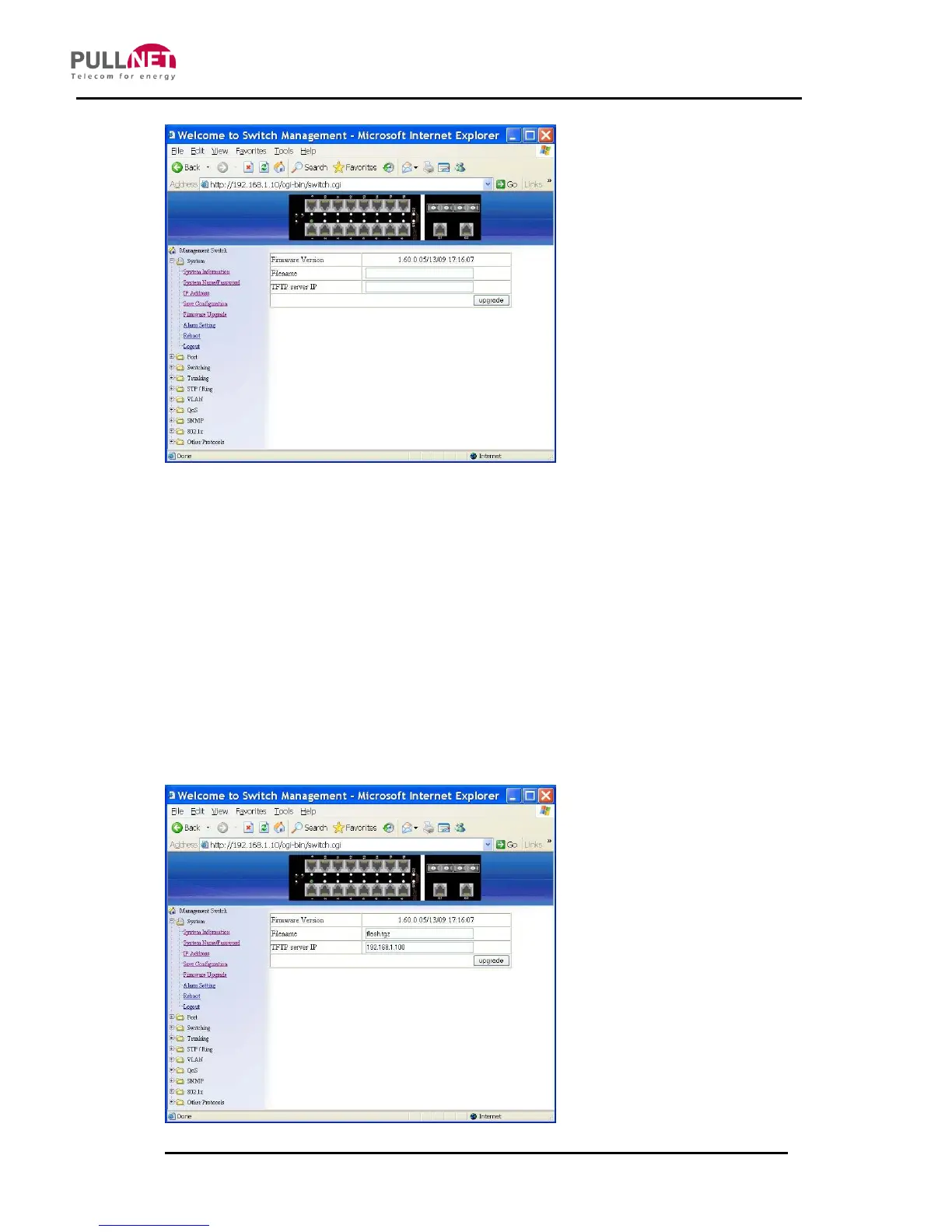
Firmware Upgrade
1. Filename: Click in “Filename” text box and type the name of the file that you intend
to upgrade it to the switch.
2. TFTP server IP: Click in “TFTP server IP” text box and type the TFTP server IP
address from where the file will be obtained.
3. Upgrade: Click “upgrade” button to upgrade firmware to the switch. Please follow
the message on the screen during the firmware upgrade process. Do not turn off
the power or perform other functions during this period of time. Reboot the switch
after completing the upgrade process.



 To Next Page