AGENT-2 S41D Line - User Manual AG2-S41D/MU-EE
Ed. Jun-2012 Proprietary information 50 of 89
MSTP Instance Setting
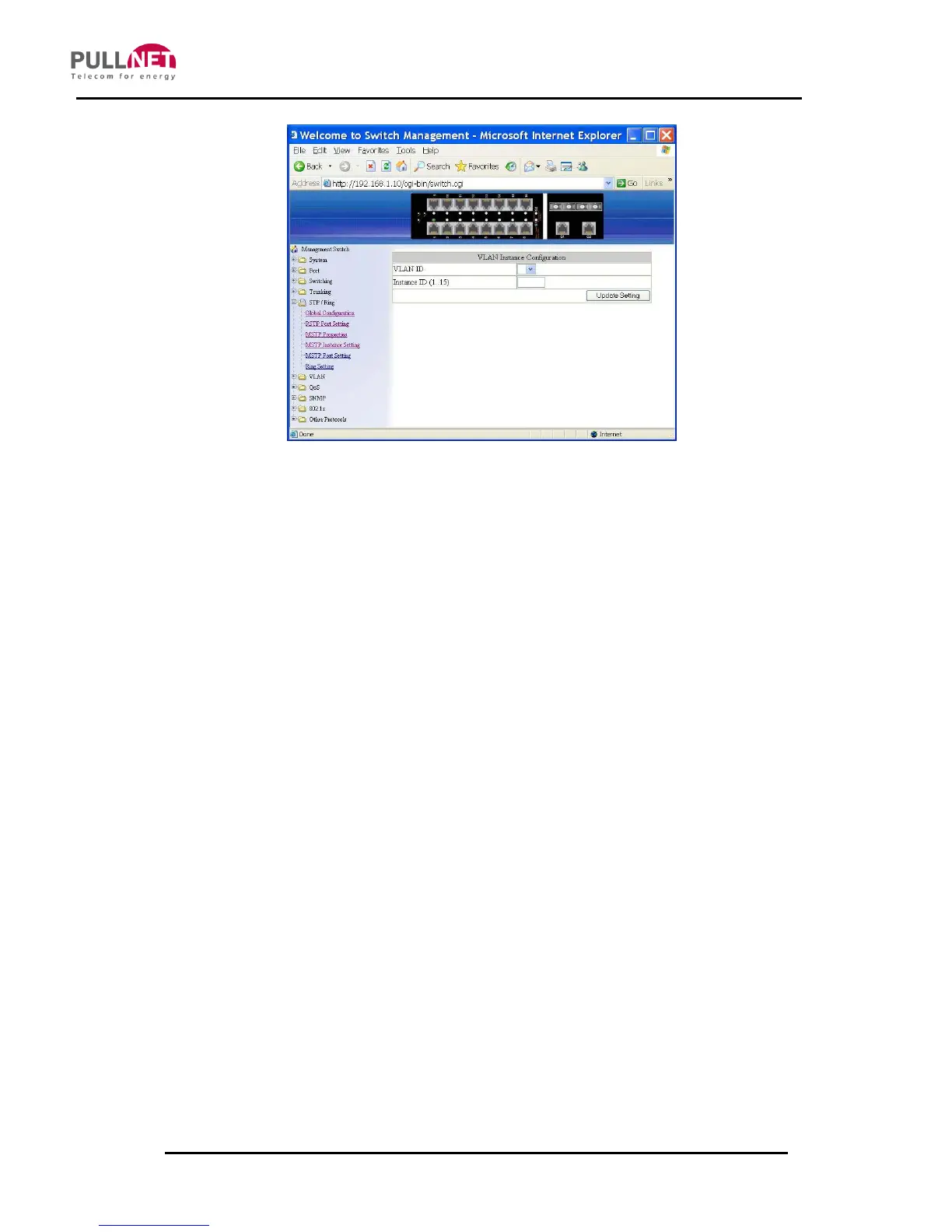
VLAN Instance Configuration
1. VLAN Instance Configuration: Click on the “VLAN Instance Configuration”
button. The “VLAN Instance Configuration” window becomes displayed.
2. VLAN ID: Click on the “VLAN ID” drop-down menu to choose VLAN from the
“VLAN ID” drop-down list to simultaneously add multiple VLAN’s for the
corresponding instance of a bridge.
3. Instance ID (1..15): Click on the “Instance ID” text box to specify the instance
ID.
4. Update setting: Click on the “Update setting” button after finishing the VLAN
Instance Configuration settings.
Included VLAN’s
1. Instance ID: Click on the “Instance ID” drop-down menu to choose an instance
ID from the “Instance ID” drop-down list.
2. Included VLAN: Click on the “Included VLAN” drop-down menu to choose the
VLAN from the “Included VLAN” drop-down list.
Instance Setting



 To Next Page