AGENT-2 S41D Line - User Manual AG2-S41D/MU-EE
Ed. Jun-2012 Proprietary information 55 of 89
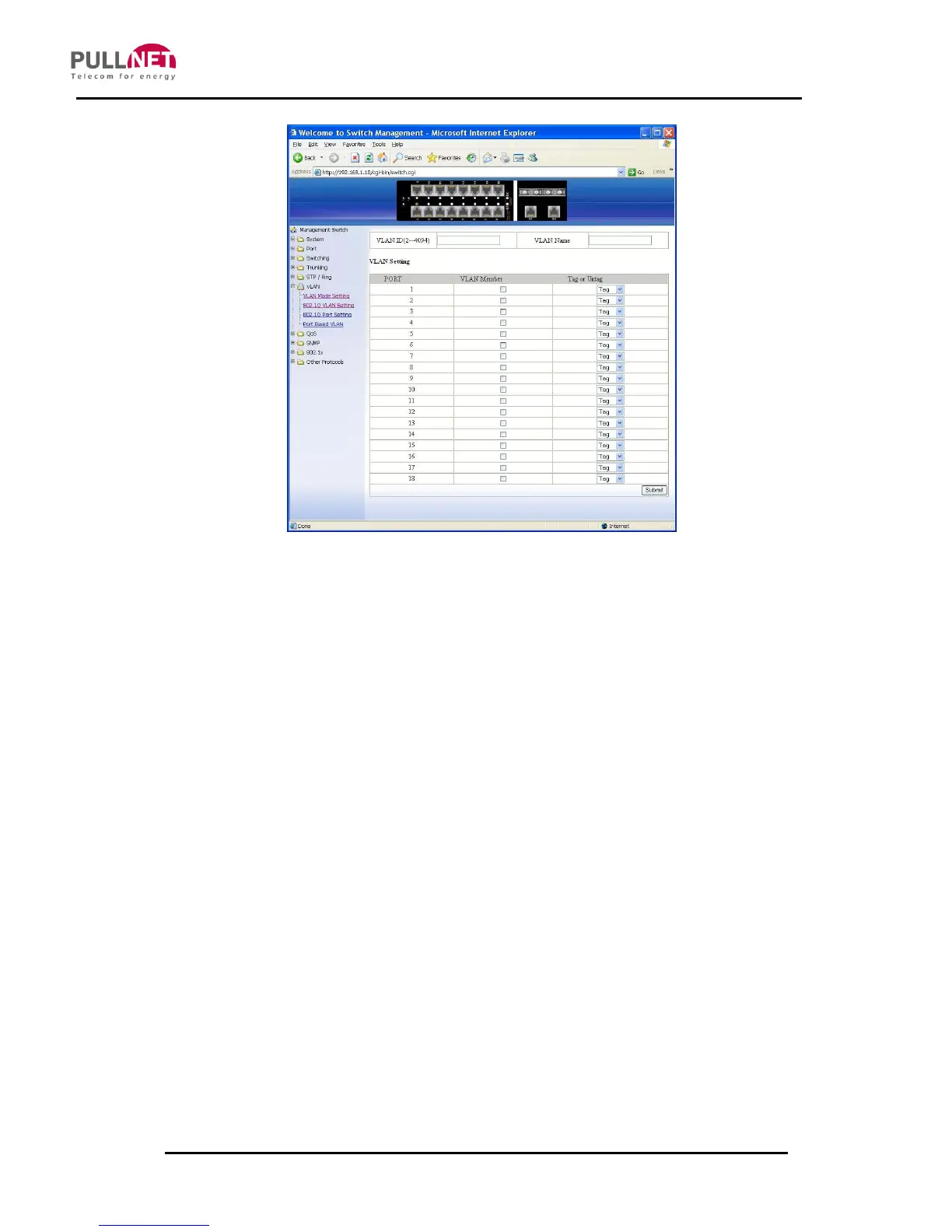
802.1Q VLAN setting
Add VLAN:
1. VLAN setting: Click on the “VLAN setting”. The “VLAN Setting” window
becomes then displayed.
2. Add VLAN: Click on the “Add VLAN” button to create a new VLAN from the
“VLAN Setting” window.
3. VLAN ID (2-4094): Click on the “VLAN ID” textbox and specify a new VLAN ID
number from 2 ~ 4094.
4. VLAN Name: Click on the “VLAN Name” textbox and type a name for this
newly created VLAN.
Add port to or delete port from VLAN:
1. VLAN Member: Choose the ports to be added to or deleted from the VLAN, as
required.
2. Tag or Untag: Click “Tag or Untag” drop-down menu to Choose “Tag” or
“Untag” from “Tag or Untag” drop-down list for a “Hybrid” port.
3. Submit: Click “Submit” button when you finished VLAN setting.



 To Next Page