AGENT-2 S41D Line - User Manual AG2-S41D/MU-EE
Ed. Jun-2012 Proprietary information 74 of 89
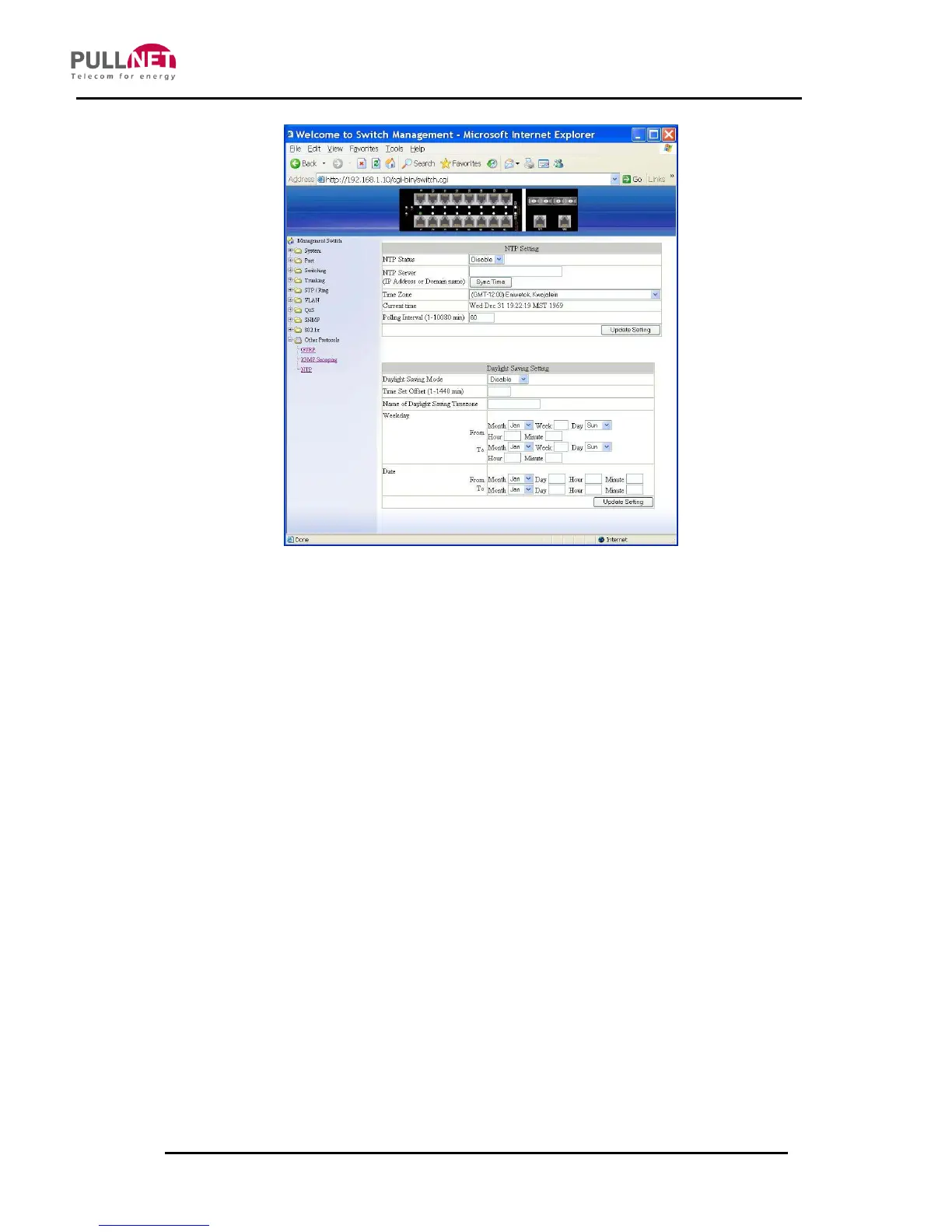
NTP
NTP Setting:
1. NTP Status: Click on the “NTP Status” drop-down menu from the “NTP Status”
drop-down list in order to choose “Enable” or “Disable” to enabling or disabling
NTP for the Switch.
2. NTP Server (IP Address or Domain name): Click on the “NTP Server” textbox
and specify the IP address or Domain name of NTP server.
3. Sync Time: Click on the “Sync Time” button to synchronize time with NTP
server.
4. Time Zone: Click on the “Time Zone” drop-down menu from the “Time Zone”
drop-down list to set time zone.
5. Polling Interval (1-10080 min): Click on the “Polling Interval” textbox and
specify the polling interval.
6. Update Setting: Click on the “Update Setting” button after finishing the NTP
Setting procedure.



 To Next Page