26. February 2024 © Copyright 2024, PROCEQ SA 17
4 Device Overview
4.1 Operation and handling
A Quick Start Guide is provided in the packaging (case) to help you to start the device and to
set your Eagle ID which is necessary for using the Pundit Array app software.
A Quick Reference Guide is available on the Screening Eagle PD8050 website.
For further information to learn how to use the Pundit Array app, please have a look at all
tutorial videos that are available under the “Tutorial” section.
• Carefully read and watch all documents mentioned above.
• Be careful when using the sensor and placing the transducer tips on the concrete
surface. Avoid dragging the tips across the surface to reduce the risk of breakage.
• Make sure that your fingers are not trapped between the transducers and the concrete
surface.
• When not in use replace the plastic cover which protects the transducer elements.
• The equipment should not be handed over to persons not aware of inherent risks of the
device use or not knowing the content of this manual.
• Be sure to stand securely when measuring with the device.
• Keep a good posture during the handling of the device and avoid movements that will
overloading any part of your body.
• Pay attention to your environment and potential hazards during the measurement.
• Always mechanically secure the device from falling when used in elevated areas.
4.2 Switching on and getting started
Please refer to the Quick Start Guide (included in standard delivery) for the first steps with your
PD8050. The Quick Start Guide is also available in the download section of the product
webpage: Quick Start Guide PD8050 - screeningeagle.com
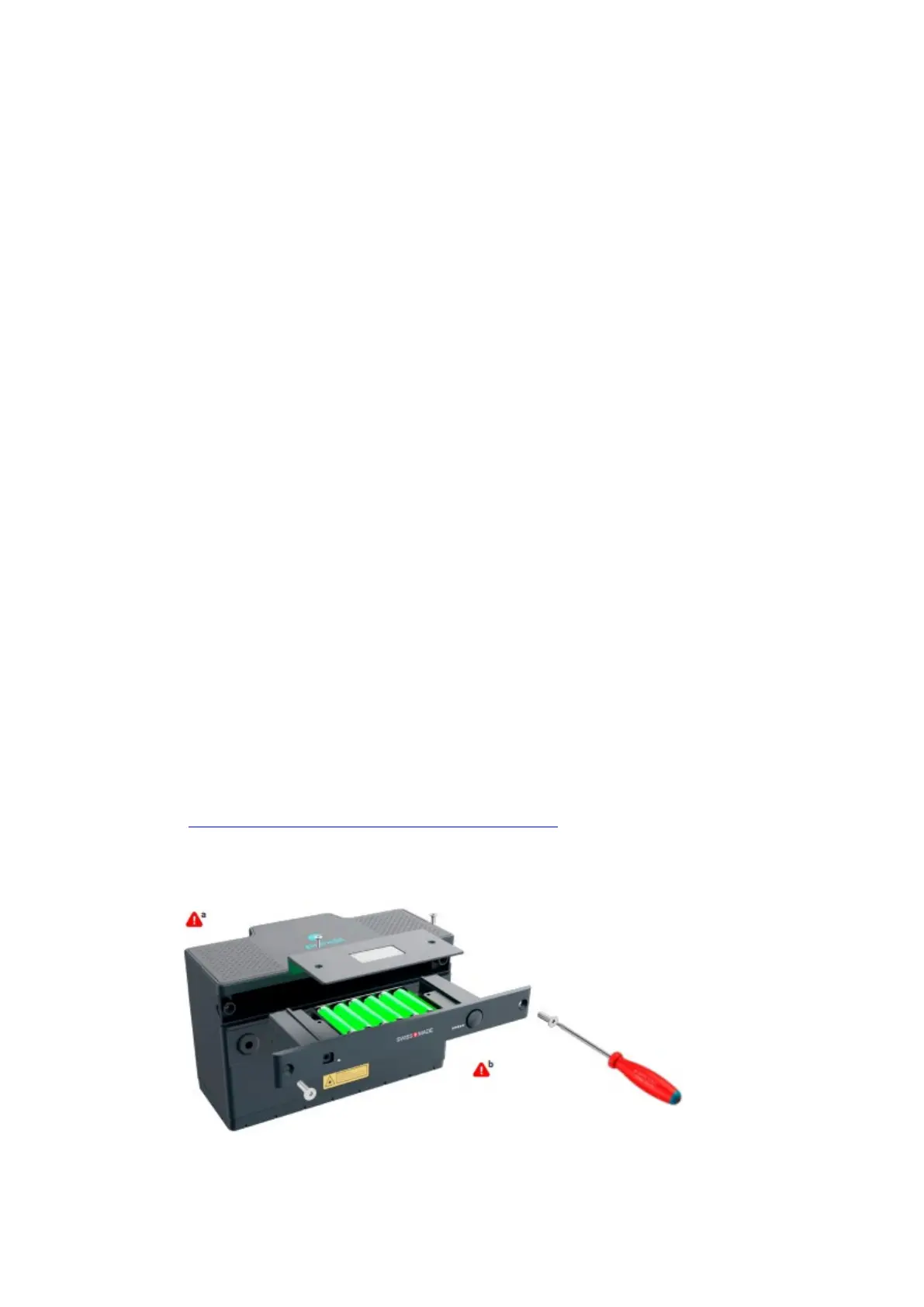
The main instructions for getting started are presented in Figures 9 & 10.
Figure 9: Inserting batteries.



 To Next Page