26. February 2024 © Copyright 2024, PROCEQ SA 71
7 Testing the transducers
Each individual dry contact transducer can be tested for correct functionality. After having
started the test procedure the graphic on the Pundit Touchscreen Unit indicates which
transducer row is to be tested (blue highlight).
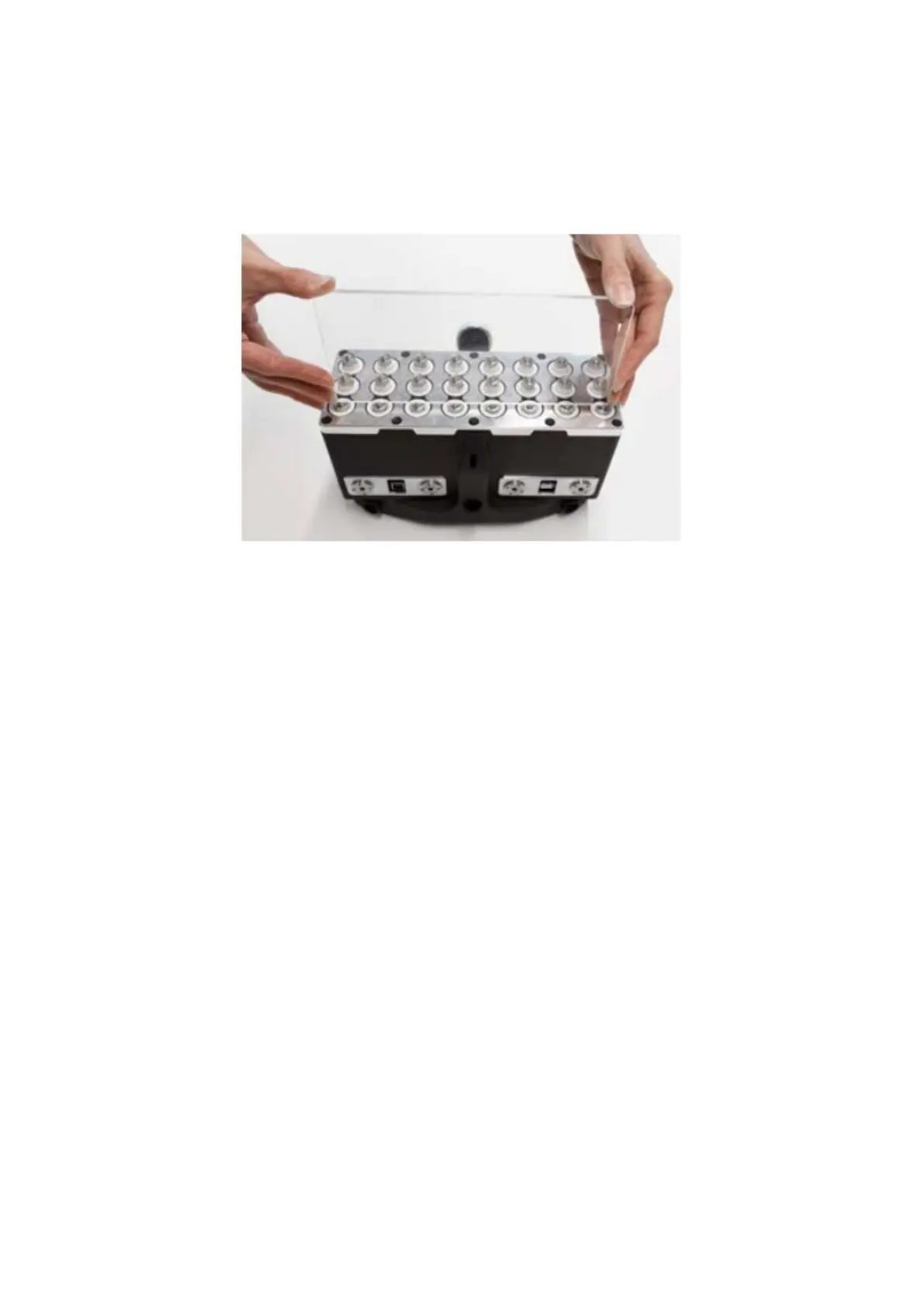
Figure 89: Channels being pressed with a testing plate.
Press the PD8050 Tester onto the transducer row as shown. A successful test is indicated by
the transducer row being highlighted green. The next row to be tested is then highlighted in
blue. Continue until each transducer row has been tested. If one row fails the test, it may be
repeated before continuing. If it continues to fail the test, contact a Proceq service center.



 To Next Page