26. February 2024 © Copyright 2024, PROCEQ SA 26
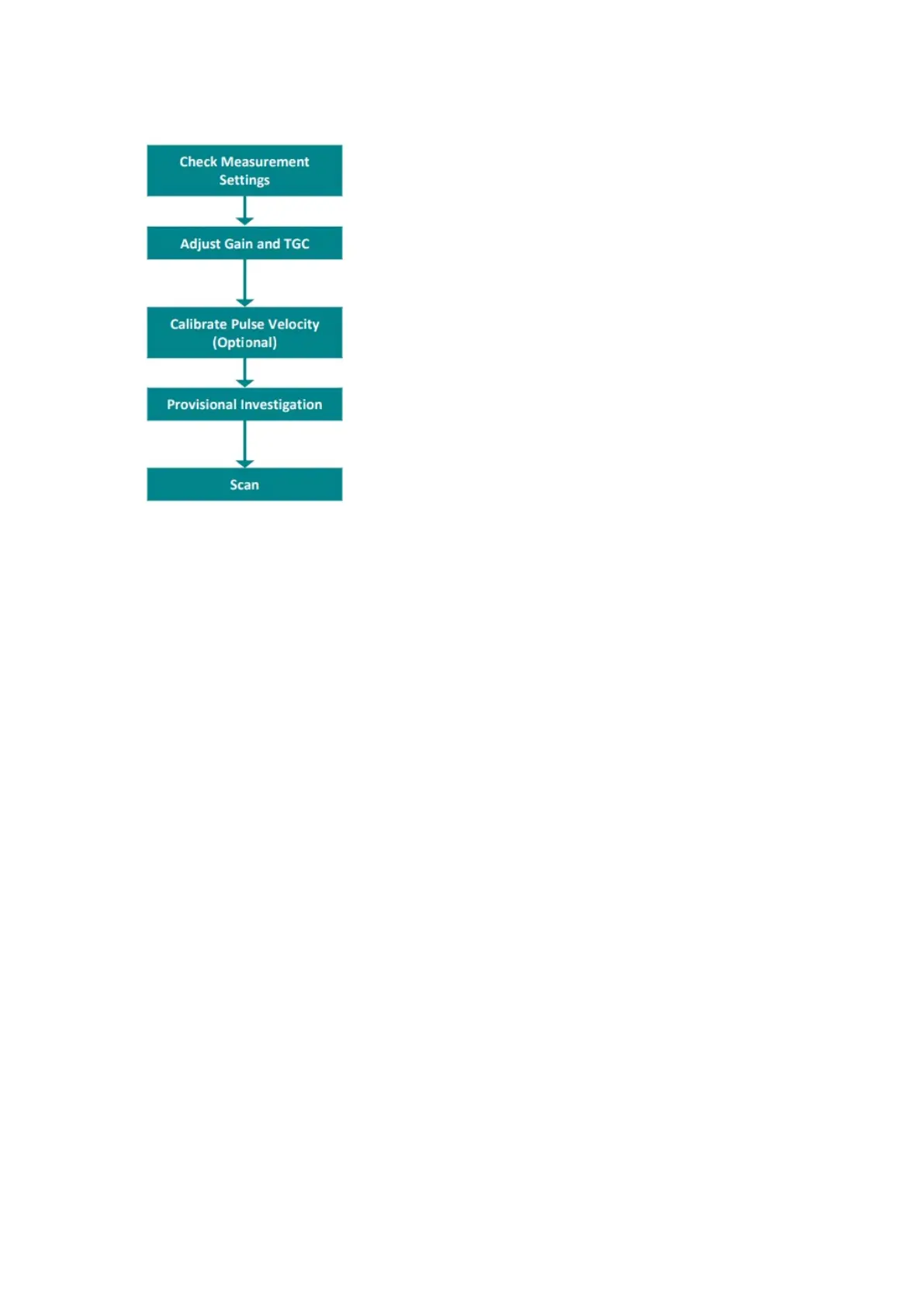
5.3 Recommended Workflow
Figure 20: Recommended workflow.
Tips on obtaining a good backwall image.
• Perform a provisional investigation. Without saving any data, move the sensor around
the surface to try to locate a backwall echo.
If no backwall is immediately visible, try the following:
• Try rotating the probe diagonally to reduce the influence of reinforcement.
• Try increasing the linear gain and digital TGC if no backwall echo is immediately visible.
(Note: to do this, the auto gain function must be switched off).
• If this fails, try increasing the analog gain and TGC. These features are in Advanced
Presets.
• If this still does not work, then it may be necessary to use a lower frequency, either by
setting the depth of field to far field, or by manually adjusting it with the custom setting.
Reasons why a backwall image may not be visible:
• Coating on the surface with de-bonding to the concrete. Typically results in a totally red
reflection from the top of the scan.
• Near to surface defect. Typically results in a totally red reflection from near the top of
the scan.
• The element is too thick. Typically, the scan will be completely blue if there are no
objects present.
• There is too much reinforcement or poor concrete quality causes too much attenuation.
• There are voids or honeycombs in the path. Typically, the objects will be visible as
significant red, orange, and yellow echoes.
• There are delaminations not visible due to destructive interference which block the path
to the backwall. This occurs when the delaminations or voids have very rough surfaces
which scatter the reflections. The scan may appear totally blue in this case, even



 To Next Page