26. February 2024 © Copyright 2024, PROCEQ SA 21
PD8050 with the dual handle is supplied as standard (part No: 32540500).
PD8050 with the single handle requires a single-handle kit accessory (part No: 32540455).
PD8050 – 16 channels require the following accessories:
PD8050 transducer (Part No: 32540500).
PD8050 additional transducer (Part No: 32540500).
PD8050 connection kit to 16 channels (Part No: 32540434).
Dual handle kit (Part No: 32550001).*
*NOTE: The dual handle kit is normally not required to purchase additionally now. Previously
our standard product came with the single handle. But now the standard product comes with
the dual handle.
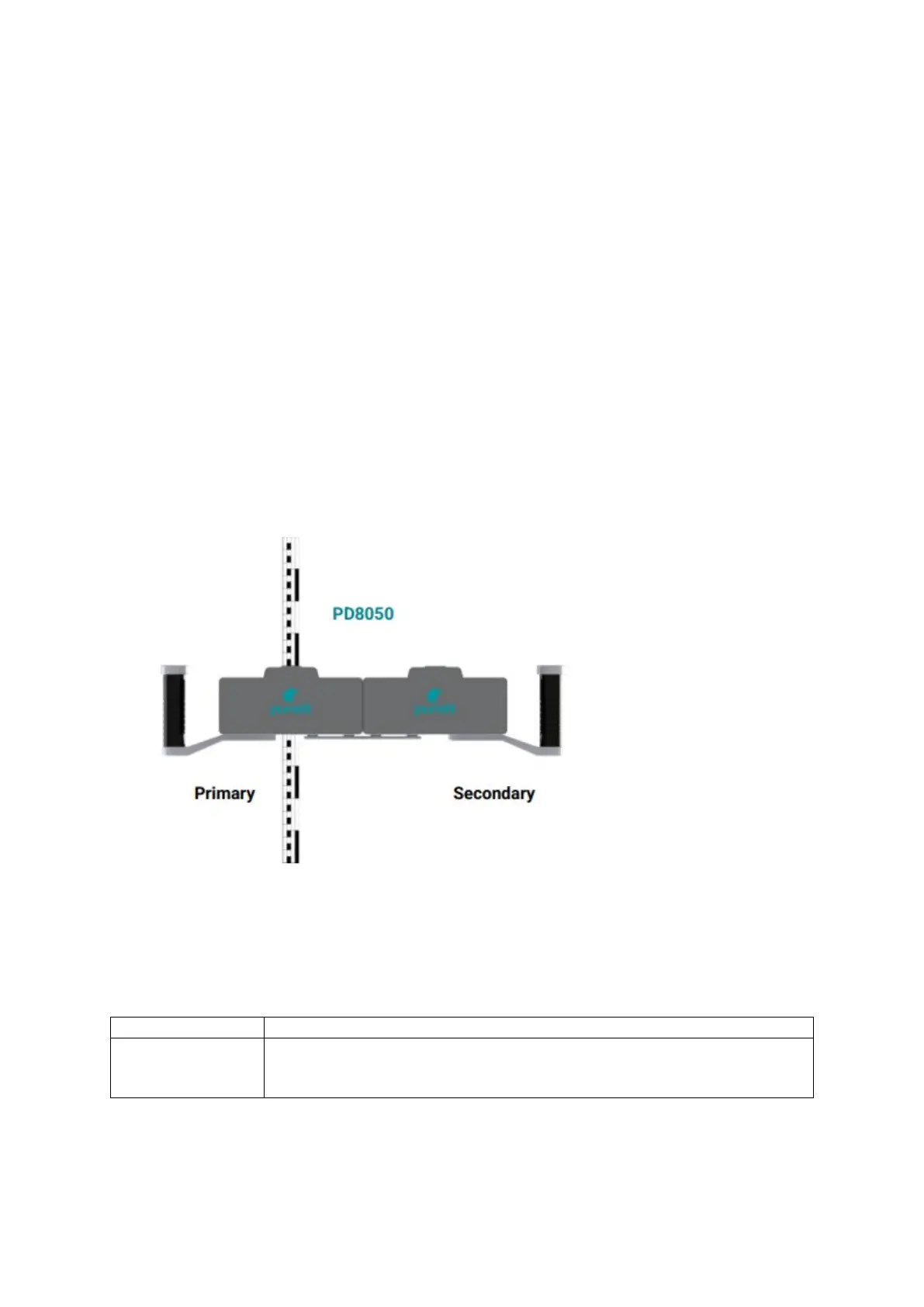
Changing from one model to another can be carried out simply on-site. Connect the two
sensors as shown in the quick start guide. Turn on both sensors, then connect to the app as
usual.
Figure 14: Primary and secondary sensors for 16-channel data acquisition.
4.5 LED behavior
LED Description:
Not lit when device is turned off.
Flashing green during hardware initialization.
Constant green when device is ready for operation.



 To Next Page