26. February 2024 © Copyright 2024, PROCEQ SA 22
5 General Use
5.1 A-scan
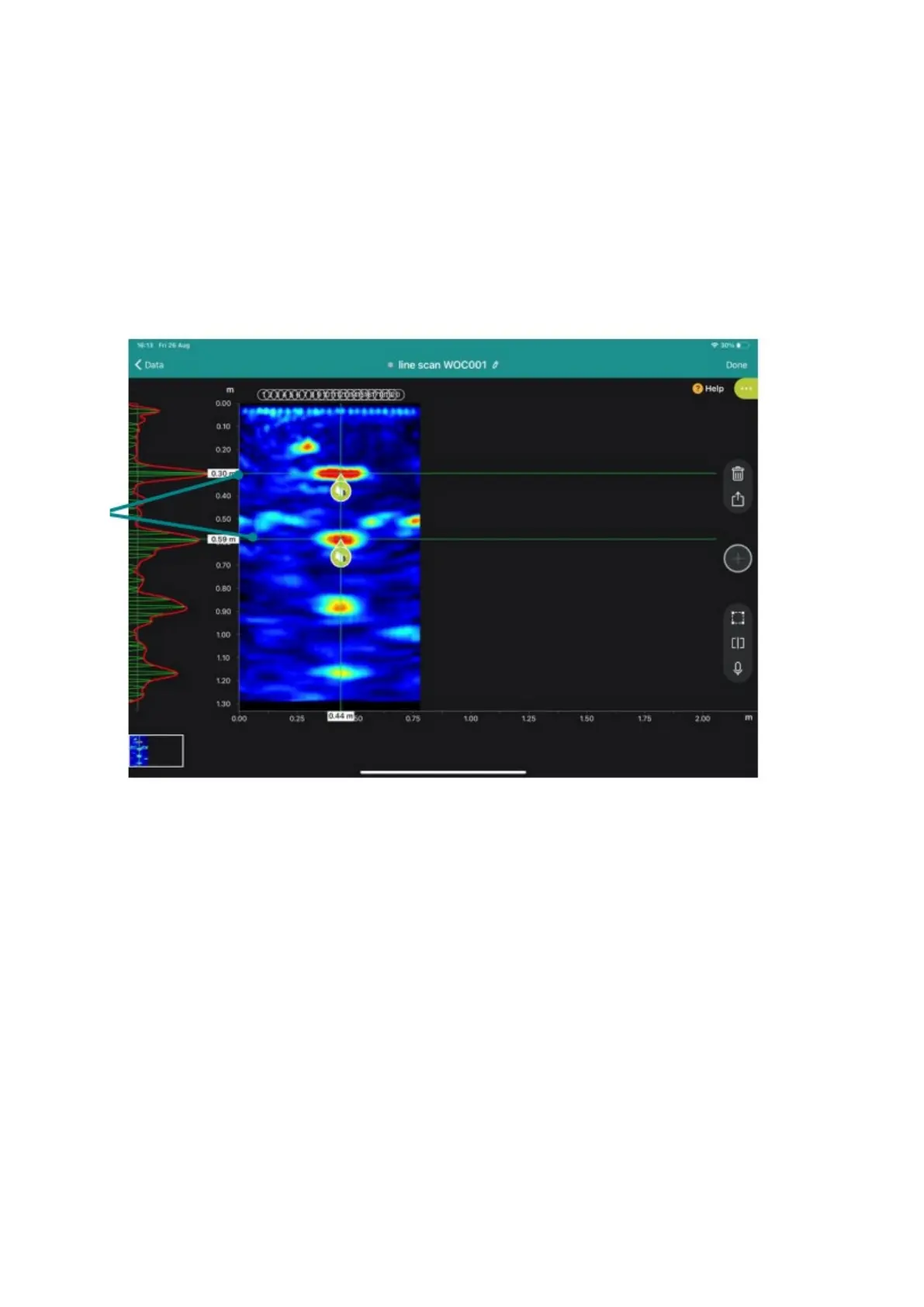
An A-scan is the display of the ultrasound amplitude of a single measurement over time.
You can determine how the A-scan is displayed. Choose between: Signal, Envelope, or Signal
and Envelope under the “Image Processing” tab. The A-scan is hidden by default but can be
seen on the left-hand side of the measurement screen. To do so, swipe your fingers from left
to right on the left side of the iPad screen. The signal is shown in green and the envelope (if
selected) is shown in red.
Figure 15: Second backwall is visible.



 To Next Page